01
1. Add Your Images
Drop, paste, or select your JPG, PNG, and WebP images. Drag thumbnails to reorder or sort automatically before converting.
- Up to 80 photos per batch
- Supports JPG, PNG, WebP
Free Online Photo Slideshow · 100% Local & Private
Add photos, adjust order, select background music, and export an HD MP4 slideshow for TikTok, Reels, and YouTube without uploading images.
Paste images or choose them from your device
Preview and export happen on this device. Selected images leave memory when you close or refresh the page.
Total privacy, flexible aspect ratios, and instant browser rendering.
Your photos stay safe on your device. Processing, preview, and encoding all run locally in your browser with zero file uploads.

Export for any screen: 16:9 widescreen for YouTube, 9:16 vertical for TikTok & Reels, or 1:1 square for social feeds.
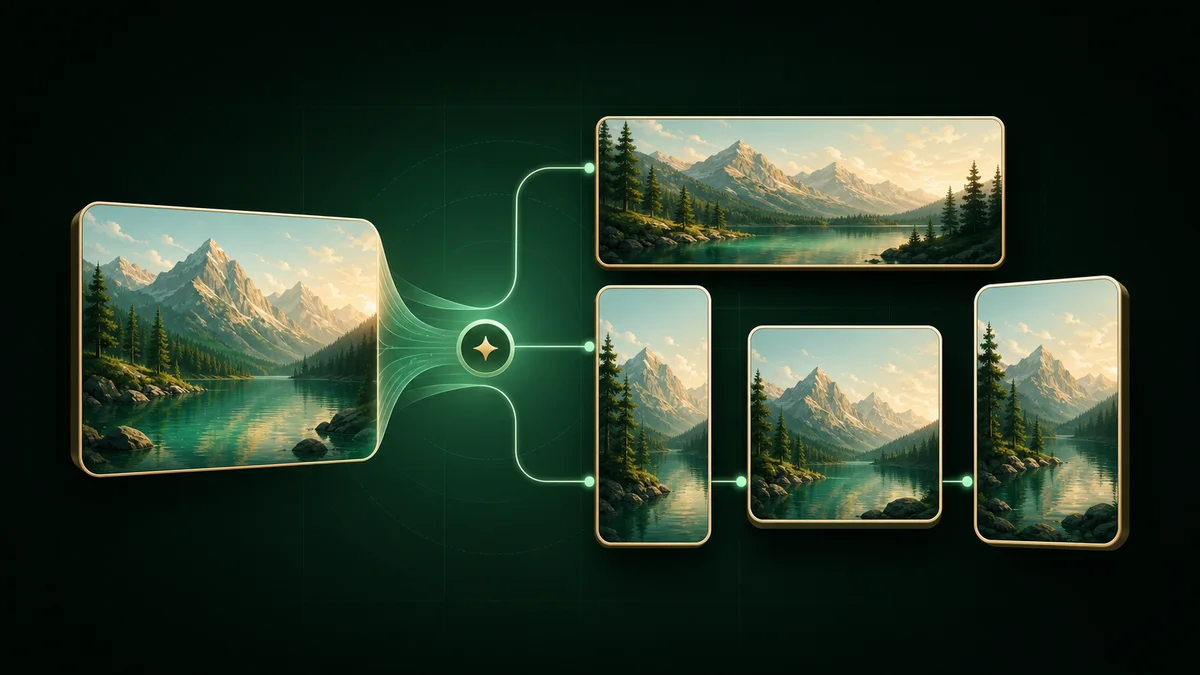
Add crossfades and audio, then generate a real H.264 file directly in your browser. No watermark and no hidden subscription costs.
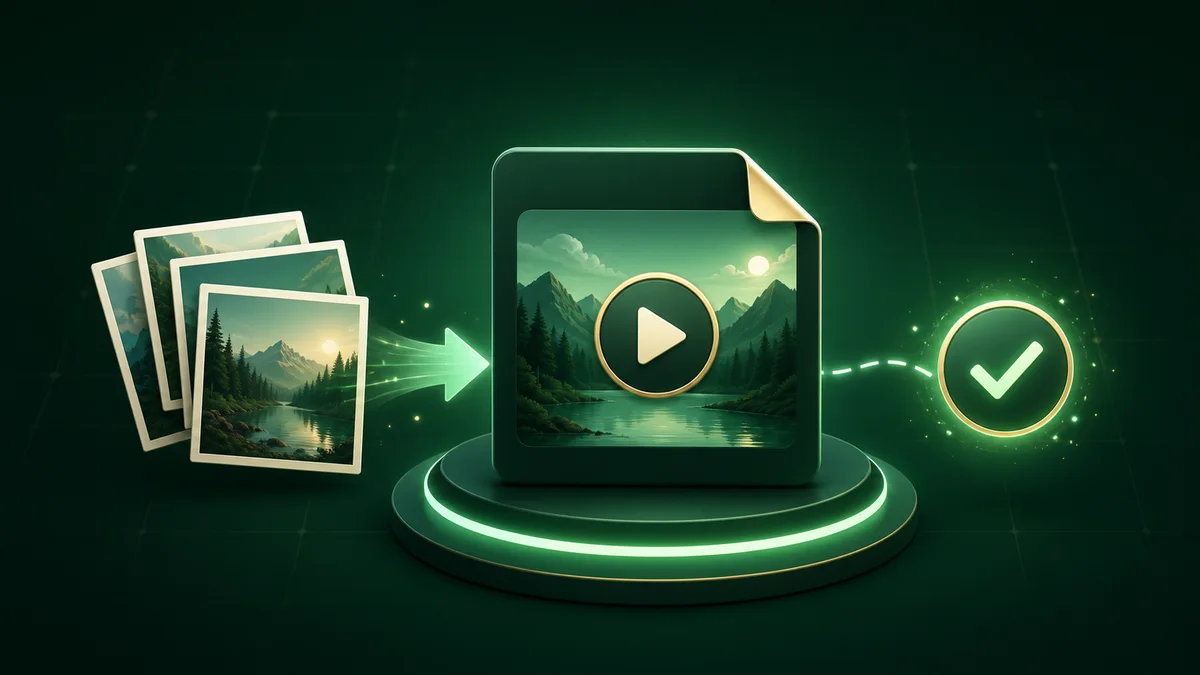
A straightforward step-by-step guide for a fast, free conversion.
Drop, paste, or select your JPG, PNG, and WebP images. Drag thumbnails to reorder or sort automatically before converting.
Adjust duration per image, choose crossfade transitions, pick background music, and set aspect ratios for the video.
Select 720p, 1080p, or 4K resolution and 24, 30, or 60 fps to render a high-definition file straight to your device.
Guides & Tutorials
Master aspect ratios, video duration, lossless HD export, and browser privacy for TikTok, Reels, and YouTube.
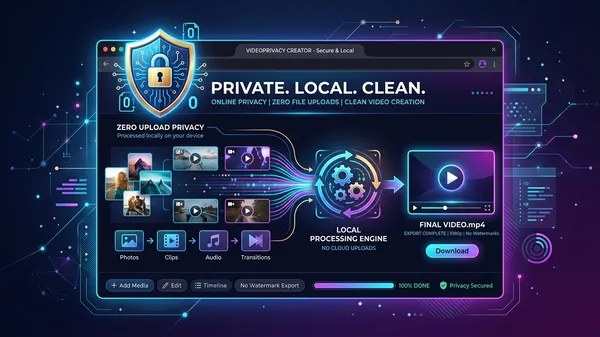
Turn JPG photos into an MP4 slideshow in the browser for free. No watermark, no app to install, files stay on your device, and here is how local encoding works.
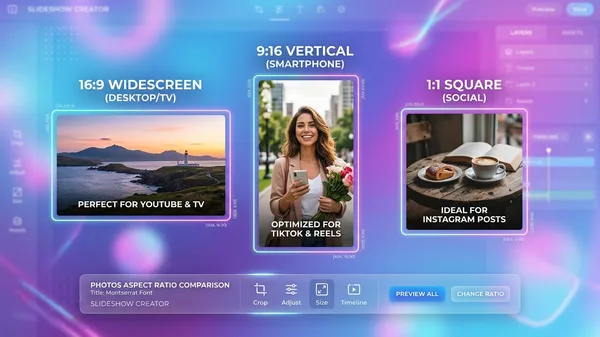
Mixed portrait and landscape photos cause bars or ugly crops. Blurred fill, cover and contain for 16:9, 9:16, 4:5 and 1:1 on TikTok, Reels and YouTube.
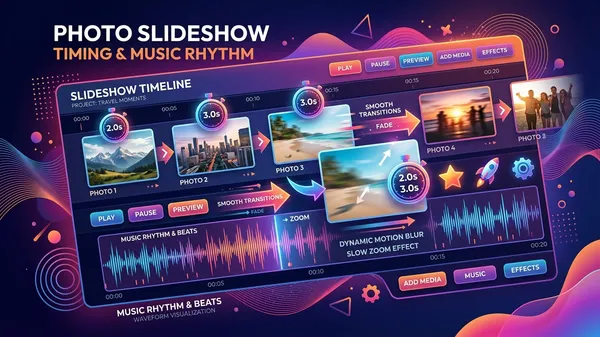
How long should each photo stay on screen? Pacing, Ken Burns zoom, crossfades and music timing for TikTok, Reels, YouTube and a slideshow people finish.
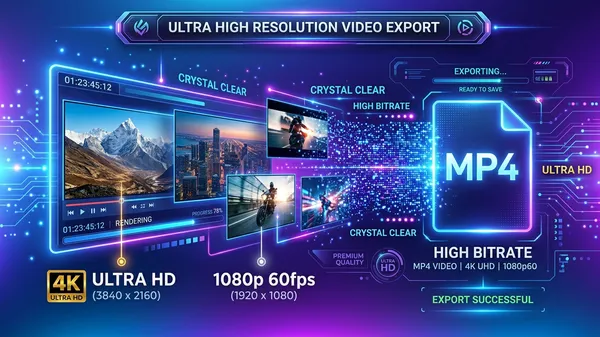
Slideshows look sharp in preview and soft after export. Why resolution, bitrate and 60fps matter, plus 1080p and 4K settings that keep photos looking crisp.
Clear answers about online video creation, image formatting, and export privacy.
Yes, 100%. All image reading, previewing, and video encoding happen locally in your browser. Your photos are never uploaded to any remote server or stored anywhere online.
Black bars appear when photo dimensions don't match your chosen video aspect ratio (like vertical photos in a 16:9 widescreen video). You can easily fix this by selecting 'Blurred fill' for a soft background blur or 'Crop to fill' to fit the full screen.
Yes. While you can set a global duration for all photos, you can also select any single photo in the timeline and customize its individual duration independently.
When you select a background music track, it automatically adjusts and syncs to match the total duration of your photo slideshow video.
No. The tool is completely free with zero watermarks, no subscription fees, and no account registration required.
Yes. You can drag and drop thumbnails to reorder manually, or click one button to automatically sort your photos by filename, capture time, or in reverse order.
1080p Full HD is the recommended balance of high quality and fast export speed. Choose 720p for quick smaller exports, or 4K if your source images are very high resolution and your device has enough processing power.
MP4 (H.264) is universally supported across all devices and social media platforms. If your browser or device lacks hardware H.264 encoding support, the tool automatically uses WebM as a fallback so you can still save your video.
No account needed and no file upload queues.
Export in minutes with full HD quality and total privacy.
100% local processing · No watermark