01
Add your HEIC photos
Drag in the whole batch, or pick them from your device. Files are verified by their actual content, not just the extension.
Free Online HEIC Converter · 100% Local & Private
iPhone photos are HEIC by default and most apps still cannot open them. Drop the whole batch in and get JPG, PNG or WebP back — decoded on your own device, never uploaded.
Straight from your iPhone or camera roll. Files are read off your disk, not uploaded.
Up to 100 photos at a time
Apple's format is efficient, but support outside Apple is still patchy.
Since iOS 11, photos are saved as HEIC — roughly half the size of JPG at the same quality. The trouble starts when you send them somewhere: plenty of websites, older Windows builds and many apps still reject the format outright.
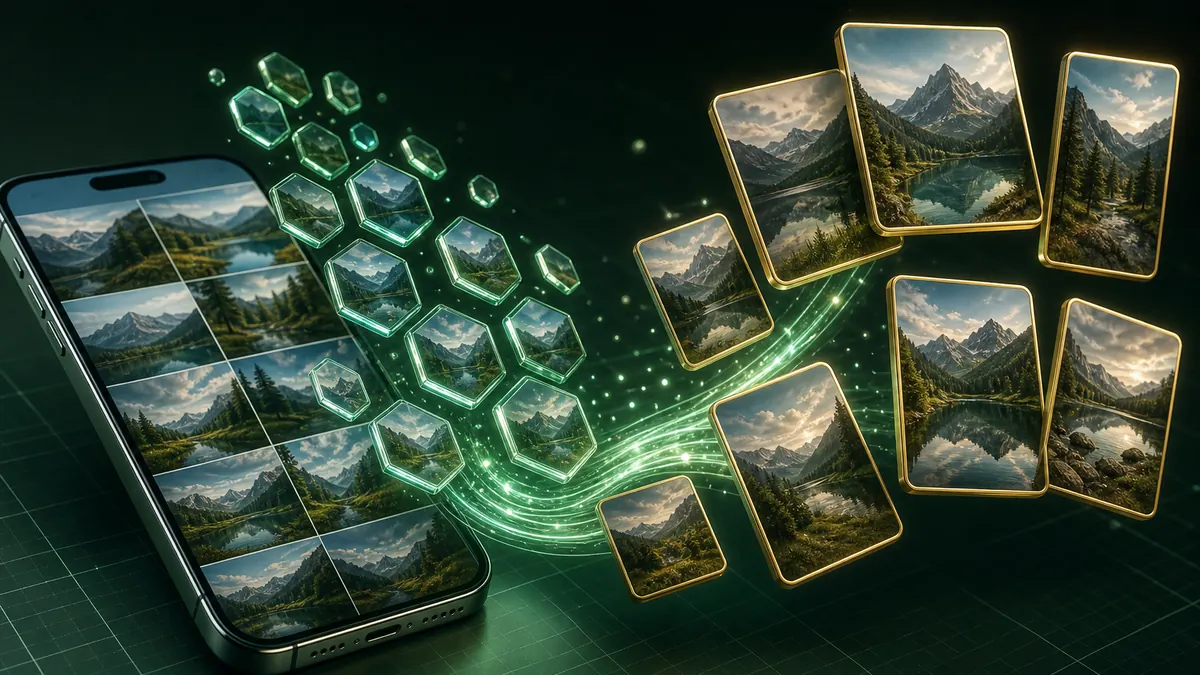
Up to a hundred photos per batch, converted one after another with a live count, then packed into a single ZIP. Duplicate filenames are numbered instead of silently overwriting each other.
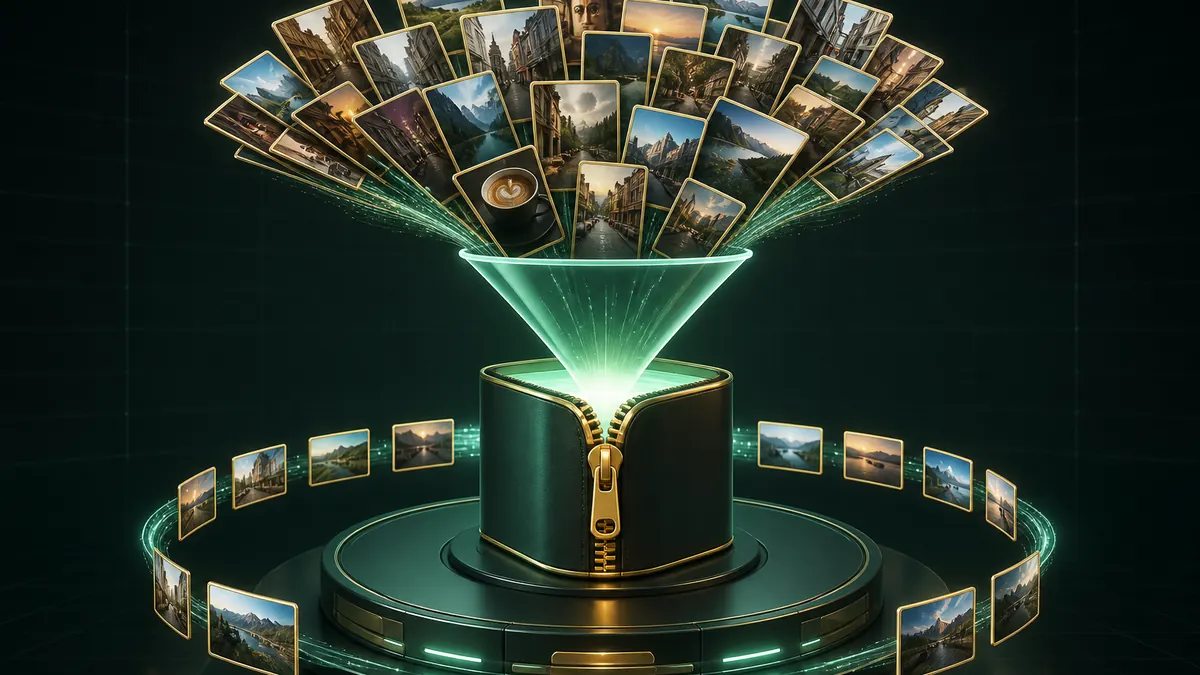
Photos are personal, and most HEIC converters ask you to upload them to a stranger's server. Here the decoder is WebAssembly running in your own tab — the files never leave your device.
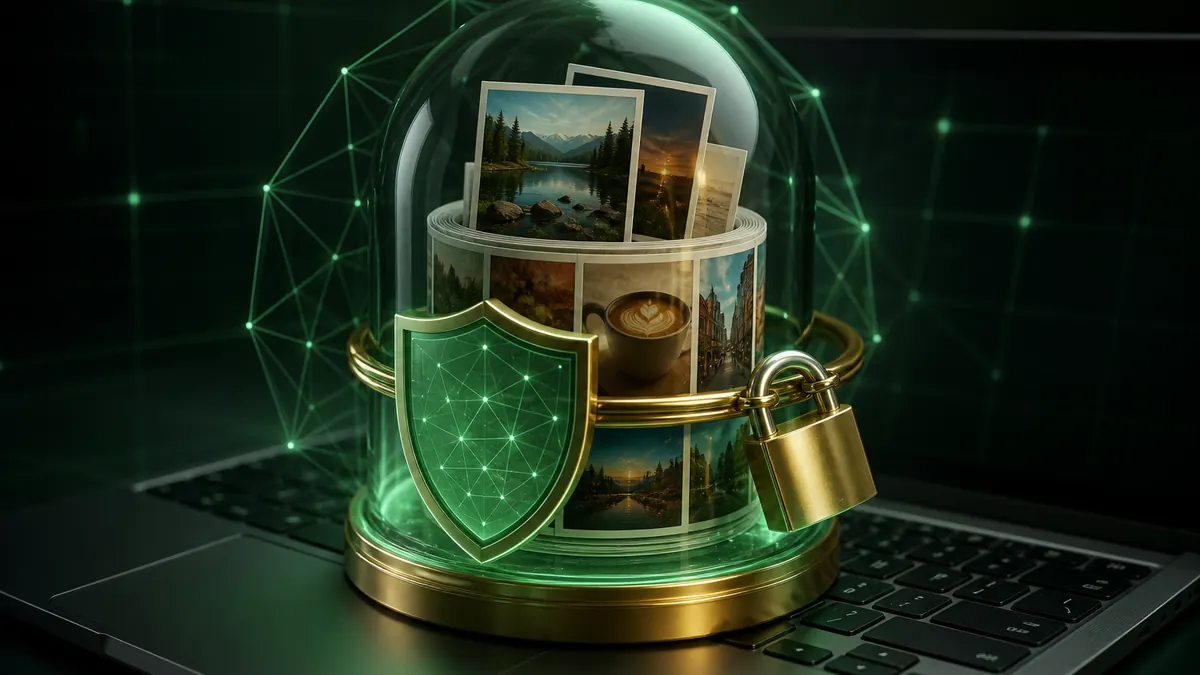
The decoder runs on your device, so a hundred photos is a hundred local conversions — no upload queue.
Drag in the whole batch, or pick them from your device. Files are verified by their actual content, not just the extension.
JPG for maximum compatibility, WebP for smaller files, PNG when you need lossless. Adjust quality if you like.
Save one photo, or take the whole batch as a ZIP. No upload, no account, no watermark.
Add your HEIC photos above, choose JPG, then select Convert All. Each photo is decoded in your browser and you can save them individually or download the whole batch as a ZIP. No account and no watermark.
HEIC is Apple's container for HEIF images, using HEVC compression. It stores a photo at roughly half the size of an equivalent JPG, which is why iOS has used it by default since iOS 11. The tradeoff is that support outside Apple's ecosystem is still incomplete.
JPG unless you have a reason not to — everything opens it. WebP gives smaller files at the same quality and is supported by every current browser, but some desktop apps still refuse it. PNG is lossless and much larger; use it only when you cannot afford any quality loss.
Up to 100 per batch. Because each one is decoded locally, a large batch simply takes longer — there is no upload to wait on and no queue.
Converting to JPG or WebP re-encodes the image, so there is some loss, though at the default quality it is not visible in normal viewing. Choose PNG if you need the pixels preserved exactly.
No. The HEIC decoder is WebAssembly running inside your browser tab. Your photos are read from your disk, converted in memory, and handed straight back to you.
No registration, no watermark, and no upload.
The decoder runs inside your own browser tab.
100% Free HEIC Converter • Browser Local Processing