01
Upload a Video File
Drag or select your MP4 video to start extracting frames.
- Zero server upload
- Supports all video resolutions
Free Frame Extractor · 100% In-Browser Local Processing
Upload your video, choose extraction intervals or custom seconds, pull frames as high quality JPG images, and download as ZIP.
Supports MP4, WebM, MOV files
Capture every single frame from your video with total accuracy.
Choose fixed intervals, custom timestamp inputs, or convert a full video sequence.
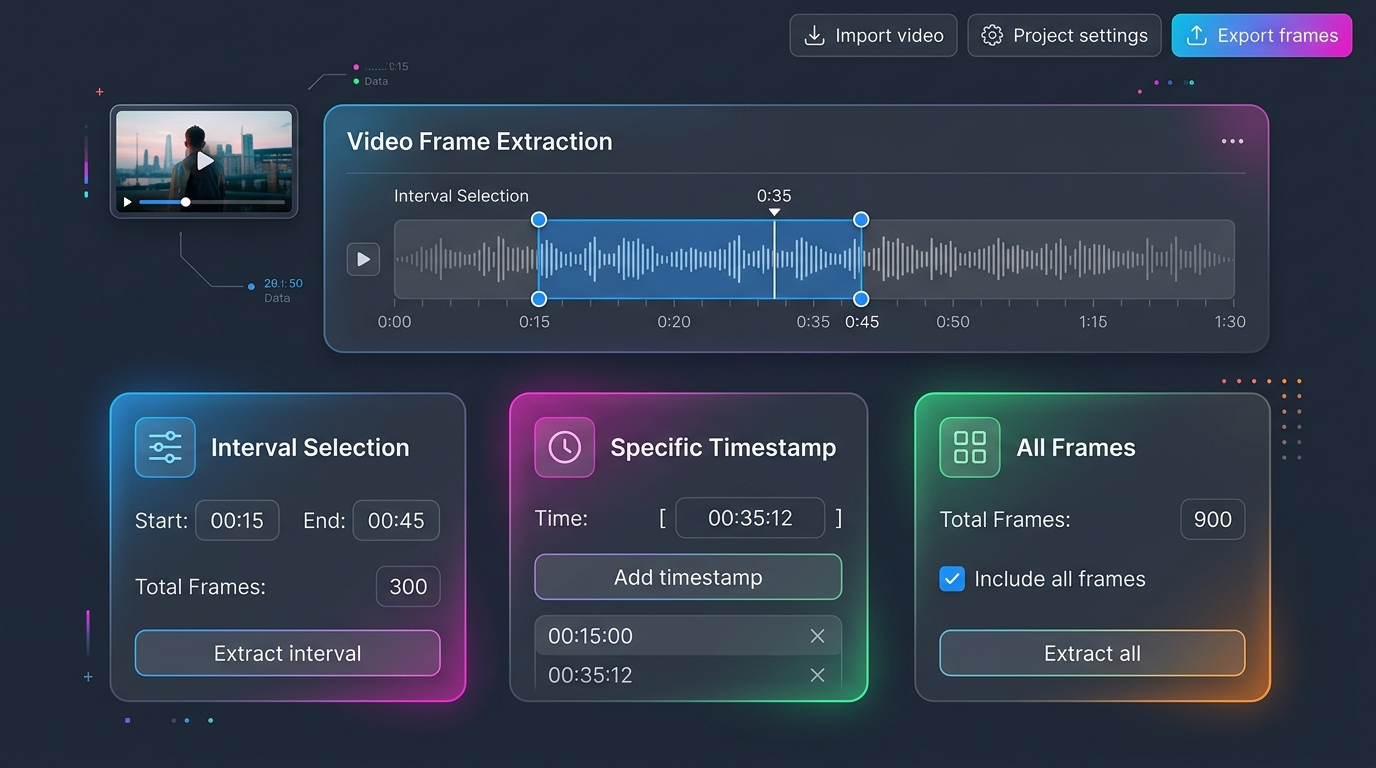
Export with custom quality settings. Select your favorite frames and download them as a ZIP file.
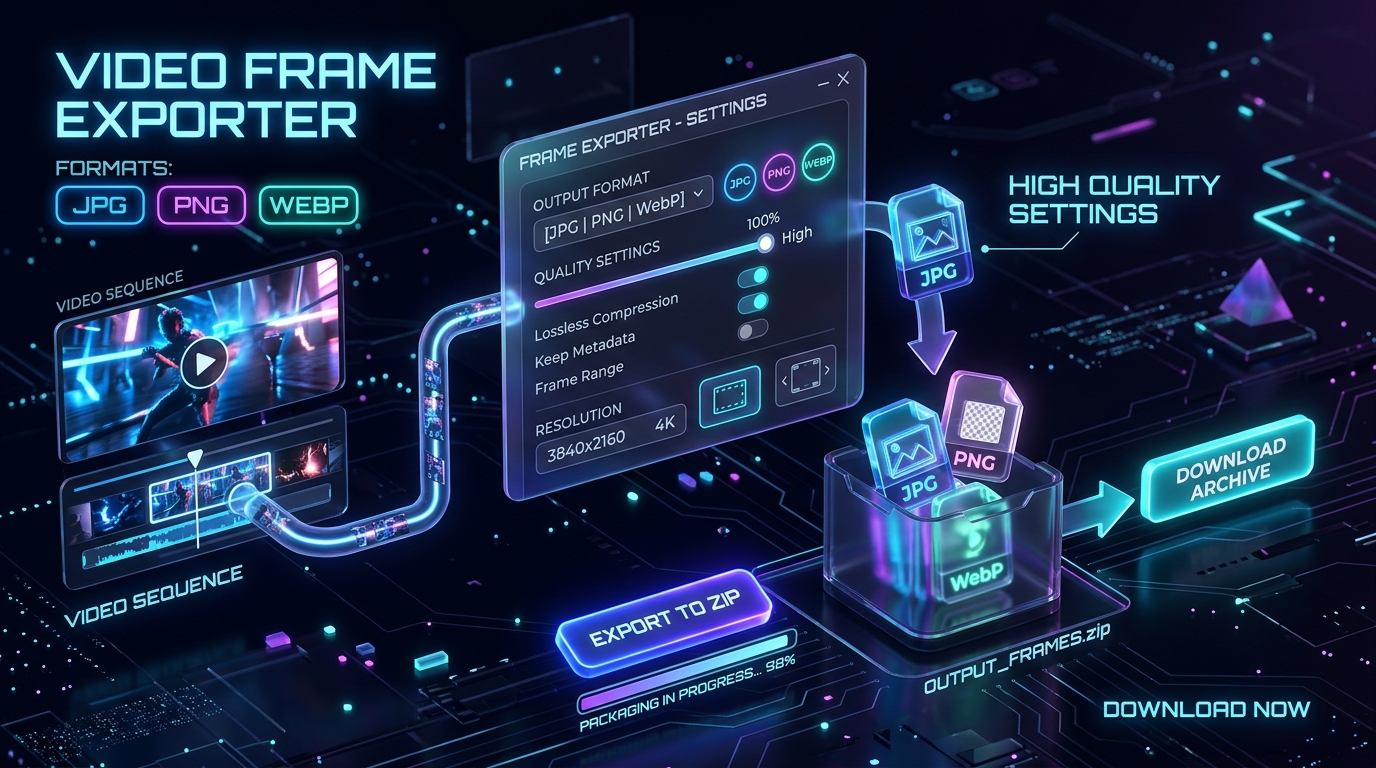
All processing runs strictly inside your browser. No video files are uploaded to servers.

No heavy video editing tools needed for frame extraction.
Drag or select your MP4 video to start extracting frames.
Set interval, custom seconds, and image quality.
Generate your JPG gallery, select your preferred shots, and download the results as a ZIP.

Frame Extraction Guide
Pull sharp JPG or PNG frames from an MP4. A free in-browser extractor, VLC snapshots, and FFmpeg when you need a full image sequence instead of one muddy still.
Read Full GuideClear answers about online video frame extraction, image resolution, privacy, and ZIP exports.
No, absolutely not. All video decoding and frame extraction happens 100% locally inside your web browser. Your video files never leave your device, ensuring maximum privacy.
No. Extracted images are rendered at the native resolution of your source video file. Our tool fully preserves 1080p, 4K, and high-definition video frames without downscaling.
Our tool supports 3 flexible extraction modes: set custom time intervals (e.g. 1 frame every 2 seconds), enter specific timestamps, or convert the entire video into a full image sequence.
Yes! While playing your video preview, simply click '+ Add current playhead time'. The tool will capture the exact timestamp from the player and add it to your extraction list.
JPG provides compact file sizes; PNG offers 100% lossless image quality; WebP balances high compression with clarity. Use the quality slider (40%–100%) for JPG and WebP to adjust output size.
No. The converter includes built-in smart memory protection (capped at an estimate of 300 frames per batch) to prevent crashes. For long videos, we recommend using 'Time Interval' mode.
Yes! After completing extraction, select your favorite images from the gallery and click 'Download Selected as ZIP' to save all chosen frames with one click.
Yes. Beyond MP4, our in-browser tool accepts WebM, MOV, and M4V files. If subtitles are burned directly into the video stream, they will be preserved in the exported images.
No sign up required, zero upload waiting time.
Start extracting frames in your browser now.
Local processing · No watermark