01
Upload Image and Audio Files
Select your audio track (MP3/WAV) and cover image (JPG/PNG).
100% Free · Combine Photo & Music Tracks into MP4
Combine MP3 or WAV files with cover photos, auto-detect audio length, and add waveforms with 100% privacy.
MP3, WAV or M4A audio plus a JPG or PNG cover photo.
Everything you need to turn a cover and a track into a release-ready MP4 for YouTube, TikTok, and social media.
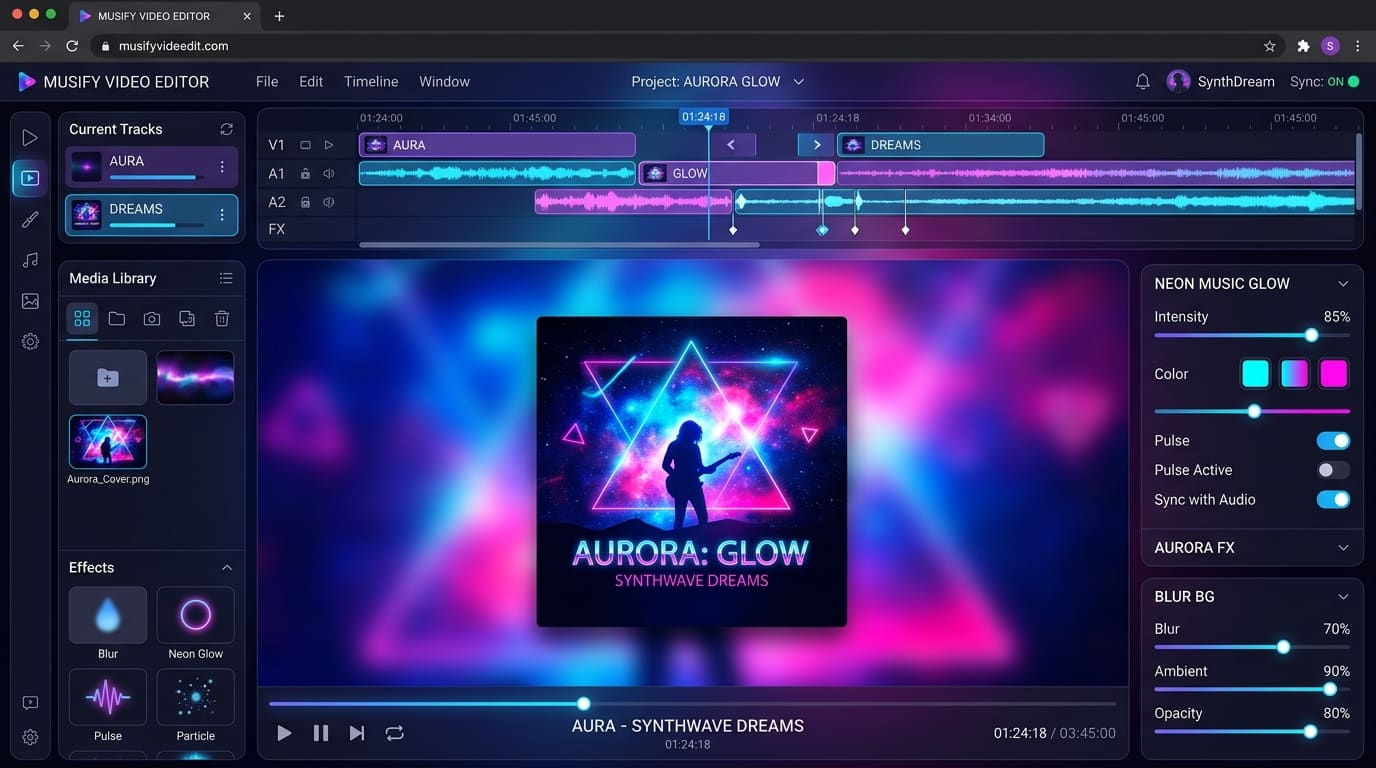
Crisp artwork with gaussian-blurred background fill, solid color backdrops, or full-frame crop.
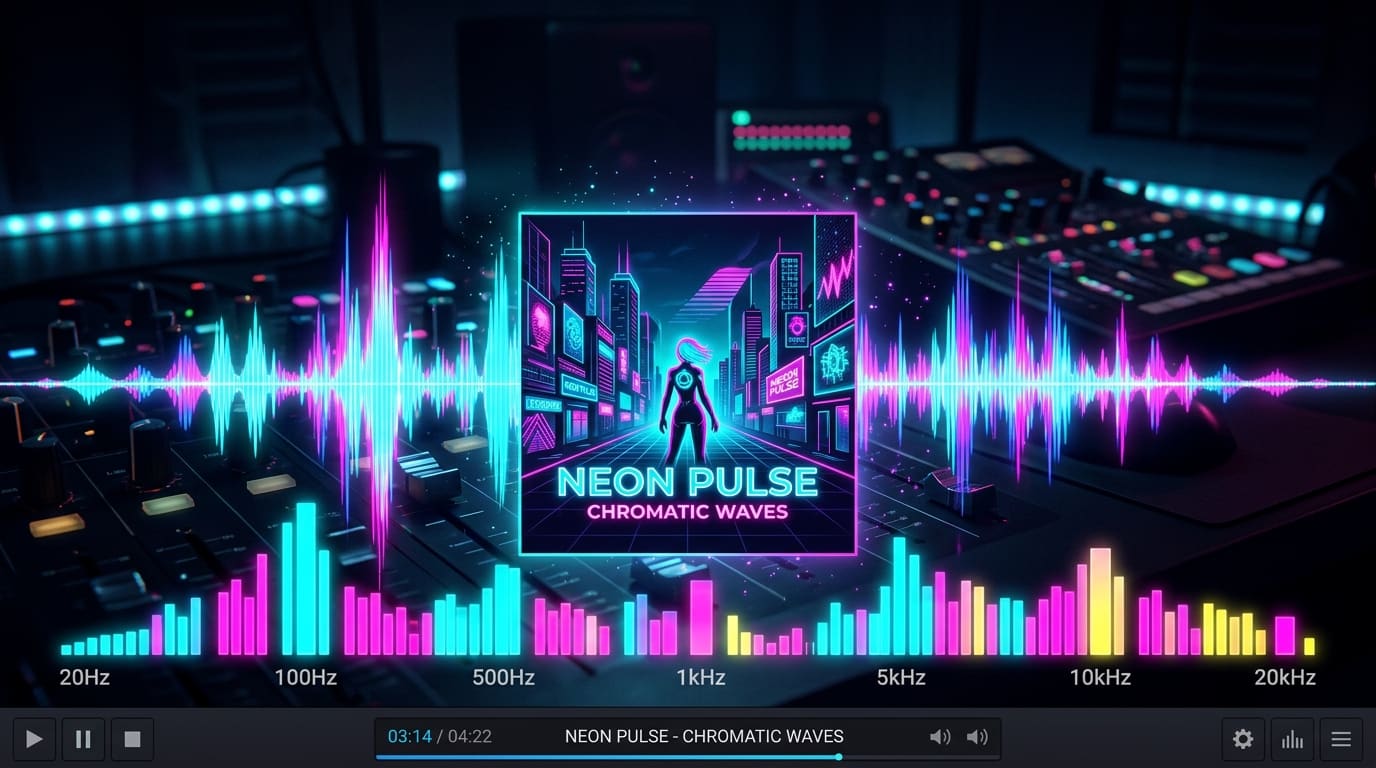
Dynamic amplitude waveforms and playback progress animations on top of the cover.
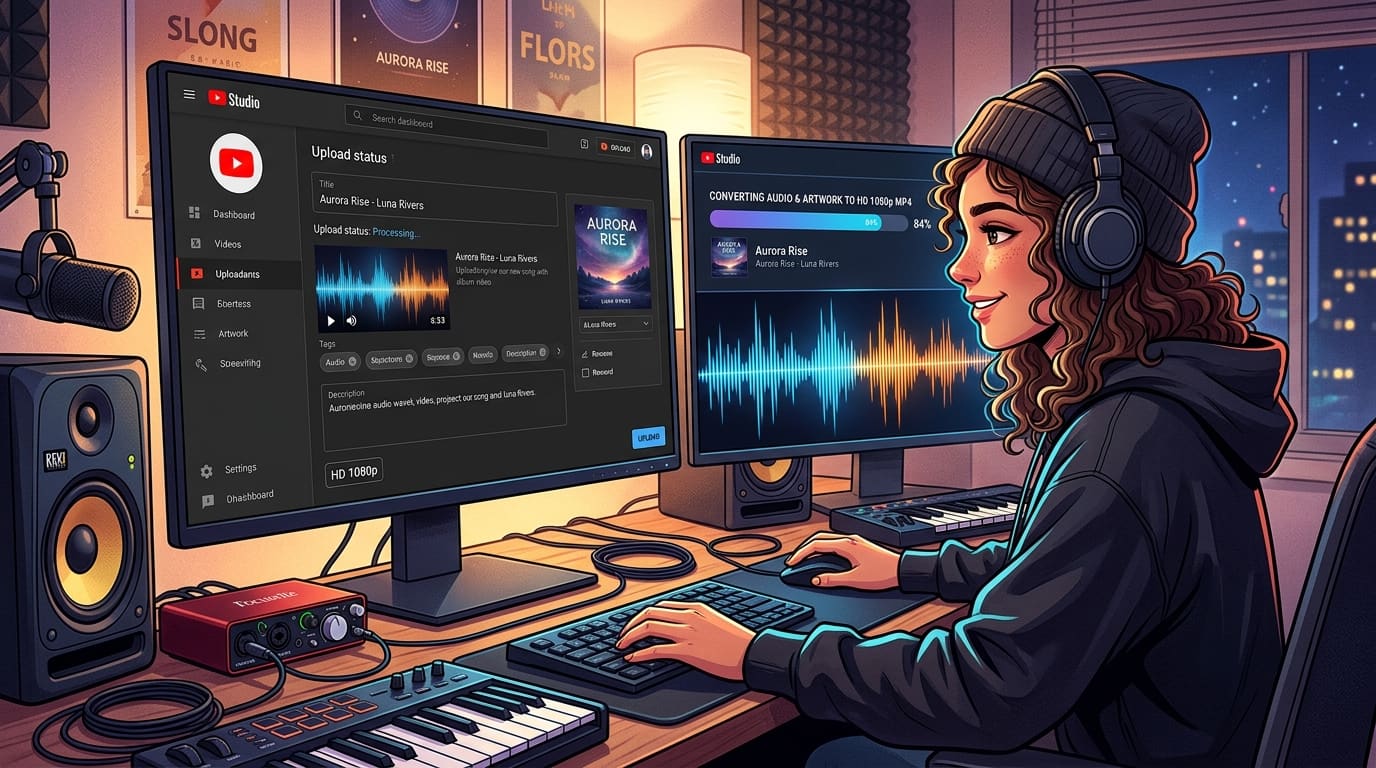
Merge photo and audio into 1080p HD MP4 videos matching exact track length directly in your browser with zero server uploads.
Follow this easy guide to combine a cover photo with a track in your browser.
Select your audio track (MP3/WAV) and cover image (JPG/PNG).
Choose blurred cover fill or centered layout, toggle waveform visualizer, and set aspect ratio for your video.
Click Export MP4 to render a high-definition file.
Feature Article
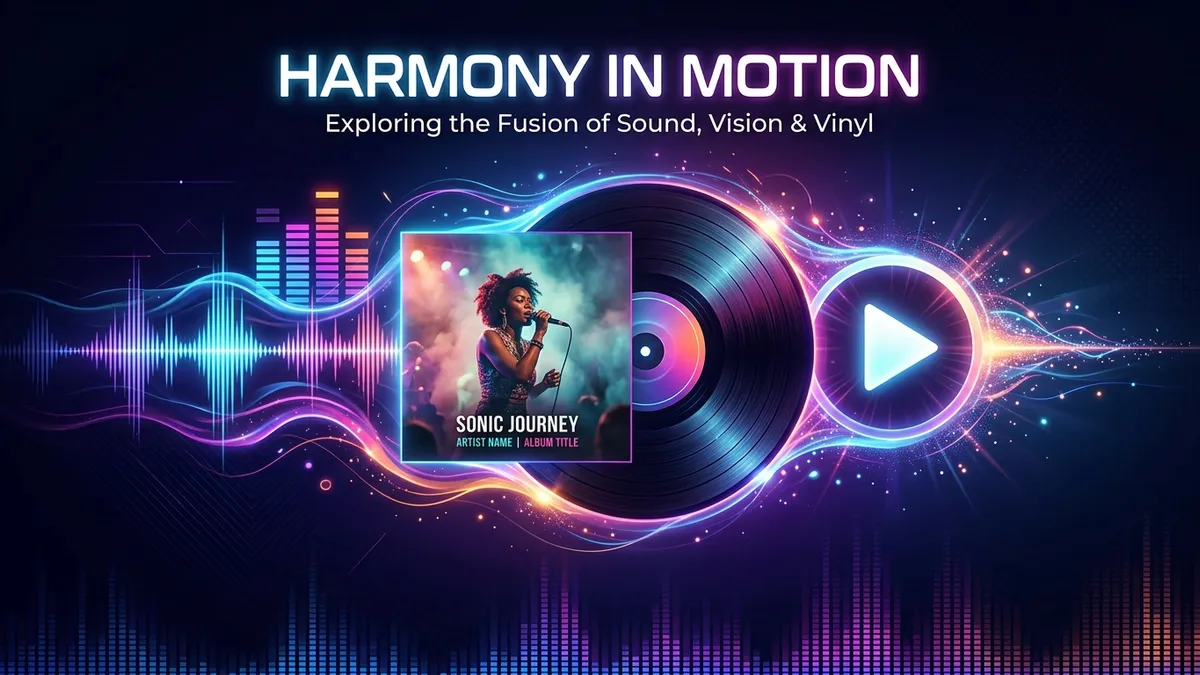
Combine cover art with an MP3 or WAV into a 1080p MP4 for YouTube or TikTok. Blurred fill, aspect ratio, and an optional waveform rendered on top of the image.
Read Full ArticleCommon questions about combining a cover photo with a track for YouTube, TikTok, and social media.
Yes! The exported MP4 videos use standard H.264 video and high-bitrate AAC audio codecs at 1080p resolution, making them 100% compliant with YouTube, YouTube Shorts, TikTok, and Instagram specifications.
No. Our browser audio engine decodes and encodes your audio with high-bitrate 320kbps AAC audio formatting, preserving the exact sound quality and frequency range of your original MP3, WAV, or FLAC file.
No duration or file size limits! Because encoding happens 100% locally in your web browser, you can process 1-hour or 2-hour long podcasts without server timeouts.
Use our Blurred Cover Fill option! It automatically creates a gaussian-blurred backdrop using your artwork colors to seamlessly fill the frame without black bars. You can also choose centered or crop-to-fill layouts.
The tool automatically decodes amplitude peaks from your audio track and renders a dynamic, color-gradient sound wave animation. You can toggle the waveform on or off with a single click if you prefer a clean cover look.
Yes! You can choose between three aspect ratio presets before exporting: 16:9 Widescreen (1920×1080) for YouTube, 9:16 Vertical (1080×1920) for Shorts/TikTok, and 1:1 Square (1080×1080) for Instagram.
All exported videos are rendered in 1080p Full HD at 30 FPS, ensuring smooth audio waveform animation and sharp cover art rendering.
Yes! There are zero watermarks, no hidden fees, and no sign-up required.
Never. Decoding, artwork composition, waveform animation, and MP4 encoding happen entirely inside your local browser via Web Audio & Canvas APIs. Your files never leave your device.
Zero software installation and 100% privacy.
Create HD videos with cover photos and audio spectrums in seconds.
100% Free • In-Browser Processing • No Watermark