01
Add your video
Drag in an MP4, MOV, MKV or WebM. Its dimensions and duration are read locally.
Free Online Video Resizer · 100% Local & Private
Turn a landscape clip into a vertical post without black bars, using a blurred fill that keeps the whole frame visible. Trim it to length in the same pass.
MP4, MOV, MKV, WebM. Read straight off your disk, never uploaded.
No file size limit — nothing is uploaded
The parts that decide whether a reframed video looks intentional or lazy.
Letterboxing a landscape clip into a 9:16 post wastes most of the screen. When you resize video, blurred fill puts an enlarged, blurred copy of the frame behind it, so the post fills the screen while the whole shot stays visible.
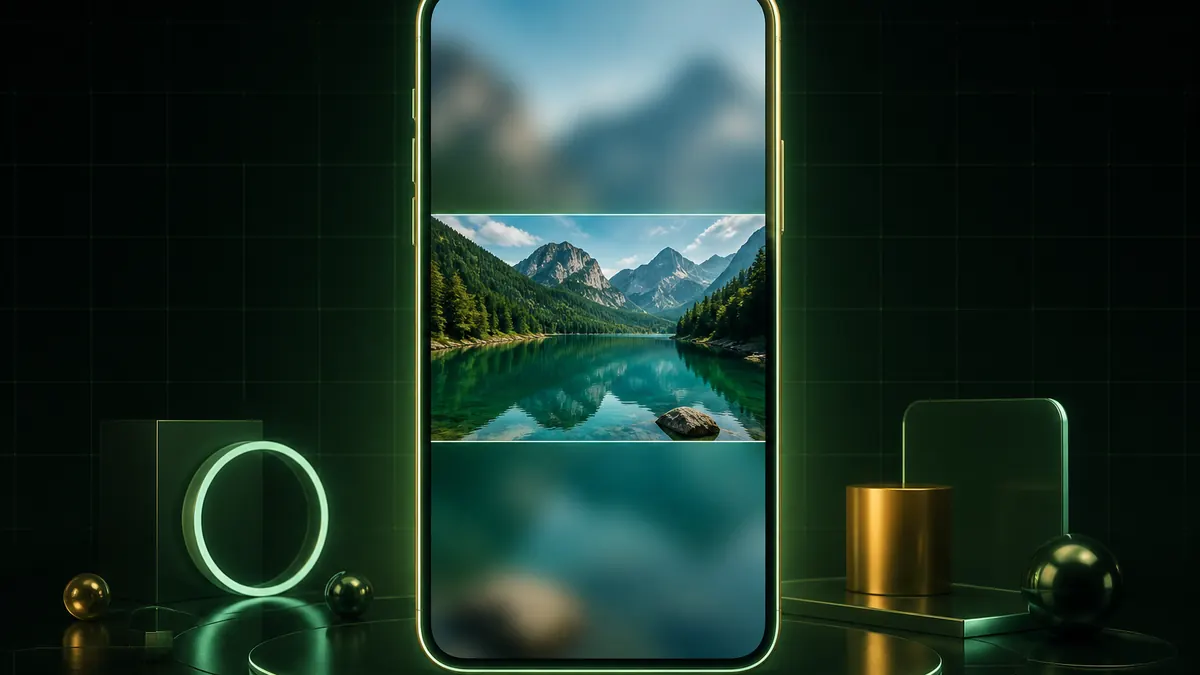
Ratio and length are usually needed together — a feed post rarely wants your whole clip, and the first few seconds decide whether anyone watches the rest. Trimming happens in the same export, so the video is re-encoded once rather than twice.
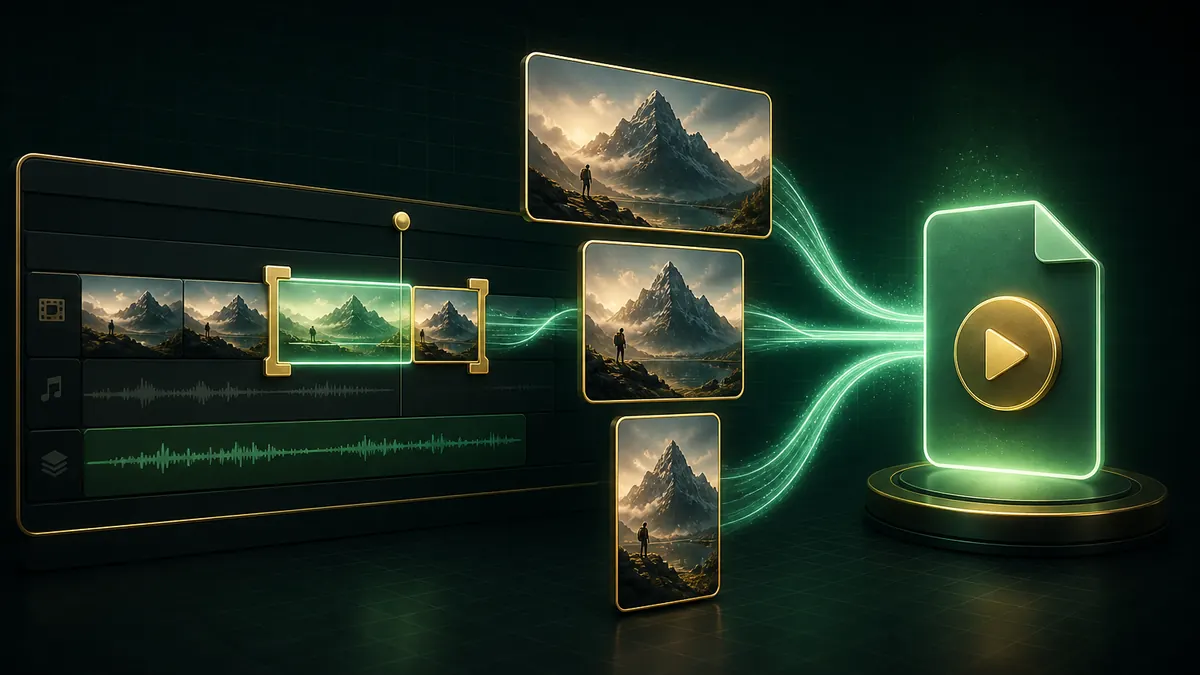
Decoding, reframing and encoding all run in your browser. There is no upload, so no size cap and no copy of your footage on someone else's server.

Ratio, fit and trim all happen in one export, so the video is only re-encoded once.
Drag in an MP4, MOV, MKV or WebM. Its dimensions and duration are read locally.
9:16 for Reels and TikTok, 1:1 or 4:5 for feed posts. Choose crop, letterbox or blurred fill.
Set the start and end points if you need to, then export. No upload, no account, no watermark.
Add your video, choose 9:16 for Reels, TikTok and Shorts or 4:5 for a feed post, pick how it should fit, then export. Everything runs in your browser and downloads straight to your device.
Crop fills the frame by cutting the edges, which is best when your subject is centred. Letterbox keeps everything but leaves black bars. Blurred fill shows the whole frame over an enlarged blurred copy of itself — it fills the screen without cropping, which is why it is the usual choice for vertical posts.
9:16 for Reels, TikTok and YouTube Shorts. 1:1 or 4:5 for Instagram feed posts, with 4:5 taking more vertical space. 16:9 for standard YouTube and most websites.
Yes, and you should — doing both in one pass means the video is re-encoded once instead of twice, which preserves more quality. Set the start and end points before exporting.
The video is re-encoded, so there is some loss, though at the default bitrate it is not noticeable. Cropping genuinely discards the edges of the frame; letterbox and blurred fill keep everything.
No. Decoding and encoding both run on your own device, which is why there is no size limit here.
No registration, no watermark, and no size limit.
Everything runs on your own device.
100% Free Video Resizer • Browser Local Processing