01
Add your GIF
Drag, paste or choose a .gif file. Its frames and exact per-frame timing are read locally.
Free Online GIF to MP4 Converter · 100% Local & Private
GIFs are huge. MP4 plays the same animation at a fraction of the size, which is why X, Instagram and most websites prefer it. Convert right in your browser with nothing uploaded.
Paste a GIF or choose one from your device. Animated and still GIFs both work.
The same animation, a fraction of the bytes.
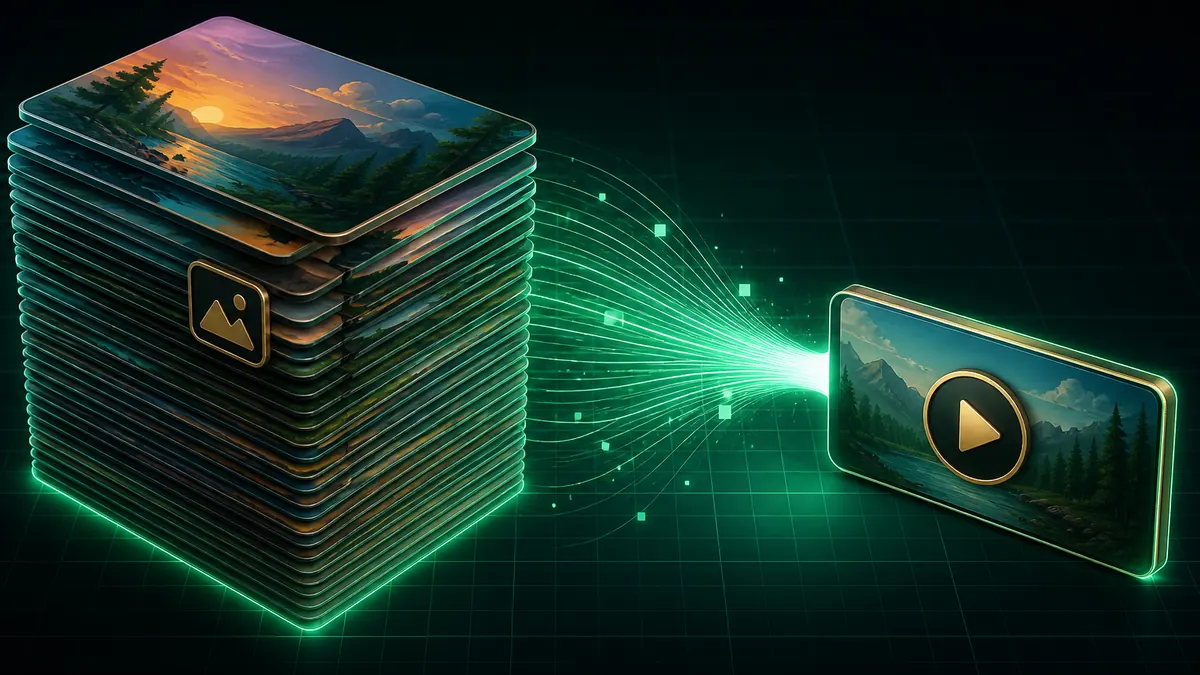
GIF stores every frame as a palette image with no motion compression. H.264 encodes only what changes between frames, which routinely cuts an animated GIF by 80–90% with no visible quality loss.
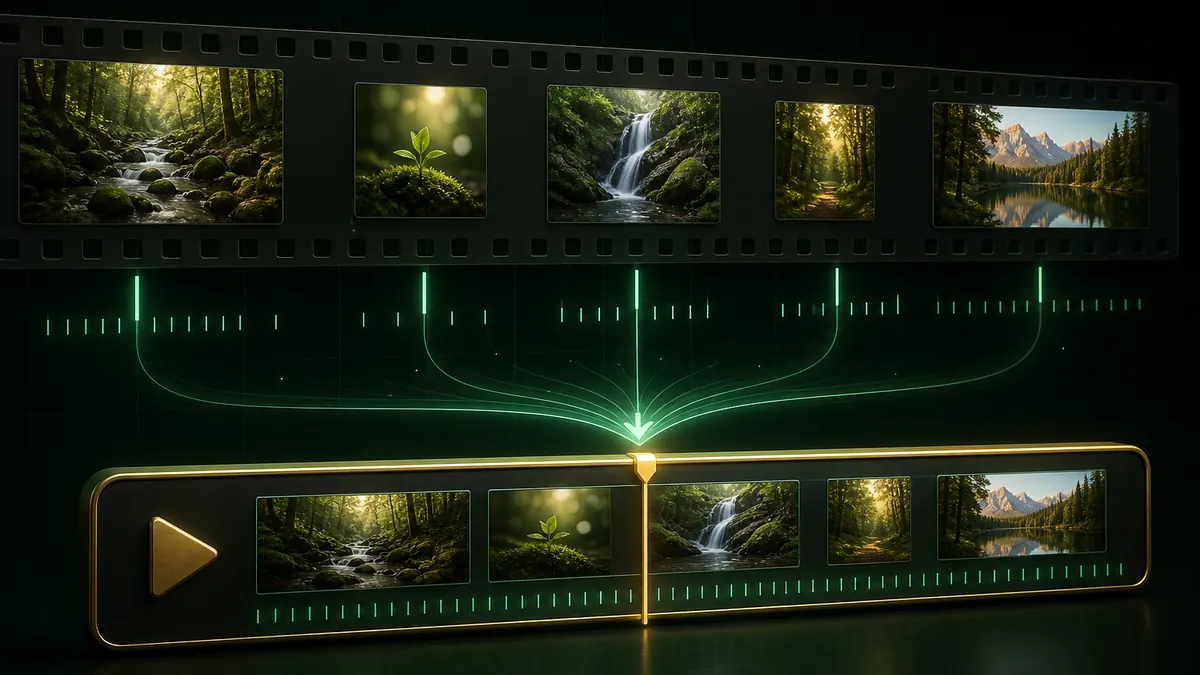
GIF stores a separate delay for every frame, and many GIFs use uneven timing. This converter reads each delay and resamples the timeline, so the motion keeps its original rhythm instead of being flattened to one speed.
Decoding and encoding both run in your browser. Your GIF is never uploaded, so there is no size cap, no queue, and no copy sitting on someone else's server.
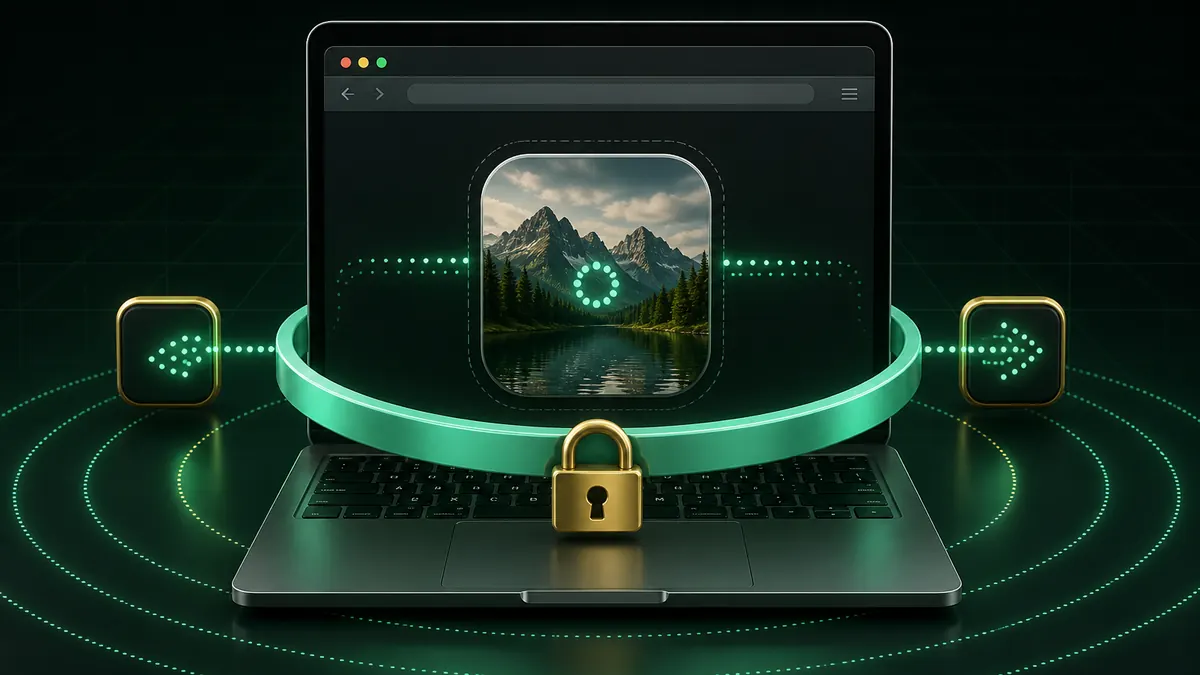
Everything runs on your own device, so even large GIFs stay private.
Drag, paste or choose a .gif file. Its frames and exact per-frame timing are read locally.
Pick an output frame rate and scale. Repeat a short GIF if you need to clear a platform's minimum length.
Convert and download. No upload, no account, no watermark.
GIF has no motion compression, so a few seconds of animation can run to several megabytes. MP4 encodes the differences between frames instead, typically making the same animation 80–90% smaller. That means faster page loads and files small enough to post where GIFs get rejected.
Looping is a player setting rather than something stored in the file, so add the loop attribute when embedding, or use your platform's loop option. Most social platforms loop short videos automatically.
Yes. GIF stores a delay per frame and many GIFs use uneven timing. Each delay is read and the timeline resampled at your chosen frame rate, so the motion keeps its original rhythm.
MP4 has no alpha channel, so transparent areas are filled with the background colour you pick. Choose black or white depending on where the video will be shown.
H.264 encoding depends on the browser. Firefox and some Linux builds do not offer it, so the converter falls back to WebM with VP9. WebM plays in every modern browser except older versions of Safari.
No. Decoding and encoding both happen on your own device, which is also why there is no file size limit.
No registration, no watermark, and no file size limits.
Decoding and encoding both run on your own device.
100% Free • Browser Local Processing