01
Add your video
Drag in an MP4, MOV, MKV or WebM. The audio track is found and its codec, channels and sample rate are read locally.
Free Online MP4 to MP3 Converter · 100% Local & Private
Pull the soundtrack out of any video and keep just the audio. Everything is decoded and re-encoded in your browser, so there is no upload and no file size limit.
MP4, MOV, MKV, WebM — or an audio file you want to convert between formats.
No file size limit — nothing is uploaded
Recordings are often long, large, and not something you want on a stranger's server.
MP3 for the car and every old player, M4A for Apple devices, Opus when you want the smallest file at a given quality, and WAV when an editor needs uncompressed input. The video track is discarded, so only the audio is re-encoded.
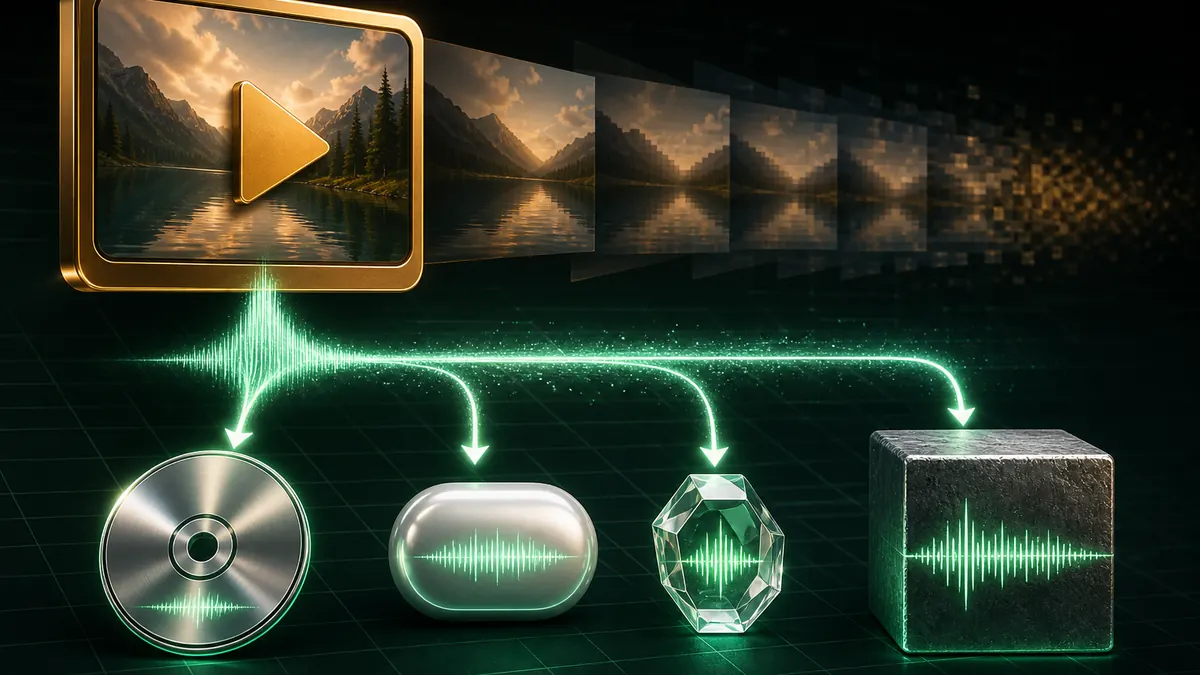
Server-based converters cap uploads because bandwidth costs money, which is exactly the wrong constraint for a long lecture or podcast recording. Nothing is uploaded here, so length is limited only by your own machine.
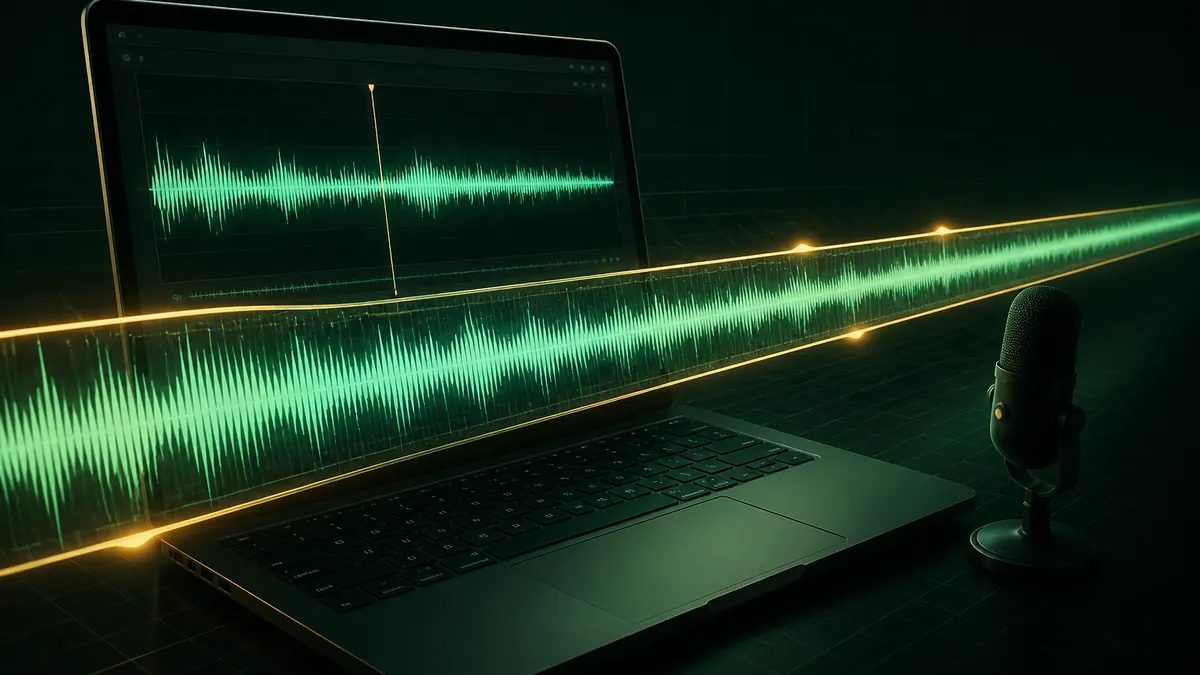
Meeting recordings, interviews and voice notes are frequently sensitive. Decoding and encoding both happen inside your browser tab, so no copy of the recording is ever transmitted anywhere.
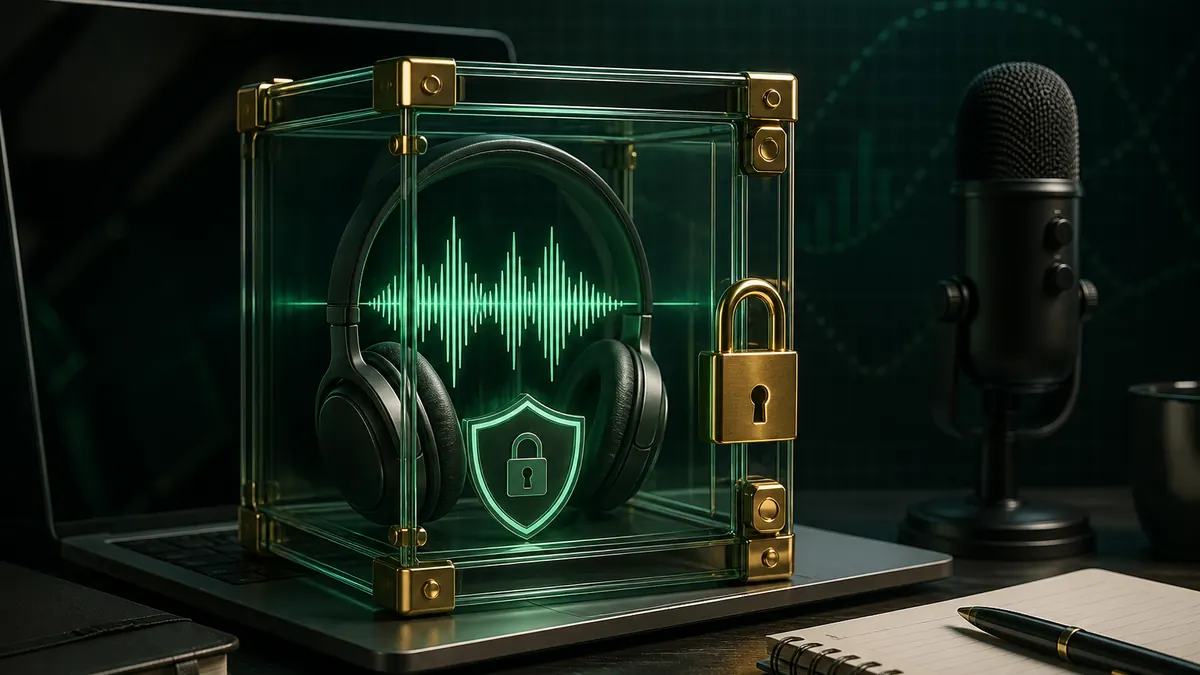
The whole conversion happens on your device, so a two-hour recording has no upload to sit through.
Drag in an MP4, MOV, MKV or WebM. The audio track is found and its codec, channels and sample rate are read locally.
MP3 for maximum compatibility, M4A or OGG for better quality per byte, WAV when you need it uncompressed.
Preview the result in the player, then download. No upload, no account, no watermark.
Add your video above, keep MP3 selected, pick a bitrate, then select Extract. The audio track is decoded and re-encoded in your browser and downloads straight to your device, with no account and no watermark.
192 kbps is transparent for almost all listening on almost all equipment. 128 kbps is fine for speech and podcasts and gives noticeably smaller files. 320 kbps is worth it only when you are archiving music you may re-encode later.
MP3 plays literally everywhere, which is usually the deciding factor. M4A uses AAC and sounds better than MP3 at the same bitrate, especially below 192 kbps. OGG with Opus is the most efficient of the three but has patchier player support. WAV is uncompressed — perfect quality, very large, useful mainly as editor input.
The audio in your video is already compressed, and re-encoding it to another lossy format compresses it a second time. At 192 kbps or above this is rarely audible. Choose WAV if you want to avoid a second lossy pass entirely.
No. Nothing is uploaded, so there is no bandwidth cost and no server-side cap. A long recording simply takes longer to process on your own machine.
Browsers do not ship an MP3 encoder, so the LAME encoder is loaded as a small WebAssembly module the first time you pick MP3. It is around 310KB and only loads when you actually choose that format.
No. Decoding and encoding both run on your own device, which is why there is no size limit here.
No registration, no watermark, and no size limit.
Decoding and encoding both run on your own device.
100% Free MP4 to MP3 Converter • Browser Local Processing