01
Upload Your Video
Drag and drop your MP4, WebM, or MOV file into the studio.
100% Free & Fast · Convert in High Quality
Turn any clip into an animated GIF instantly. Trim, adjust frame rate, and export with no watermark.
Supports MP4, WebM, and MOV. Runs entirely in your browser.
Everything you need for high quality, custom FPS, and zero watermarks.
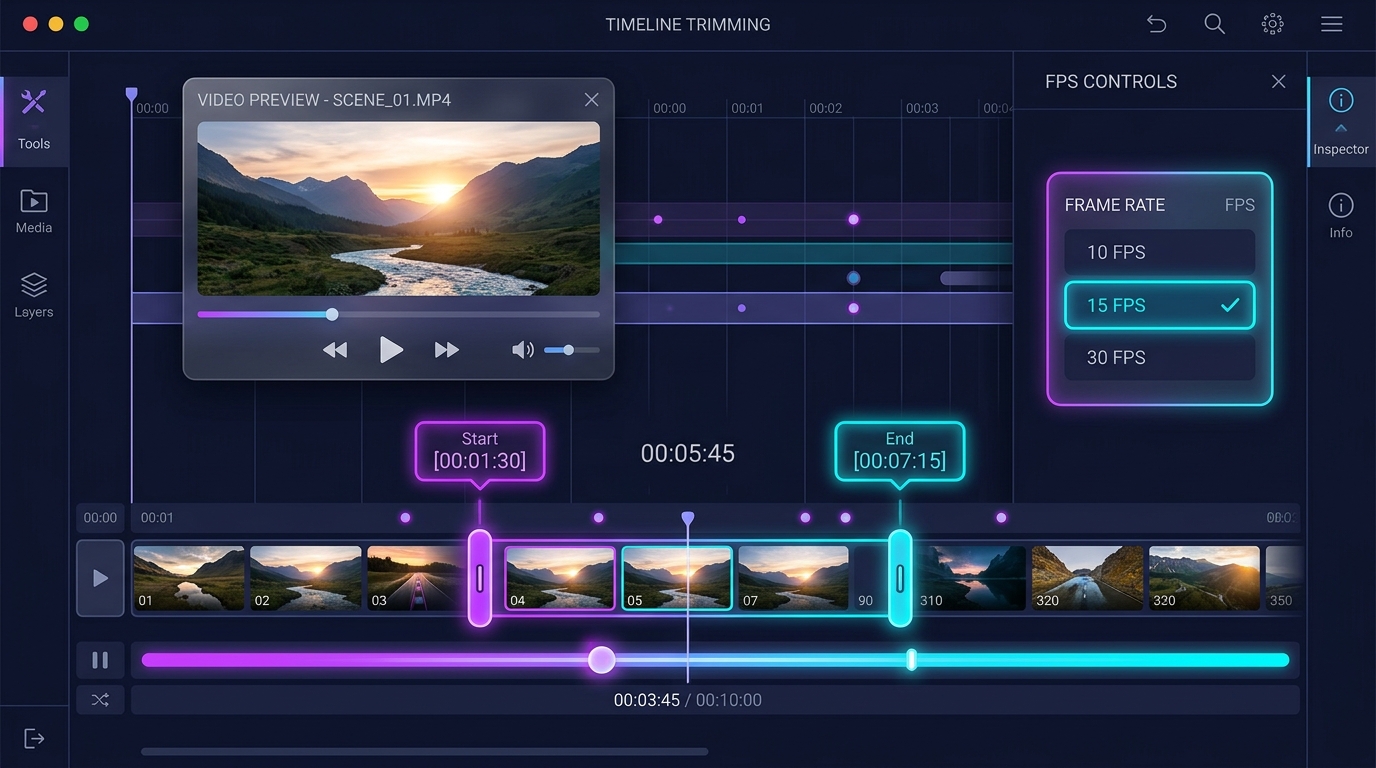
Trim down to 0.1-second accuracy. Choose frame rates from 5 to 30 FPS to strike the perfect balance between file size and motion smoothness.
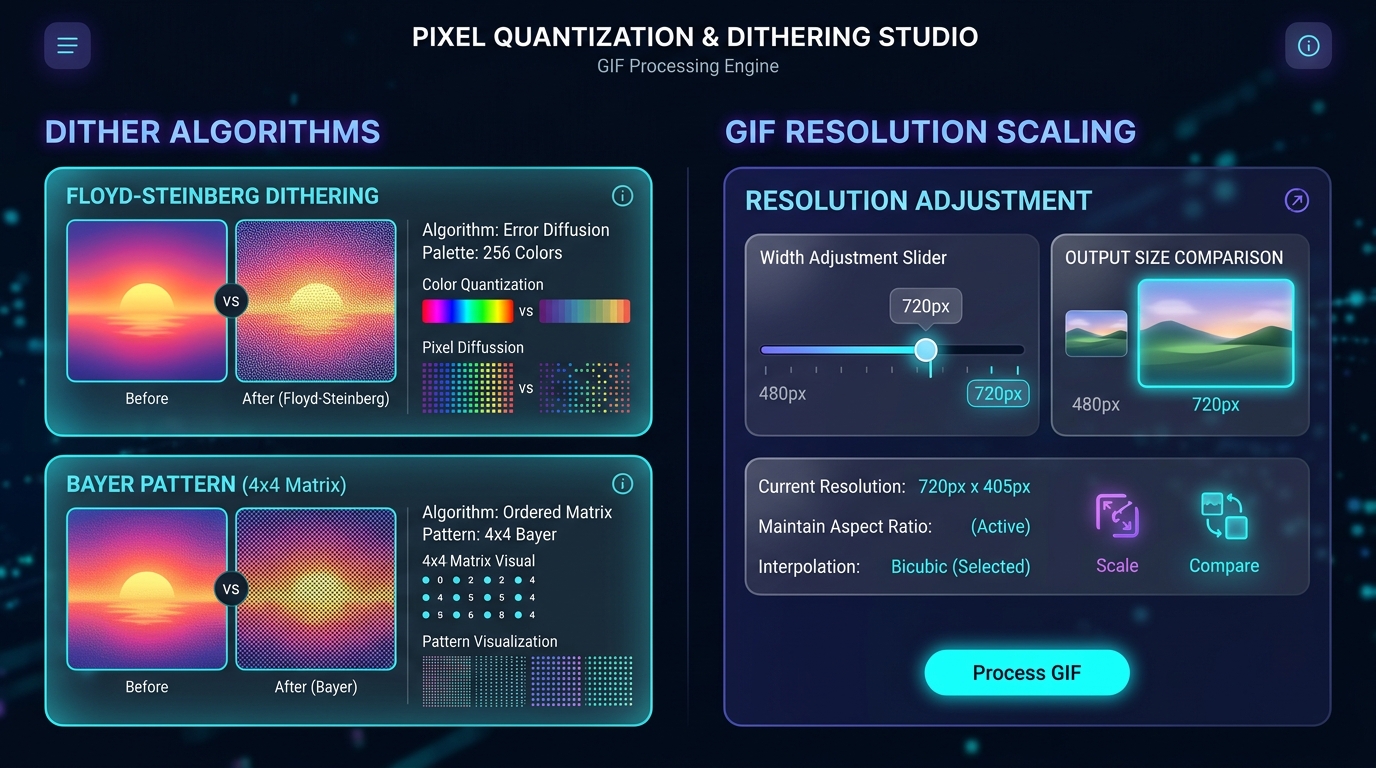
Floyd-Steinberg and Bayer dithering plus resolution scaling (720p, 480p, 360p) for crystal-clear animated GIFs.
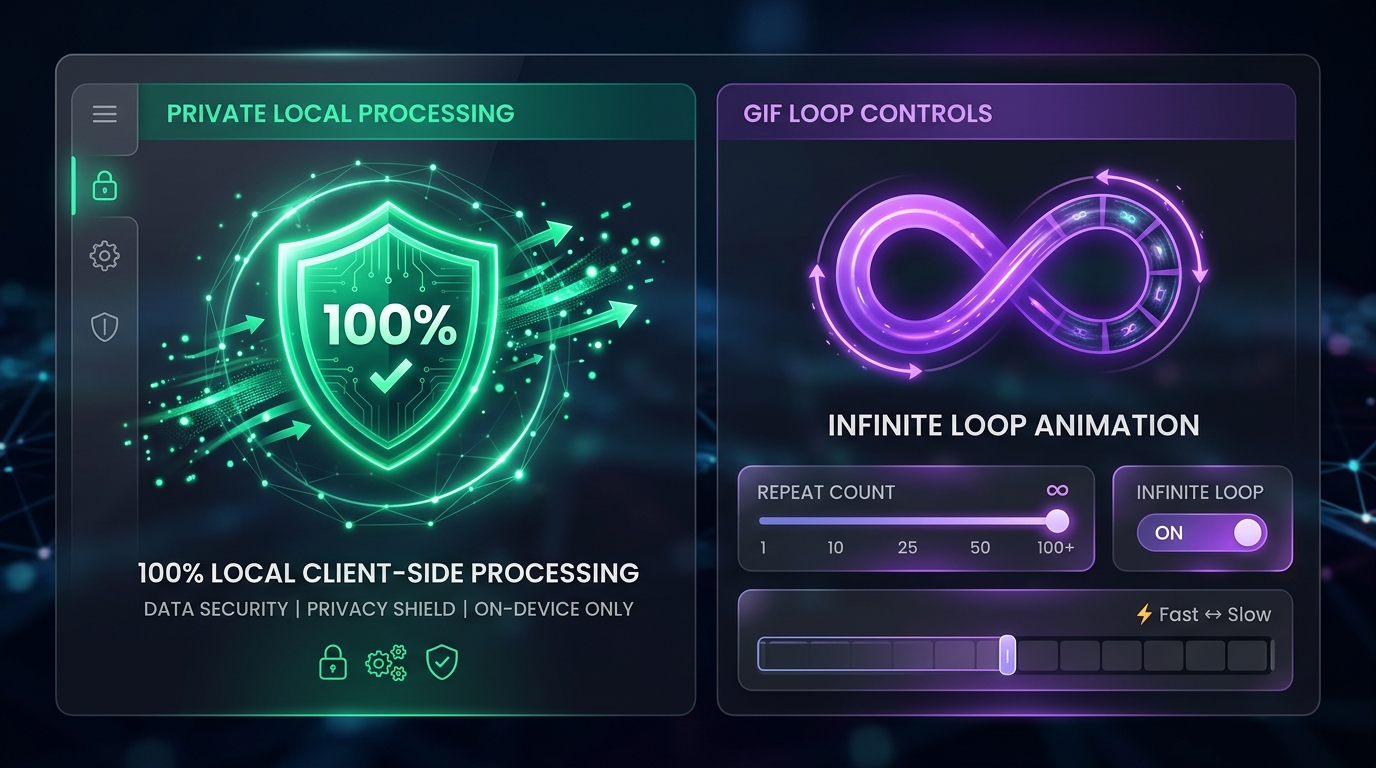
Your MP4, MOV, or WebM files stay 100% private. Fast processing with no watermark.
Turn any MP4 clip into an animated GIF in seconds.
Drag and drop your MP4, WebM, or MOV file into the studio.
Set start and end time, then choose your preferred FPS and GIF resolution.
Preview the generated GIF and download it instantly without a watermark.
Video to GIF Tutorial
Turn MP4 clips into small, sharp GIFs. Trim length, FPS, Floyd-Steinberg dithering and width presets for Discord, Slack, GitHub and chat stickers.
Read Full GuideGot questions about converting MP4 video to GIF? Here are all the answers.
GIF files store raw uncompressed animation frames. To reduce your GIF file size to fit Discord (8MB / 256KB emoji) or Slack (128KB) limits: (1) Trim video duration under 3–5 seconds, (2) Lower frame rate to 10–12 FPS, and (3) Scale resolution width to 480px or 360px.
Yes! Files are processed 100% locally inside your browser via WebAssembly and HTML5 Canvas. Your videos are never uploaded to any server. It is completely free with no watermark or registration required.
Our studio includes built-in start and end time sliders with 0.1-second accuracy. Simply drag the start and end sliders to isolate your favorite video clip before converting to GIF—no video editor software needed!
Select Floyd-Steinberg dithering for smooth color gradients on real-world video scenes (prevents color banding). Choose Bayer ordered matrix for a retro pixelated aesthetic, or 'None' for clean cartoon vectors with smaller file sizes.
Yes! You can customize GIF playback looping in our settings panel. Choose between Infinite Loop (∞ Loop), Play Once (1x), or Loop 3 Times before exporting your animated GIF.
No. When you set a custom resolution width (e.g., 480px), the height is calculated automatically to preserve your original aspect ratio without distortion.
A laggy or slow GIF is usually caused by setting a frame rate that is too low (below 8 FPS). We recommend setting your frame rate between 10 FPS and 15 FPS for smooth, natural motion while keeping file size small.
Not at all. Because all MP4, MOV, WebM, and AVI video conversions run 100% locally on your computer or mobile phone RAM and CPU, no video bytes are uploaded over the internet.
No registration, no watermark, and no file size limits.
Create high quality animated GIFs in seconds.
100% Free • Browser Local Processing