01
Add your photos
Drag, paste or choose JPG, PNG or HEIC files. iPhone HEIC photos are decoded locally too.
Free Online JPG to GIF Maker · 100% Local & Private
Drop in your photos, set how long each one stays on screen, and export an animated GIF right in your browser. Nothing is uploaded, and there is no watermark.
Paste images or choose them from your device. JPG, PNG, HEIC, WebP and more.
JPG · PNG · HEIC · WebP · AVIF · BMP
Built for sharing on chat apps and social feeds where GIF size actually matters.
GIF supports a delay per frame, so one photo is one frame. A three-second photo does not become thirty duplicated frames, which keeps the file small enough to send.
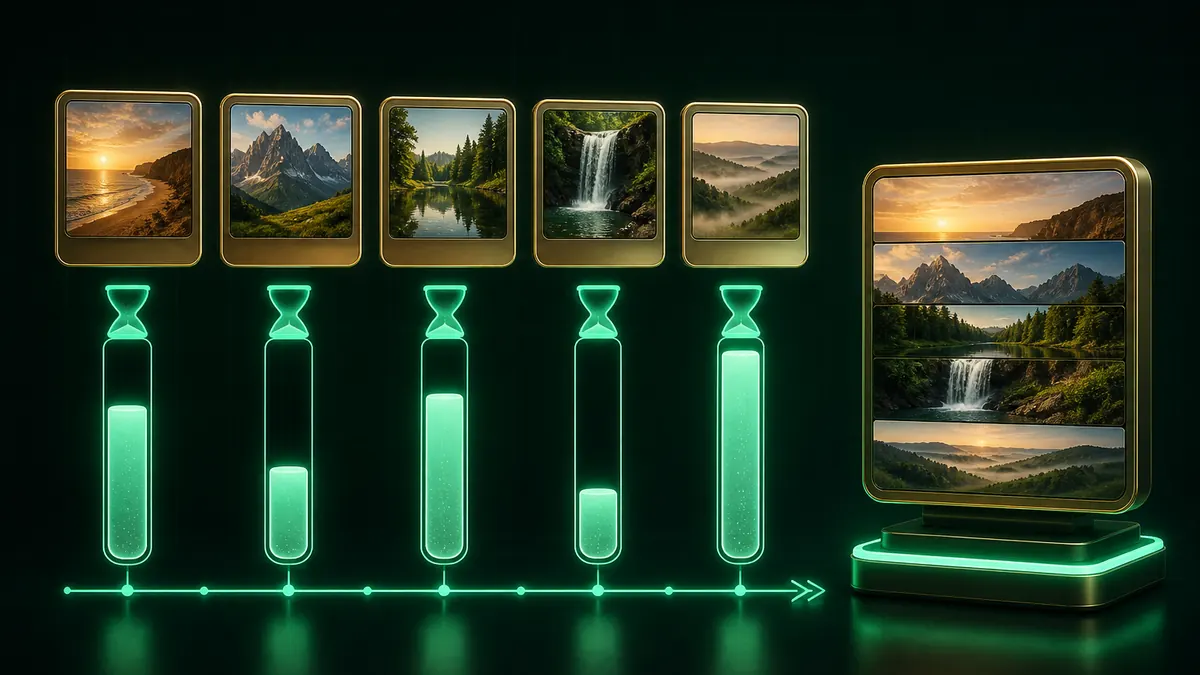
iPhone photos are HEIC by default and most browsers cannot read them. This converter decodes HEIC on your device, so your camera roll works without converting anything first.
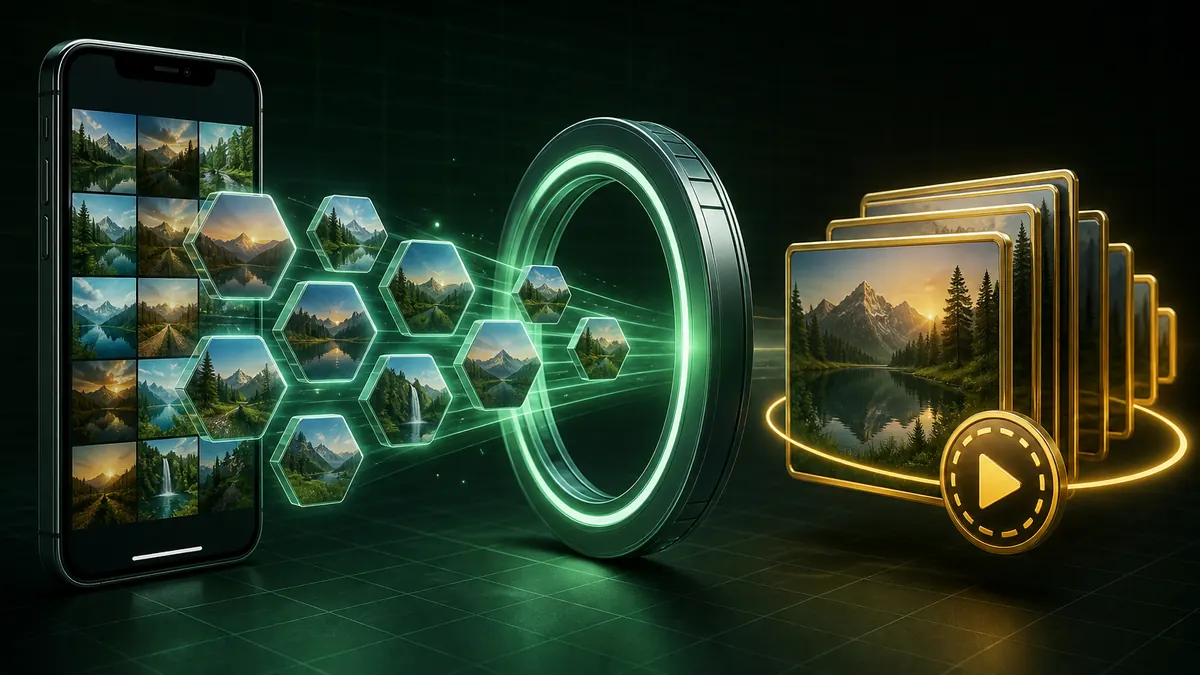
Decoding, quantizing and GIF encoding all run in your browser. Your photos are never uploaded, so there is no size cap and no queue.
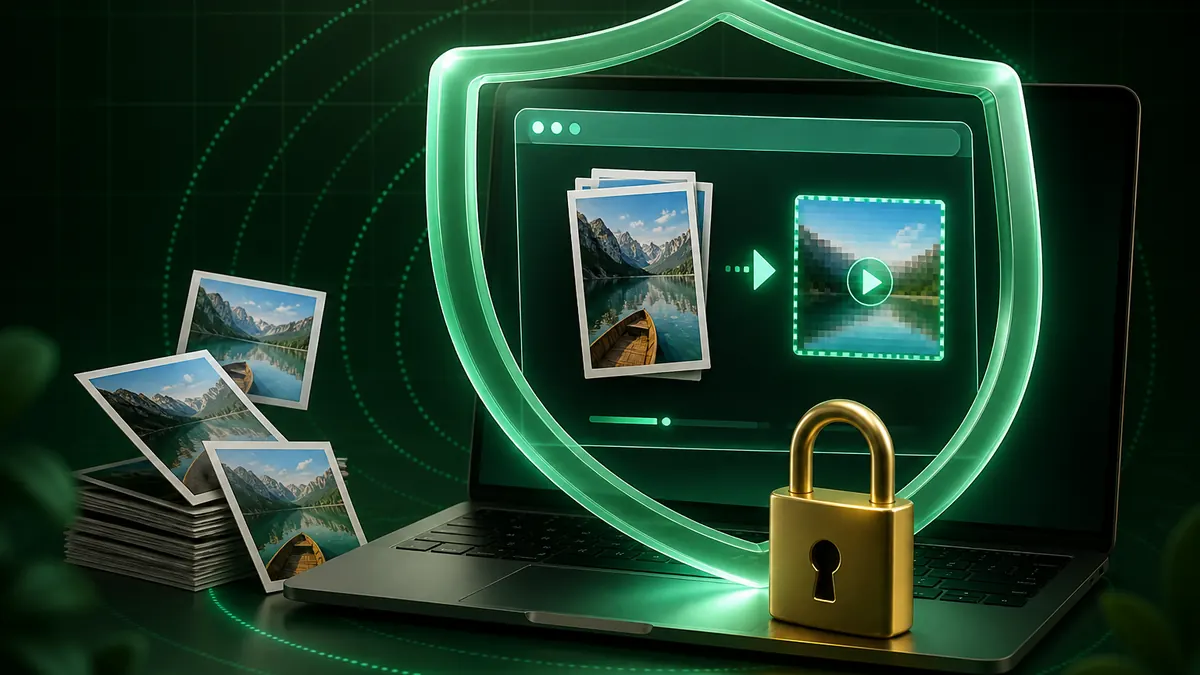
Everything runs on your own device, so even large photo sets stay private.
Drag, paste or choose JPG, PNG or HEIC files. iPhone HEIC photos are decoded locally too.
Reorder frames, then give every photo its own on-screen time, or select one photo to fine-tune it alone.
Choose an aspect ratio and width, decide between an instant cut or a crossfade, and set the GIF to loop forever or play once.
Create the GIF and download it. No upload, no account, no watermark.
Add your JPG photos above, set how long each one should stay on screen, choose a width, then select Create GIF. The animated GIF is built in your browser and downloads straight to your device, with no account and no watermark.
Yes. GIF stores a delay for every frame, so each photo can have its own timing. Change the slider to set all photos at once, or click a single photo first to adjust only that one.
GIF size grows with frame count and pixel count. Reduce the width, use Instant cut instead of Crossfade, and remove photos you do not need. A 320px or 480px GIF is usually plenty for chat apps and social posts.
Yes. HEIC files are decoded locally in your browser, so photos straight from an iPhone work without converting them to JPG first.
No. Every step, from reading your photos to writing the GIF bytes, happens on your own device. Nothing is sent to a server, which is also why there is no file size limit.
GIF plays everywhere and loops automatically, which is why it still wins in chat apps and comment threads. For anything longer than a few seconds, MP4 is dramatically smaller. You can also convert an existing GIF to MP4 with our GIF to MP4 tool.
No registration, no watermark, and no file size limits.
Every frame is drawn and encoded on your own device.
100% Free • Browser Local Processing