01
Drop in your sequence
Add the whole run of interval shots. They are sorted by capture time read from EXIF, so the order is right without renaming anything.
Free Online Timelapse Maker · 100% Local & Private
Interval shots from a DSLR, drone or GoPro become a smooth timelapse video. Drop the whole sequence in, choose a speed, and export an MP4 without uploading a single frame.
Paste images or choose them from your device
Preview and export happen on this device. Selected images leave memory when you close or refresh the page.
The parts that actually matter when you have 200 frames from a tripod.
Capture time is read from each photo's EXIF, so a timelapse maker can keep a sequence spanning a card change or a camera reset in the right order. No renaming, no manual dragging.
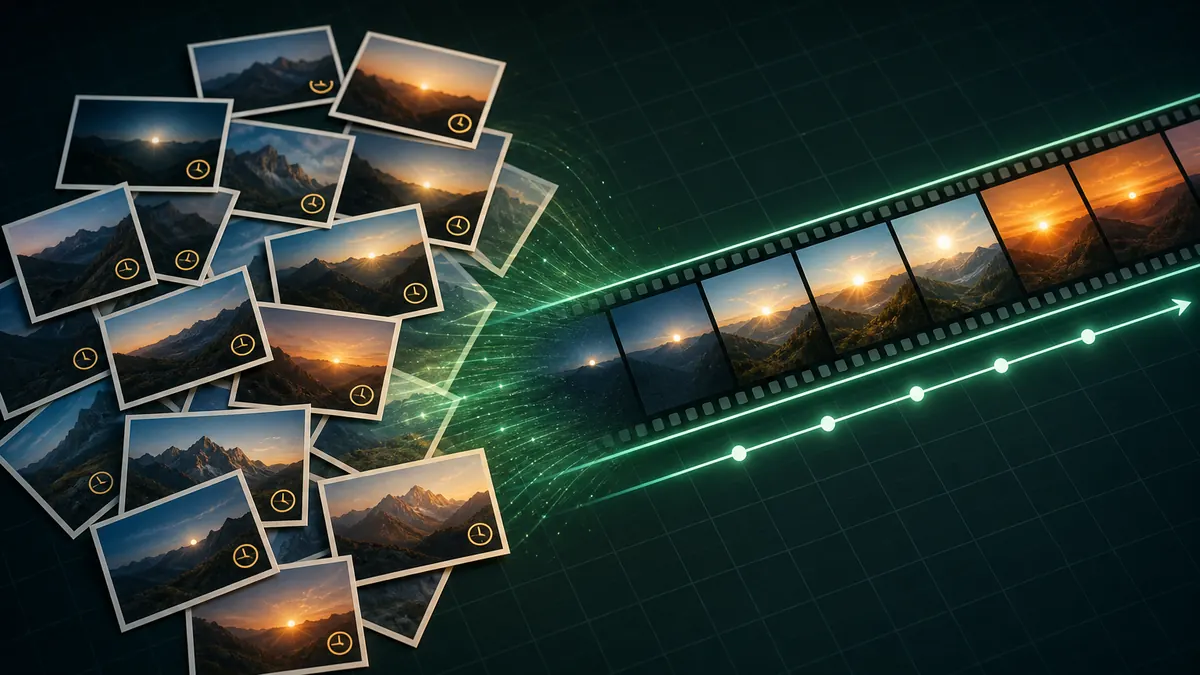
JPG from a DSLR, HEIC from an iPhone, PNG from a screen recorder. A timelapse video from an iPhone interval sequence works without converting HEIC first.
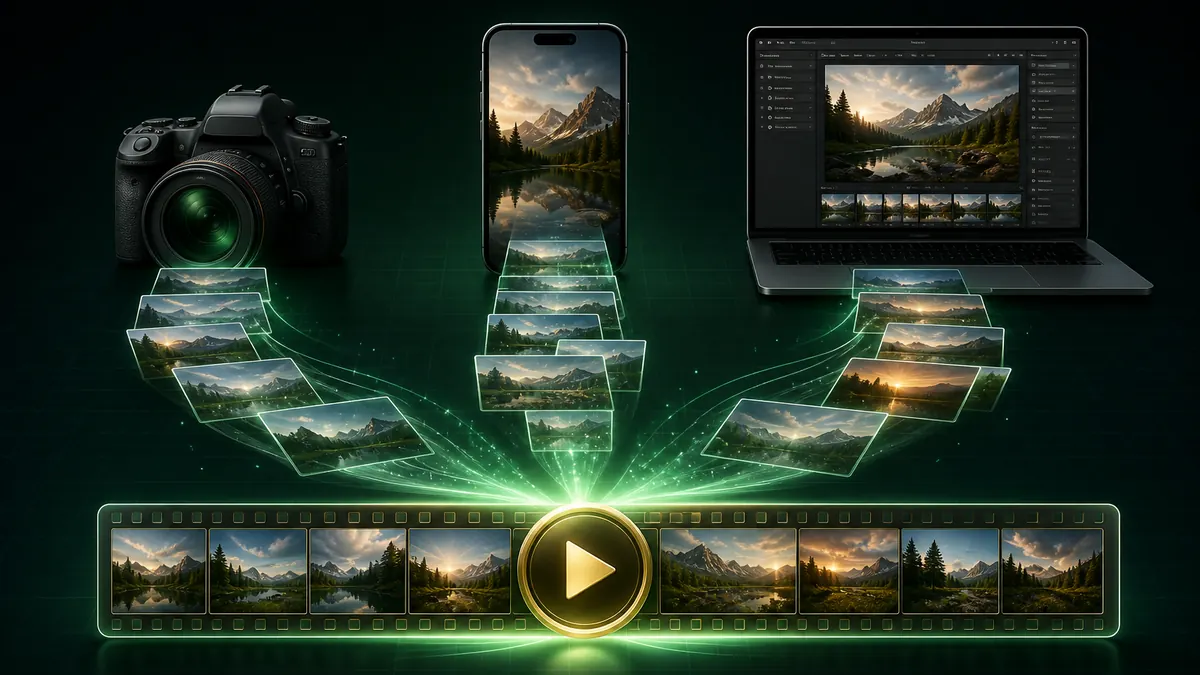
A full interval run is large. A timelapse maker that decodes and encodes on your own machine has no upload wait, no size cap and no copy left on a server.
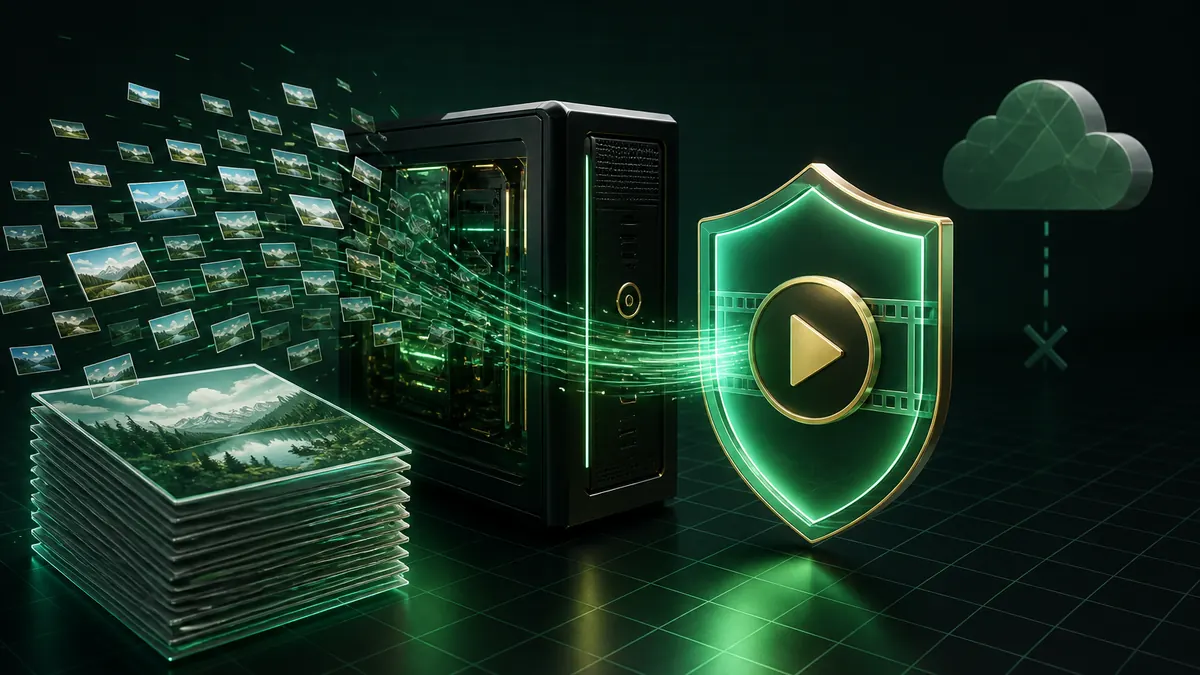
Sequences from interval shooting are often hundreds of megabytes. Keeping them local means no upload wait.
Add the whole run of interval shots. They are sorted by capture time read from EXIF, so the order is right without renaming anything.
Each frame defaults to 0.15 seconds, roughly 7 frames per second. Drag the slider down for a faster, more dramatic timelapse or up for a gentler one.
Pick an aspect ratio and how frames fill it. Crop to fill is the usual choice for a sequence shot on one camera.
Export at 1080p or 4K, 24 to 60 fps. No upload, no account, no watermark.
Add your interval sequence above, set how long each frame stays on screen, pick an aspect ratio and resolution, then export. The timelapse maker encodes in your browser and downloads straight to your device.
0.15 seconds per frame is about 7 frames per second, which reads as a classic timelapse video. Drop to 0.04 seconds for a fast, dramatic result, or raise it towards 0.5 seconds when each frame carries detail you want people to see.
Yes. Capture time is read from EXIF and used to sort, so the sequence is correct even when filenames are not. You can also sort by filename or reverse the whole run.
Up to 80 at a time. For longer runs, export in batches and join them, or raise the per-frame duration so fewer frames cover the same span.
Yes. HEIC from an iPhone is decoded locally, and JPG sequences from drones or action cameras work directly.
No. Every frame is decoded, composed and encoded on your own device, which is why a multi-gigabyte sequence has no size limit here.
No registration, no watermark, and no file size limits.
Every frame is encoded on your own device.
100% Free Timelapse Maker • Browser Local Processing