
Insights
Best Jpg to MP4 Tools in 2026: 3 Free Options and 1 Paid AI Upgrade
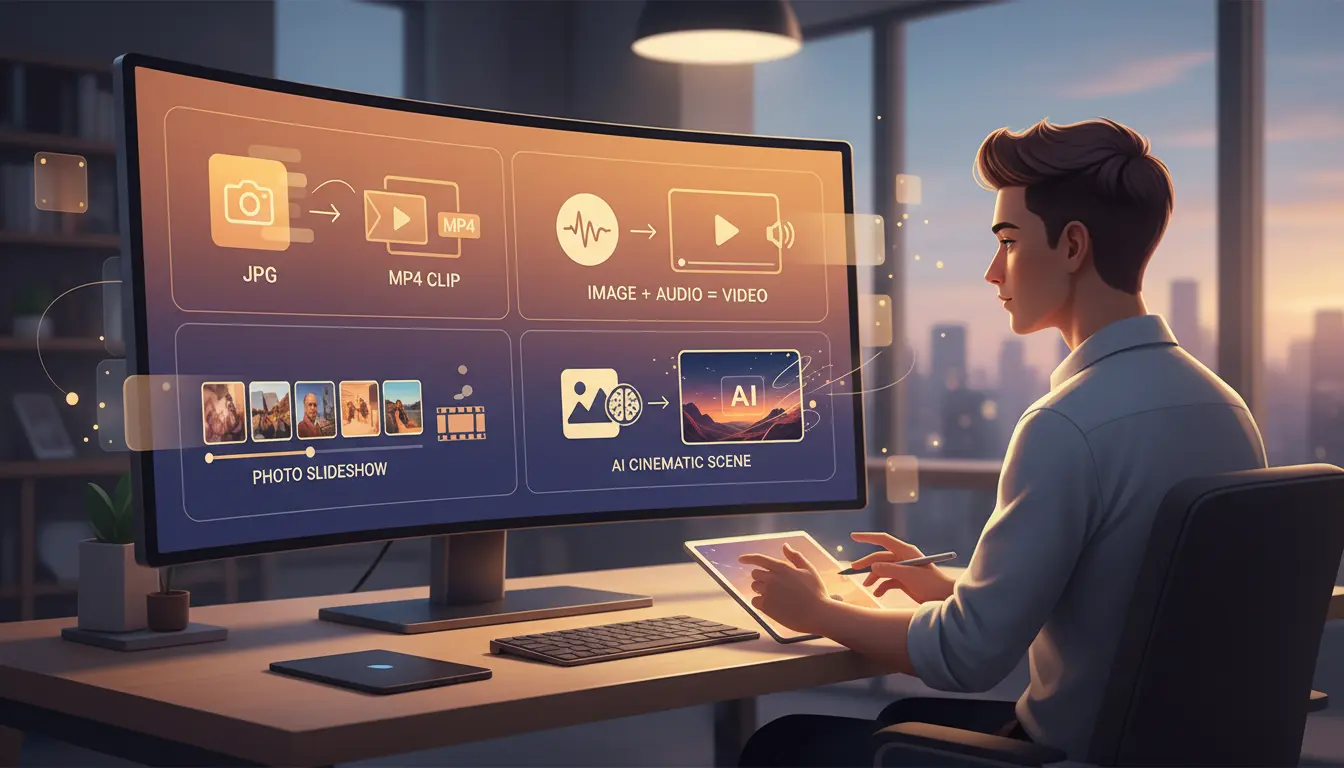
If you are searching for the best Jpg to mp4 workflow, you are usually trying to solve one of four different jobs: turn one still image into a video file, combine a cover image with audio, stitch multiple photos into a slideshow, or animate a still image with AI. The problem is that many articles treat every image-to-video use case as if it were the same.
It is not. A creator uploading to TikTok has different needs from a podcaster publishing to YouTube, and both are different from a marketer who wants a cinematic ad. This guide compares the three free browser-based tools on JpgToMp4 with the homepage's paid AI workflow, so you can choose the right Jpg to mp4 path for the job instead of forcing the wrong tool to do everything.
Quick links
- Single Image Converter
- Image + Audio to Video
- Slideshow Maker
- JpgToMp4 AI Video Generator
- JpgToMp4 Pricing
What people really mean when they search for Jpg to mp4
A good Jpg to mp4 page should match search intent, not just contain the keyword. In practice, there are four common intents:
- A creator needs a single image wrapped in MP4 because a platform only accepts video uploads.
- A podcaster or musician needs a cover image plus audio exported as one MP4.
- A marketer wants several photos turned into a slideshow for reels, ads, or product demos.
- A creator wants real motion, camera movement, and AI animation from a still image.
That distinction matters because the best free Jpg to mp4 tool for format compliance is not the same as the best paid upgrade for storytelling, advertising, or commercial production.
How we evaluated each Jpg to mp4 tool
To make this comparison useful in real-world workflows, we focused on the factors that actually change outcomes:
- Workflow fit: Does the tool match the job you are trying to do?
- Privacy: Is the file handled locally in the browser or sent to a server?
- Speed: How fast can you get from upload to downloadable MP4?
- Media flexibility: Can the tool support audio, multiple photos, or true motion?
- Upgrade path: If the basic workflow stops being enough, is there a natural next step?
All three free tools on JpgToMp4 are strong because they solve specific problems without forcing account creation. They run in the browser, remove friction, and give users a clear path forward when a simple export is all they need.
1. Free JPG to MP4 Converter
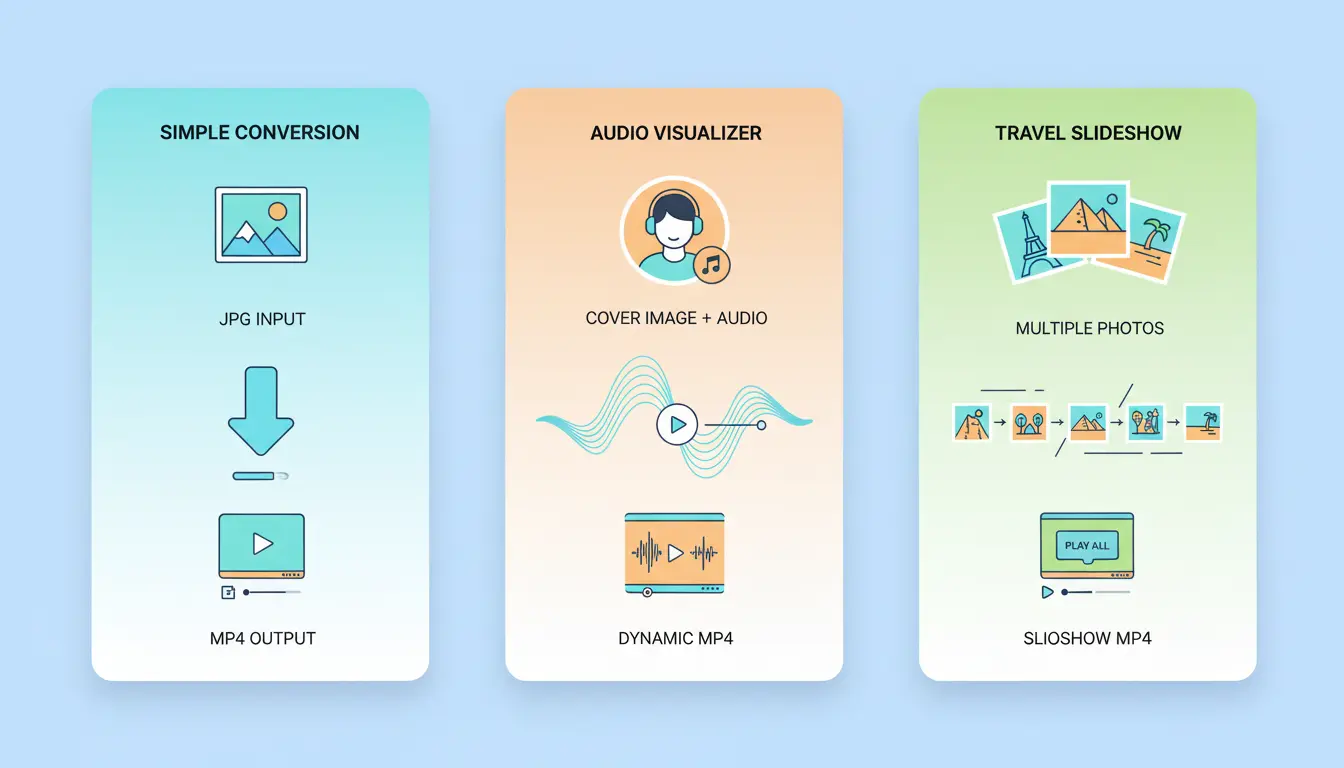
The Free JPG to MP4 Converter is the cleanest option when your Jpg to mp4 need is simple: one image, one MP4 file, no animation, no watermark, and no sign-up. It is ideal for TikTok uploads, Instagram Reels placeholders, ad platform requirements, and any system that accepts video but not still images.
What makes this tool effective is its simplicity. You upload a JPG, choose duration and resolution, and export an H.264 MP4 directly in the browser. That means it is also a smart choice for privacy-sensitive work because the source image stays on your device.
Best for:
- Social platforms that reject image uploads
- Quick one-image video exports
- Users who want a free image-to-video tool with no account barrier
Limitations:
- The image remains static
- There is no soundtrack
- It does not support multi-image storytelling
- It does not create AI motion
If your goal is format compliance, this is the best free starting point on the site.
2. Image + Audio to Video
The Image + Audio to Video page is the right Jpg to mp4 workflow when you already have audio. Instead of converting only a still frame, it lets you pair a cover image with MP3, WAV, or similar audio and export everything as one MP4 video.
This tool is especially useful for podcast episodes, music uploads, audiobooks, spoken-word content, and simple lyric-video style publishing. In those cases, the real need is not only conversion. The real need is synchronized image-plus-audio publishing for video-first platforms such as YouTube.
Best for:
- Podcast cover plus episode audio
- Album art plus a song
- Audiobooks and spoken-word uploads
- Longer MP4 outputs tied to audio length
Limitations:
- The visual layer is still static
- It is not a slideshow editor
- It is not an AI video generator
If audio is part of the brief, this is a better choice than the basic converter because it solves the publishing workflow instead of only the file-format problem.
3. Slideshow Maker
The Slideshow Maker is the best free Jpg to mp4 option when you have multiple images instead of one. It combines photos into a single MP4 with ordering, timing, aspect-ratio control, transitions, and optional background music.
This matters for creators making travel recaps, product highlights, before-and-after montages, wedding reels, portfolio teasers, or lightweight UGC ads. A single-image tool will feel restrictive here because the story lives across multiple frames, not one.
Best for:
- Multiple photos in one video
- Product and ecommerce highlights
- Event recaps and travel content
- Vertical and horizontal slideshow exports
Limitations:
- Motion is transition-based, not AI-generated
- Character consistency and camera direction are not part of the workflow
- Cinematic scenes still require a different level of tool
For multi-photo content, this is the free workflow that gives users the most control without leaving the browser.
Quick comparison table
| Tool | Best use case | Cost | Sign-up | Audio | Multiple images | Real motion |
|---|---|---|---|---|---|---|
| Single Image Converter | One still image to MP4 | Free | No | No | No | No |
| Image + Audio to Video | Cover image plus soundtrack | Free | No | Yes | No | No |
| Slideshow Maker | Multiple photos in one MP4 | Free | No | Optional | Yes | No |
| JpgToMp4 AI Video Generator | Cinematic AI image-to-video | Paid workflow with free daily credits | Yes | Model-dependent | Reference-image based | Yes |
Common publishing scenarios
- Use Free JPG to MP4 Converter when you need a fast export for a platform upload and the image can remain still.
- Use Image + Audio to Video when your workflow needs a cover image and a soundtrack in one file.
- Use Slideshow Maker when your project is really a story told through multiple photos.
- Use JpgToMp4 AI Video Generator when your goal is attention, motion, and higher-value creative output.
4. JpgToMp4 homepage AI Video Generator
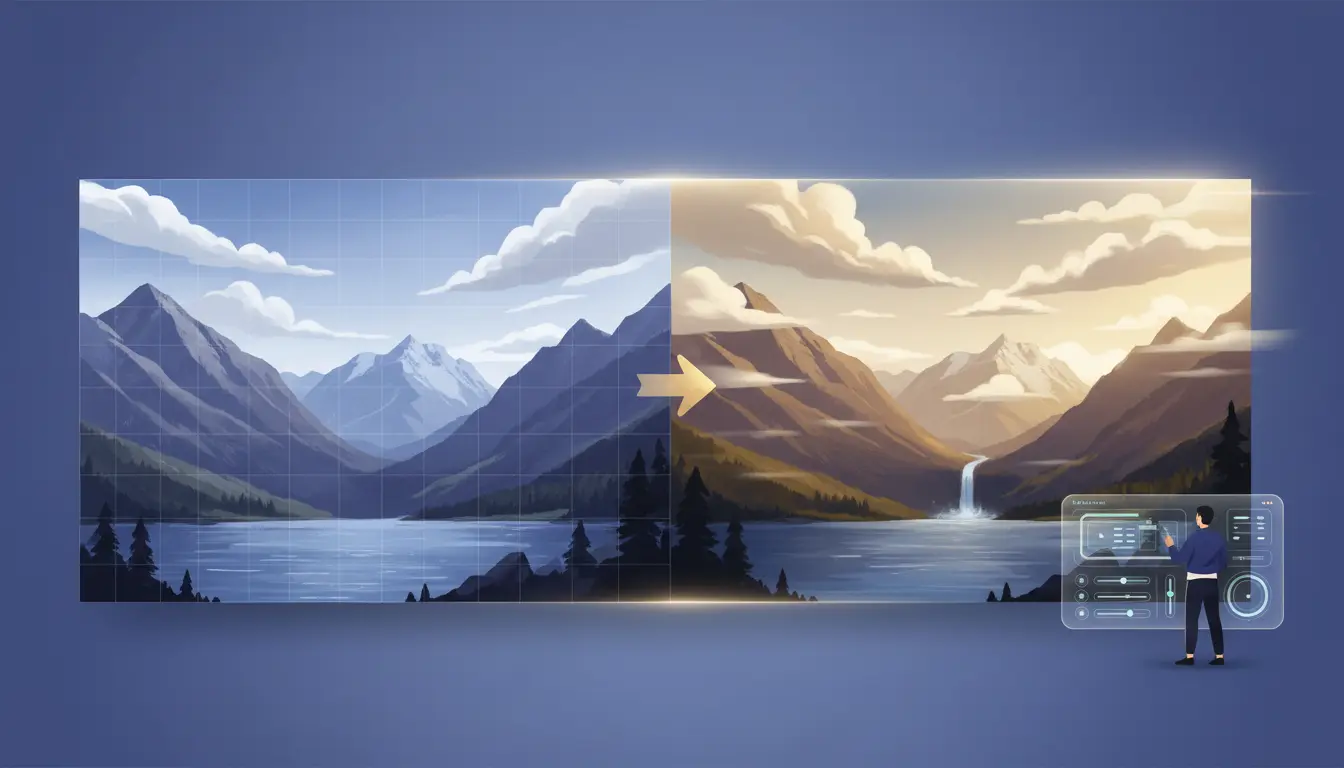
The JpgToMp4 AI Video Generator is the paid Jpg to mp4 tool in this stack, and it exists for a different reason: not to wrap an image in a video container, but to create actual movement. This is where a still landscape can gain camera motion, a portrait can pick up subtle animation, and a product photo can become a premium ad-style clip.
The upgrade is meaningful because this paid workflow uses advanced AI video models such as Veo 3.1 Fast and Veo 3.1. Instead of only choosing duration or transitions, you can guide the result with prompts, choose model behavior, and generate short cinematic clips built for social, brand, and client work.
What makes this tool different:
- It supports real AI image-to-video generation instead of static export.
- It gives you a central workstation rather than a single-purpose utility.
- It connects naturally to the pricing page when you need more volume or better access.
- Paid plans include commercial-use rights, while free plans do not.
The homepage workflow is still approachable because new users can start with daily free credits. Strategically, though, this is the best option when output quality, motion realism, prompt control, and monetizable usage matter more than zero-cost simplicity.
Which Jpg to mp4 tool should you choose?
Choose Free JPG to MP4 Converter if you only need a still image wrapped as video.
Choose Image + Audio to Video if your workflow must include a soundtrack or spoken audio.
Choose Slideshow Maker if your project involves multiple photos, sequencing, and lightweight storytelling.
Choose JpgToMp4 AI Video Generator if your goal is motion, stronger creative control, or commercial content production.
Final verdict
There is no single best Jpg to mp4 tool for every user. The right choice depends on whether you need compliance, audio, multi-image sequencing, or real AI motion. That is exactly why the JpgToMp4 stack works well: each page serves a distinct intent, and each free tool leads naturally toward a stronger paid workflow when the user outgrows basic export.
If you want a zero-friction starting point, begin with the Free JPG to MP4 Converter. If you already know static video is not enough, go straight to the AI Video Generator and review the pricing options before you scale.