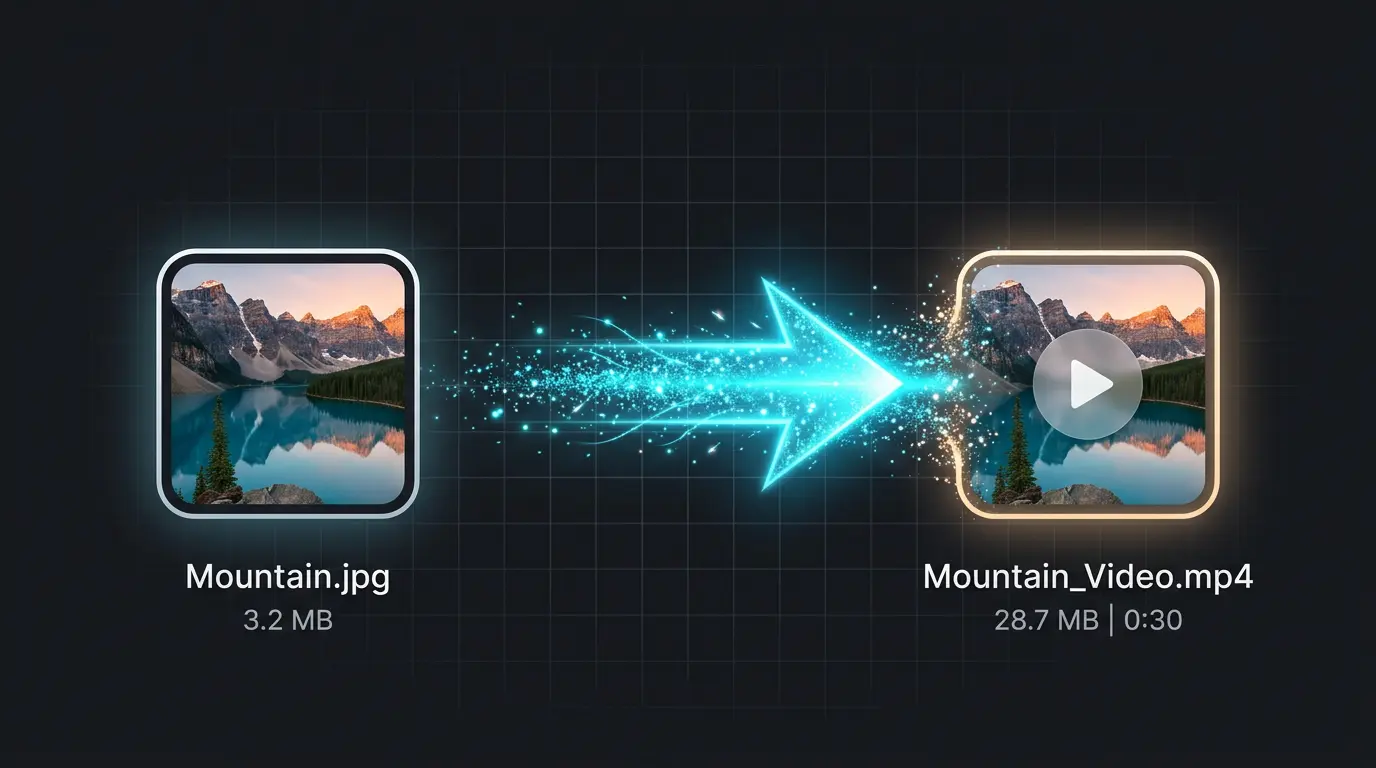
This free tool creates a format-compliant MP4 from a single JPG, PNG, or WebP image. Your file stays in the browser and is never uploaded to a server.
Duration
Resolution
Frame Rate
Output length: 3s at 30fps.
No software installation needed. Convert any JPG to MP4 directly in your browser, completely free.
Click or drag to upload any JPG, PNG, or WebP image. Your file stays in your browser - nothing is uploaded to any server.
Set the video duration, resolution, and frame rate for your JPG to MP4 conversion. Most platforms accept the default settings.
Click Convert and download your MP4 file in seconds. The converted JPG to MP4 video is ready to upload anywhere.
The converter above creates a still video. Our AI Video Generator adds real motion, camera movement, and cinematic effects to your images.
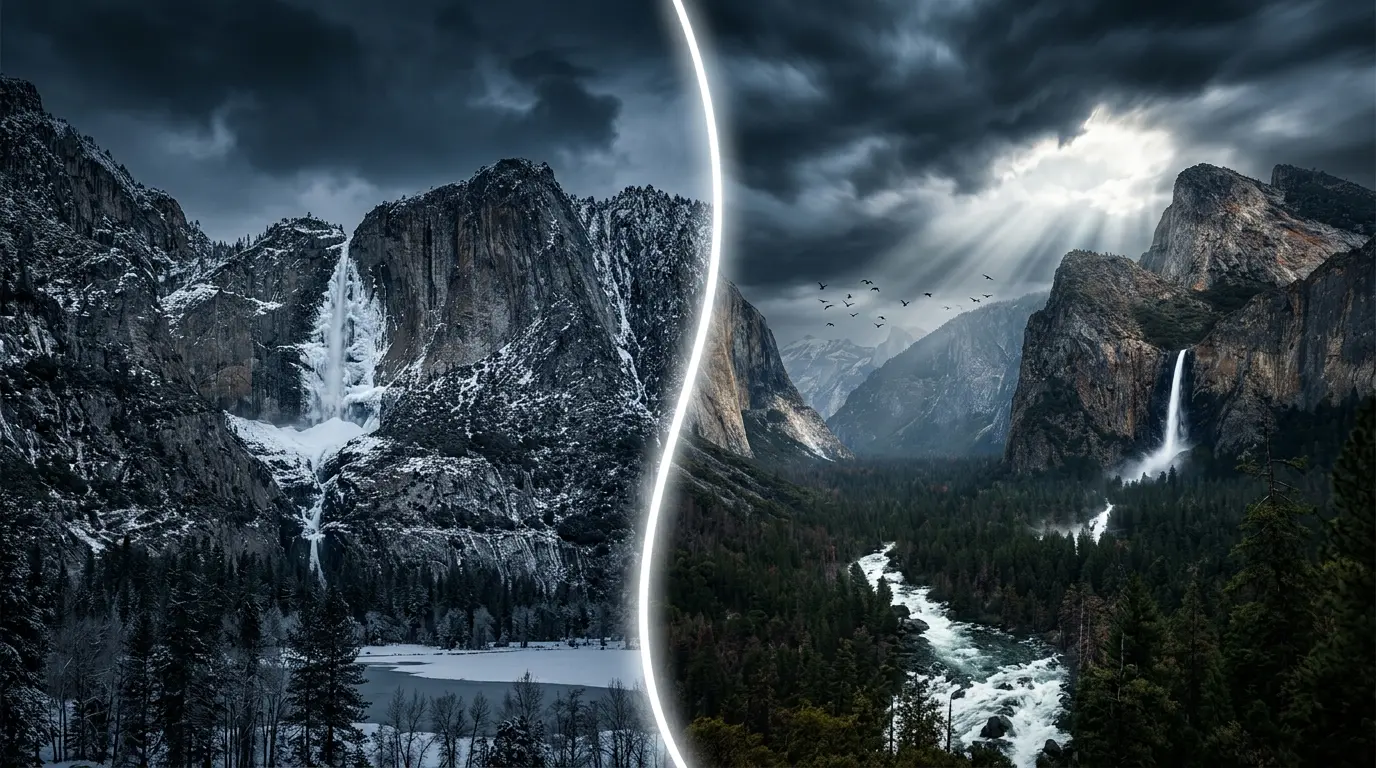
A still JPG to MP4 gets the job done for format compliance. But imagine your waterfall actually cascading, birds soaring across the sky, and clouds drifting - all generated from a single photo by AI. JpgToMp4's AI Video Generator makes your static images breathe with cinematic life.
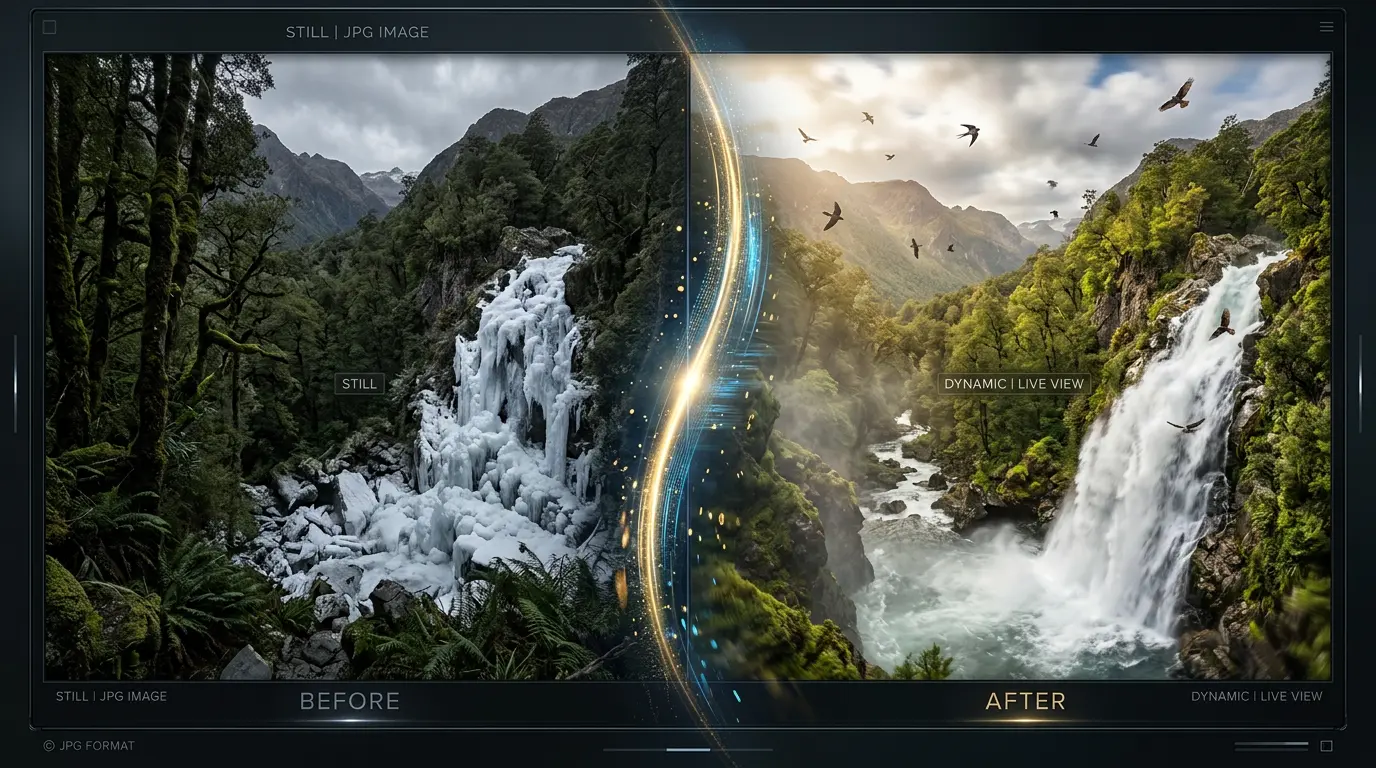
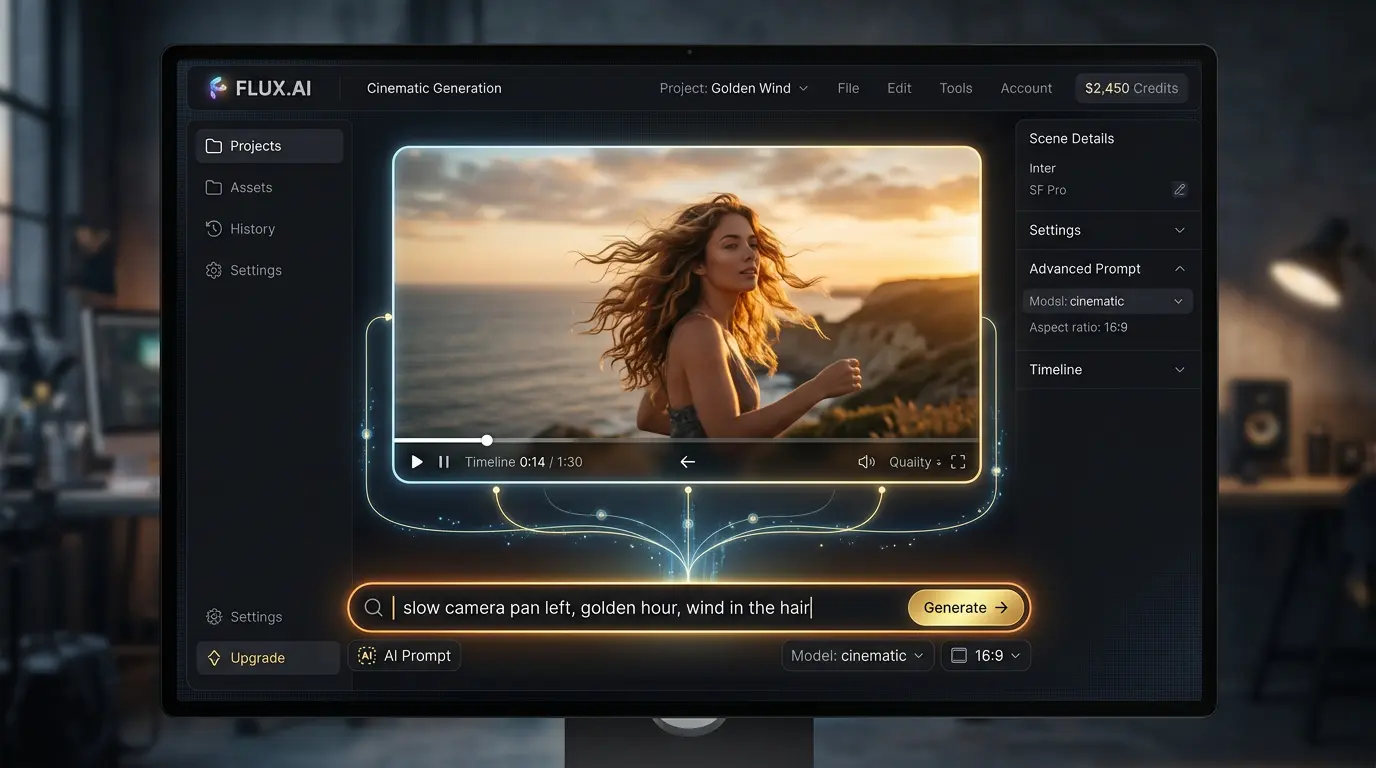
Tell the AI exactly what you want: 'slow pan left, golden hour lighting, gentle wind blowing through hair.' JpgToMp4 gives you Hollywood-level camera control over your JPG to MP4 conversions - no timeline editing, no keyframes, just words.
Beyond basic JPG to MP4 conversion - explore AI-powered tools and free utilities for all your content needs.
Transform any JPG into a cinematic MP4 video with AI-powered motion, camera control, and visual effects. Powered by Veo 3.1.
Create stunning images from text descriptions. Generate photorealistic photos, illustrations, and artwork with top-tier AI models.
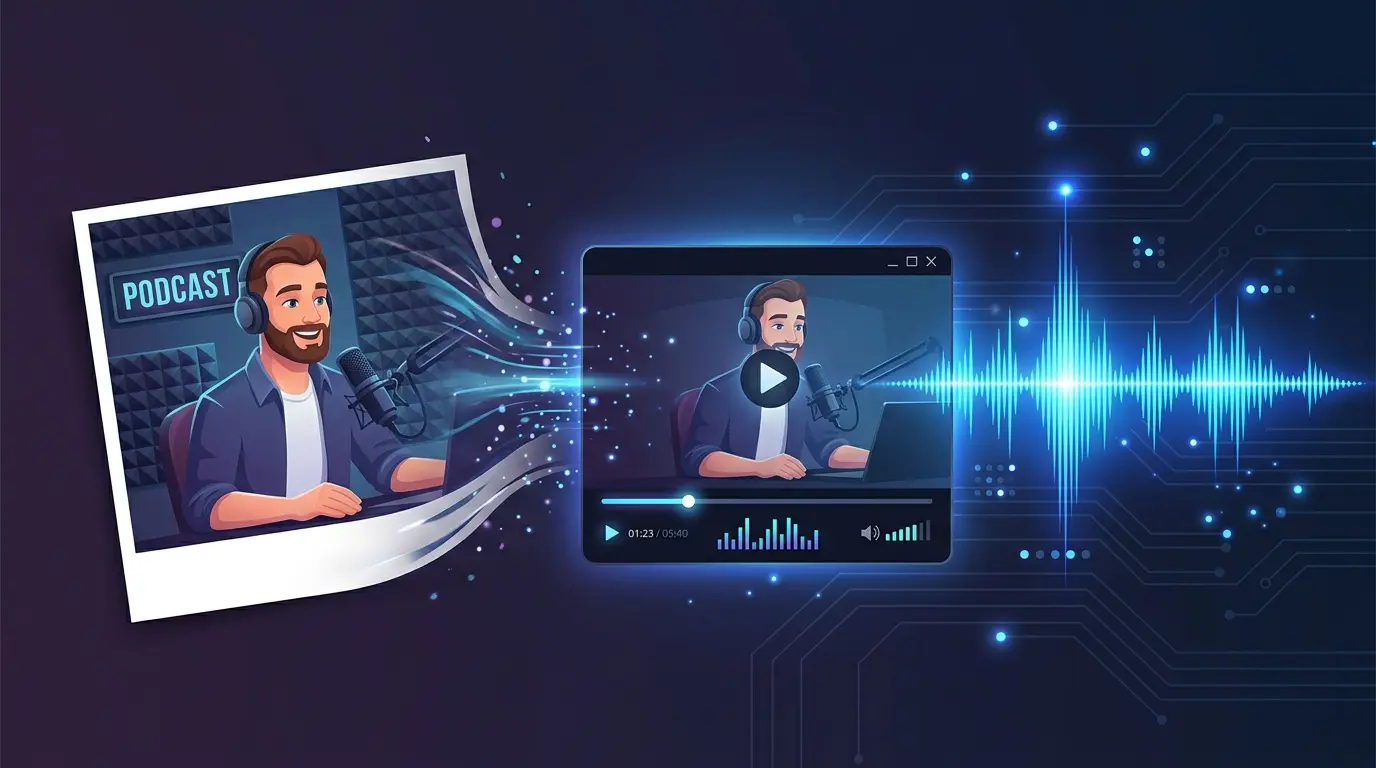
Combine a JPG cover image with an MP3 audio file into an MP4 video. Perfect for podcasts, music, and audiobooks. Free and private.
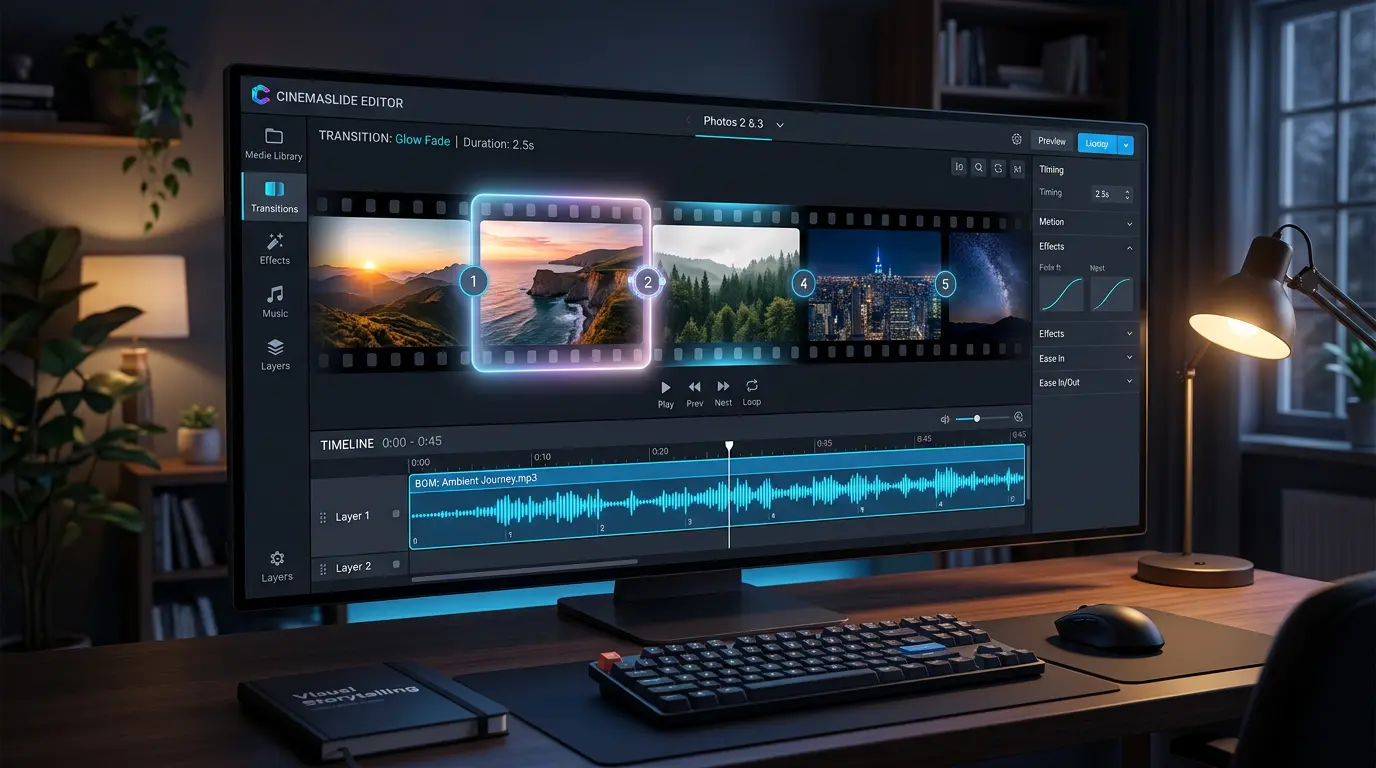
Turn multiple JPG photos into a slideshow MP4 video with transitions and background music. No software download needed.
Common questions about converting JPG to MP4 - both the free tool and AI-powered generation.
Yes, 100% free with no limitations. This tool runs entirely in your browser using your device's processing power. No sign-up, no watermarks, and no server upload.
No. All JPG to MP4 conversion happens locally in your browser. Your images never leave your device, ensuring complete privacy.
You can convert JPG, JPEG, PNG, and WebP images to MP4 video. All common image formats are supported.
This basic converter creates a static video - the image stays still for the duration you set. If you want AI-powered motion and animation, try our AI Video Generator which can bring any JPG to life with cinematic movement.
You can choose from the original image resolution, 1080p, 720p, or 480p. The output MP4 is always high-quality with H.264 encoding.
Yes. Our JPG to MP4 converter works on modern browsers including Chrome, Safari, Firefox, and Edge on both desktop and mobile devices.
This free converter creates a static MP4 from your image - the picture does not move. Our AI Video Generator uses models like Veo 3.1 to add real motion, camera movements, and cinematic effects to your image.
Scroll up and click 'Try AI Video Generator' - or go to our homepage and use the AI Video Generator tool. Sign up for free daily credits to test it.
Free daily credits - Veo 3.1 - Commercial license included