Please select a model to get started
Please select a model to get started
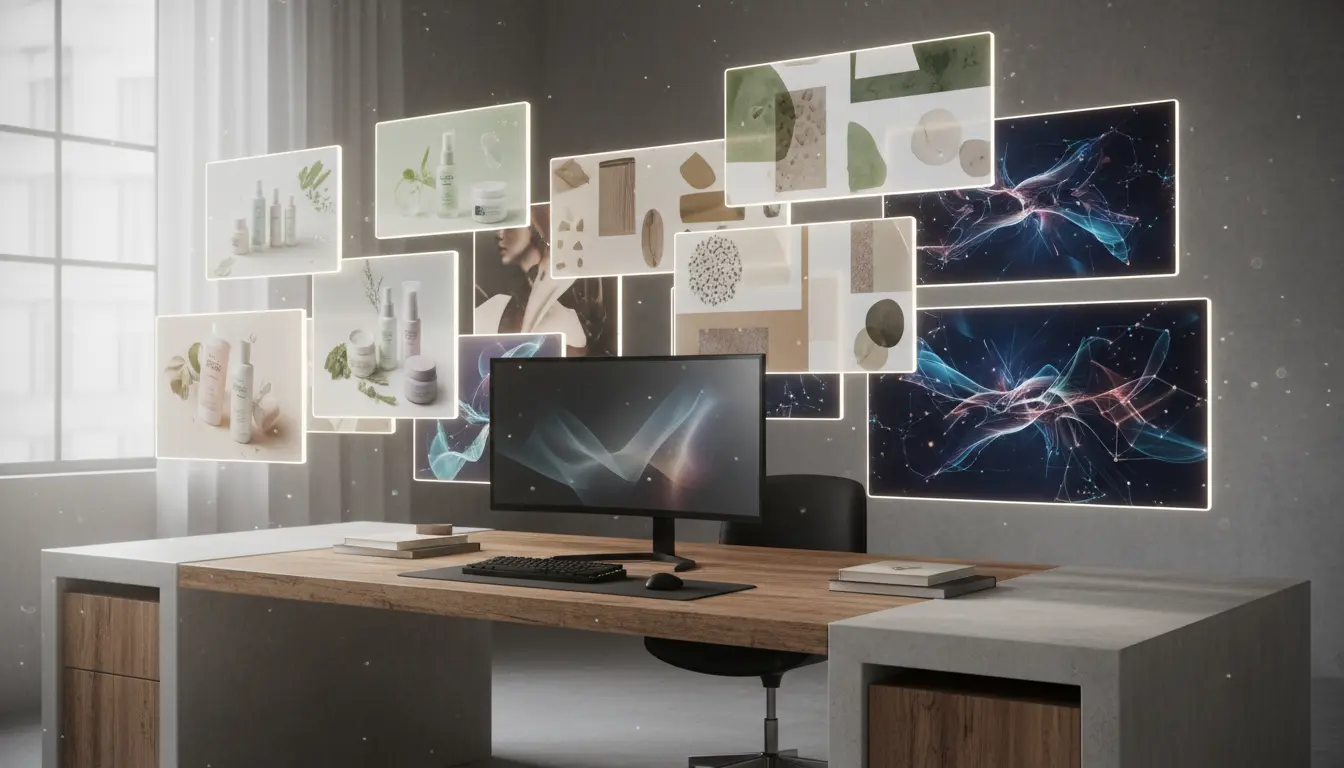
The value is not only raw image output. The real value is faster direction-setting, cleaner handoffs, and reusable source art for editing, ads, and motion.
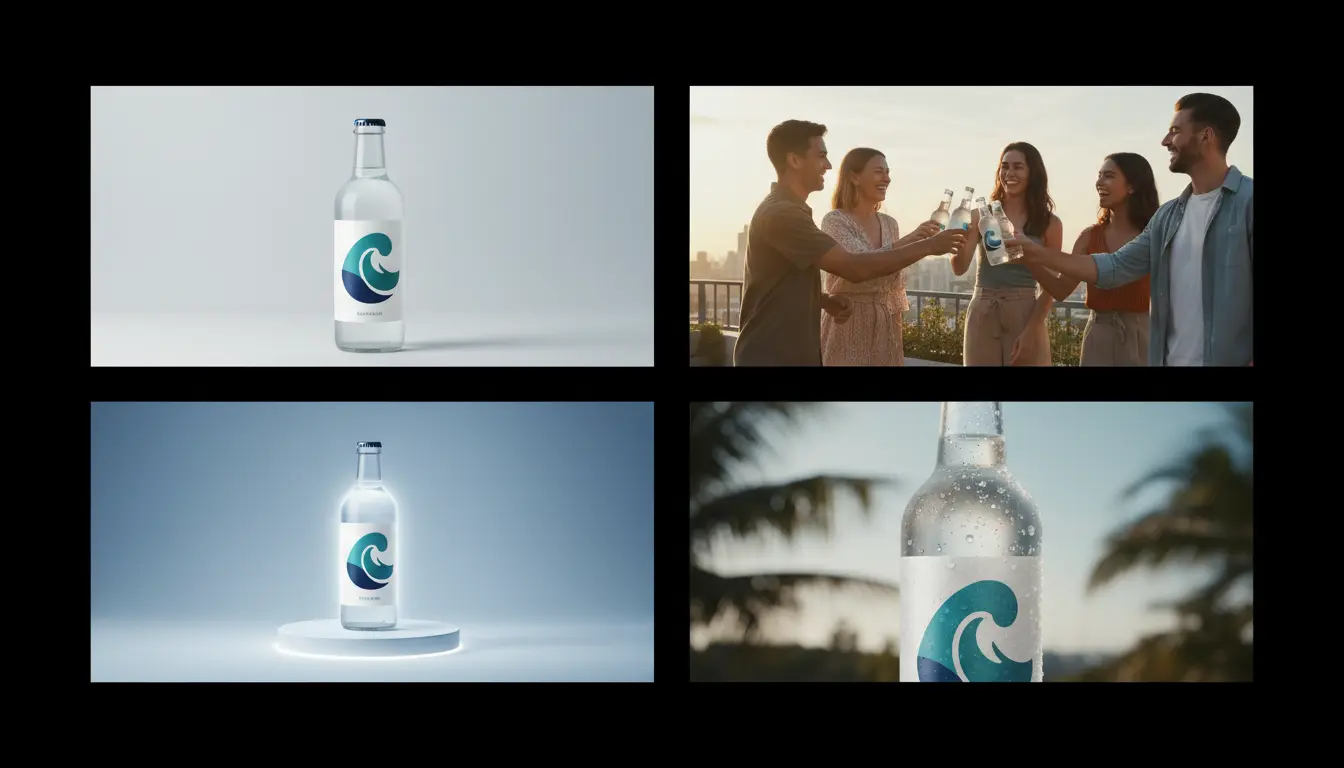
A good prompt can produce lifestyle scenes, product close-ups, and mood-rich concept art in minutes. That lets marketers, founders, and designers compare visual territory early, align faster, and move the strongest direction into approval instead of debating abstract ideas.
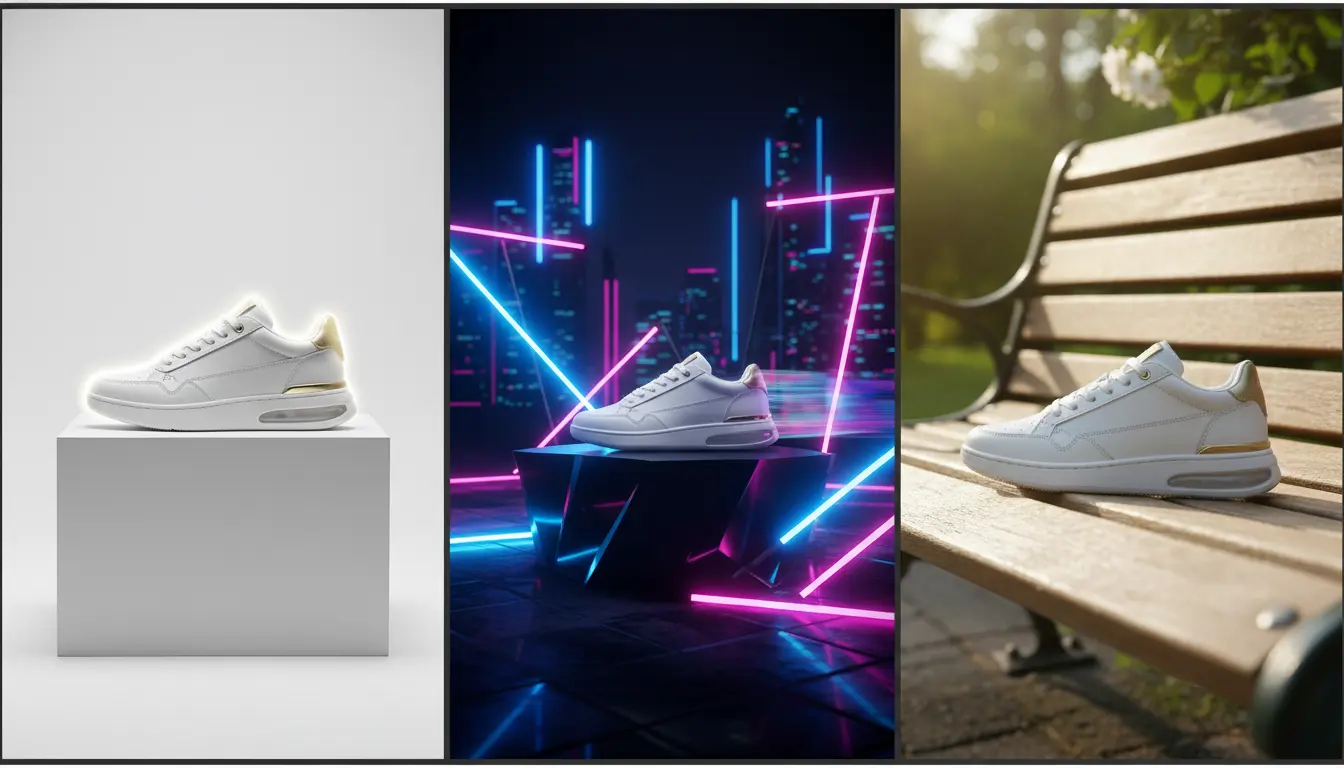
An AI Image Generator becomes much more valuable when the output can move into retouching, background changes, upscaling, and video storyboards. Instead of treating each image as a dead end, you create assets that can keep earning value across the whole workflow.
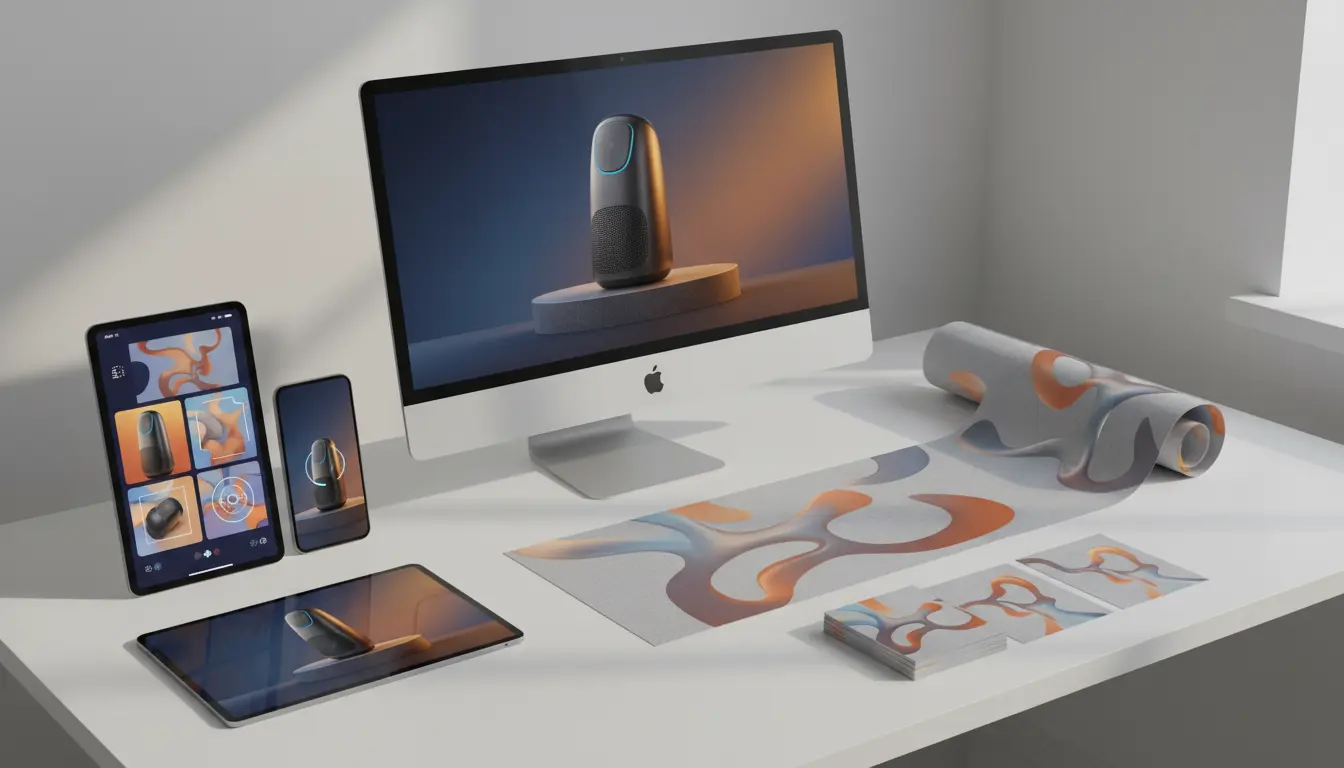
A strong AI Image Generator is more useful when it feeds editing, motion, and delivery instead of stopping at the first draft.
When one concept is clearly right but still needs layout cleanup, product polish, or a new scene, move directly into AI Image Editor and keep the same visual direction.
Use your favorite still frame as a starting point for short ads, cinematic cutaways, and story-driven video prompts that stay visually consistent.
If the composition already works and the image only needs more usable detail, move the best output into Upscale Image for cleaner zooms and higher-confidence exports.
Learn how to shape prompts, choose ratios, and connect generated images to editing and campaign production without slowing the team down.
This workflow is built for marketers, ecommerce teams, creators, and product teams that need polished visuals fast, not endless prompt tinkering.
Start with the use case, not only the style. Ask for the subject, framing, mood, and output context you need, whether that is a landing page hero, product card, social creative, or launch teaser.
Look beyond the first attractive frame. Compare composition, brand fit, copy space, and crop flexibility so you choose the image that will survive real production needs.
Once the image is right, send it to editing for retouching, to video for motion, or to upscale for sharper delivery. The fastest workflow is the one that avoids unnecessary rework.
Common questions about prompt quality, model choice, and how to turn generated stills into production-ready assets.
You can create product scenes, hero visuals, lifestyle concepts, launch artwork, editorial-style images, and source frames for downstream editing or video work.
Start broad enough to compare direction, then narrow quickly once you see what matches the brand and the placement. That usually saves more time than over-polishing a weak concept.
Pick the ratio closest to the final placement. A landing page hero, ad card, and story placement all reward different framing, so matching the destination early helps.
Yes. You can move a strong output into AI Image Editor for background changes, cleanup, canvas expansion, or other placement-specific refinements.
Use it when the still frame already captures the right scene or subject and you want motion, camera feel, or ad-ready storytelling without rebuilding the concept from scratch.
Sometimes. If the composition is approved but the final file needs cleaner detail for zoom, print, or presentation use, upscaling is the natural next step.
Fast concepting - Better visual direction - Strong source images for downstream tools