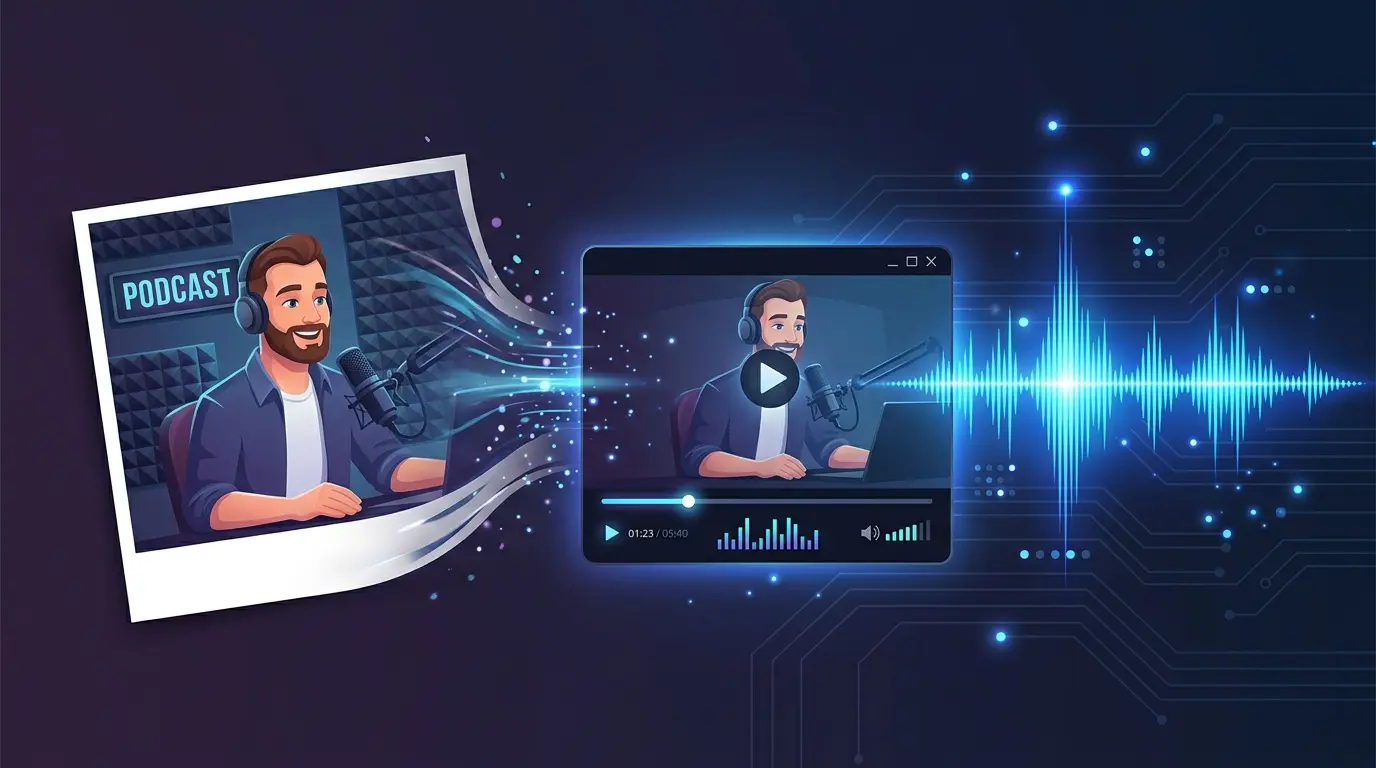
Perfect for podcasts, music uploads, and audiobooks. Your cover image stays on screen while the MP4 length automatically matches your audio.
Resolution
Audio Fade
Encoding is handled locally on your device. Longer audio may take a bit more time.
Create a video from your cover art and audio in 3 simple steps. No software needed.
Upload the JPG, PNG, or WebP image that will be displayed throughout the video. This works great for podcast covers, album art, or any visual.
Upload your MP3, WAV, or M4A audio file. The video duration will automatically match your audio length. Supports large files, though longer audio takes more time.
Choose your resolution, add optional audio fades, and click Create. Your image plus audio MP4 video is ready to upload to YouTube, Spotify Video, or any platform.
A static cover gets the upload done. AI-powered video takes your audience engagement to the next level.
Your podcast or music video does not have to show a frozen image for 30 minutes. With JpgToMp4's AI Video Generator, turn your album art into a mesmerizing animated visual with floating particles, shifting colors, and subtle depth.
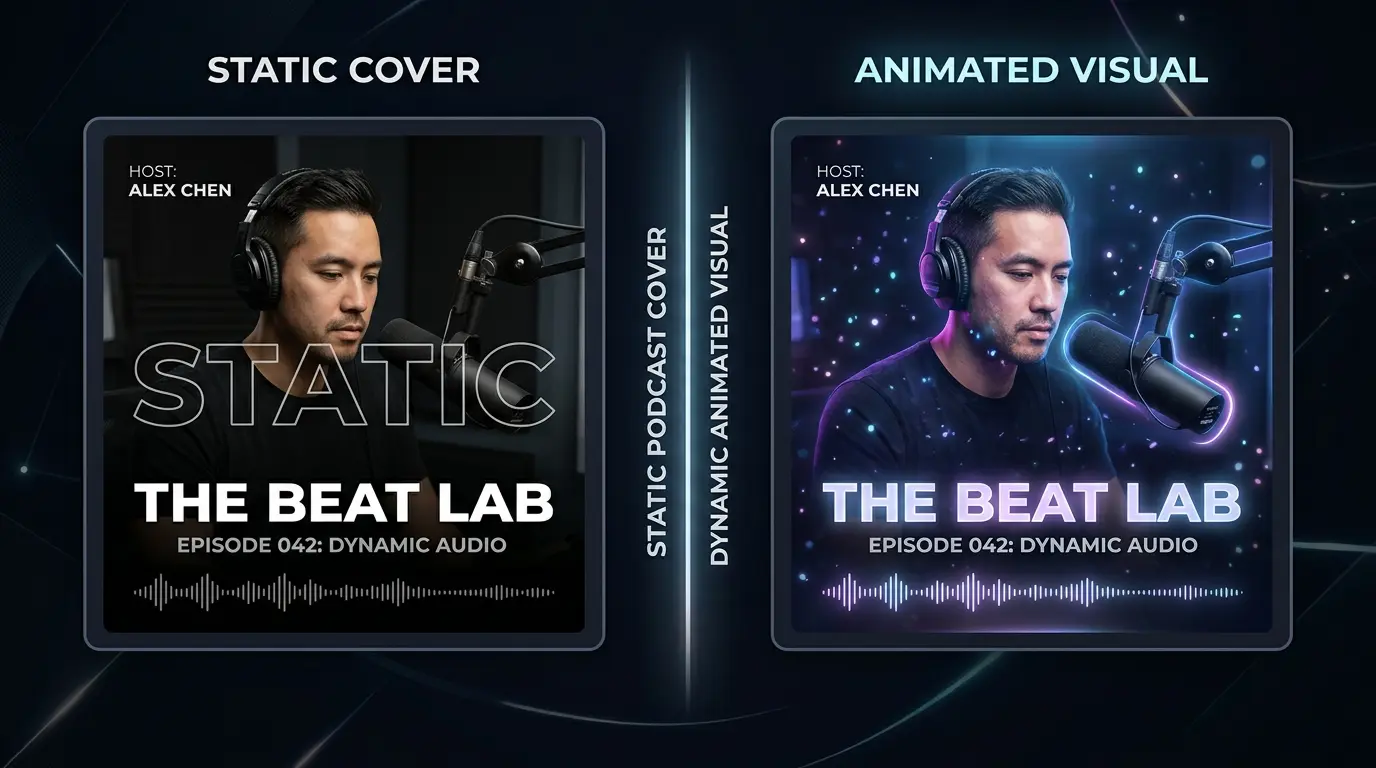
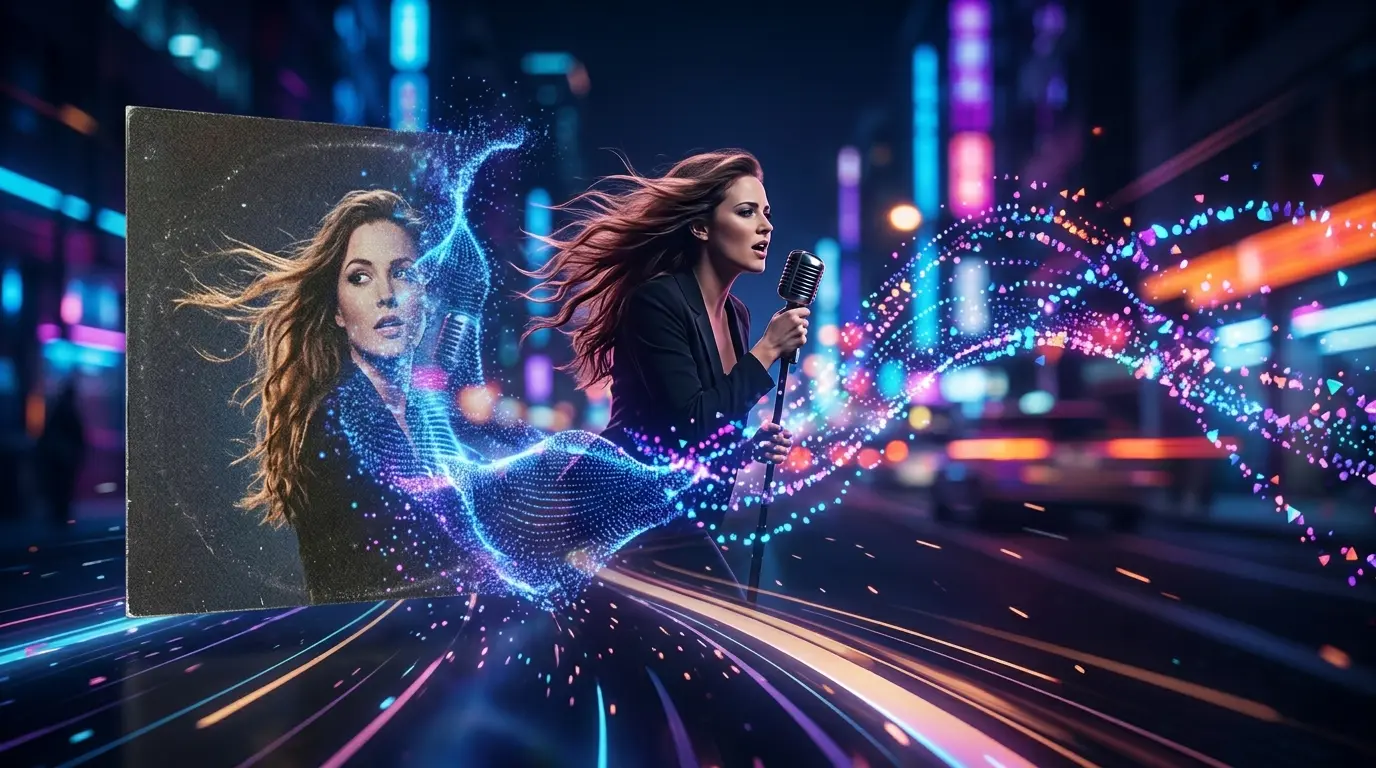
Upload your album cover or artist photo and let AI create a cinematic JPG to MP4 video that matches the mood of your music. From dreamy ambient scenes to high-energy motion graphics, AI generates visuals that feel intentional.
Beyond image plus audio merging - explore AI-powered tools and free utilities for all your content needs.
Transform any JPG into a cinematic MP4 video with AI-powered motion, camera control, and visual effects. Powered by Veo 3.1.
Create stunning cover art, thumbnails, and visuals from text descriptions. Perfect for album art and podcast branding.
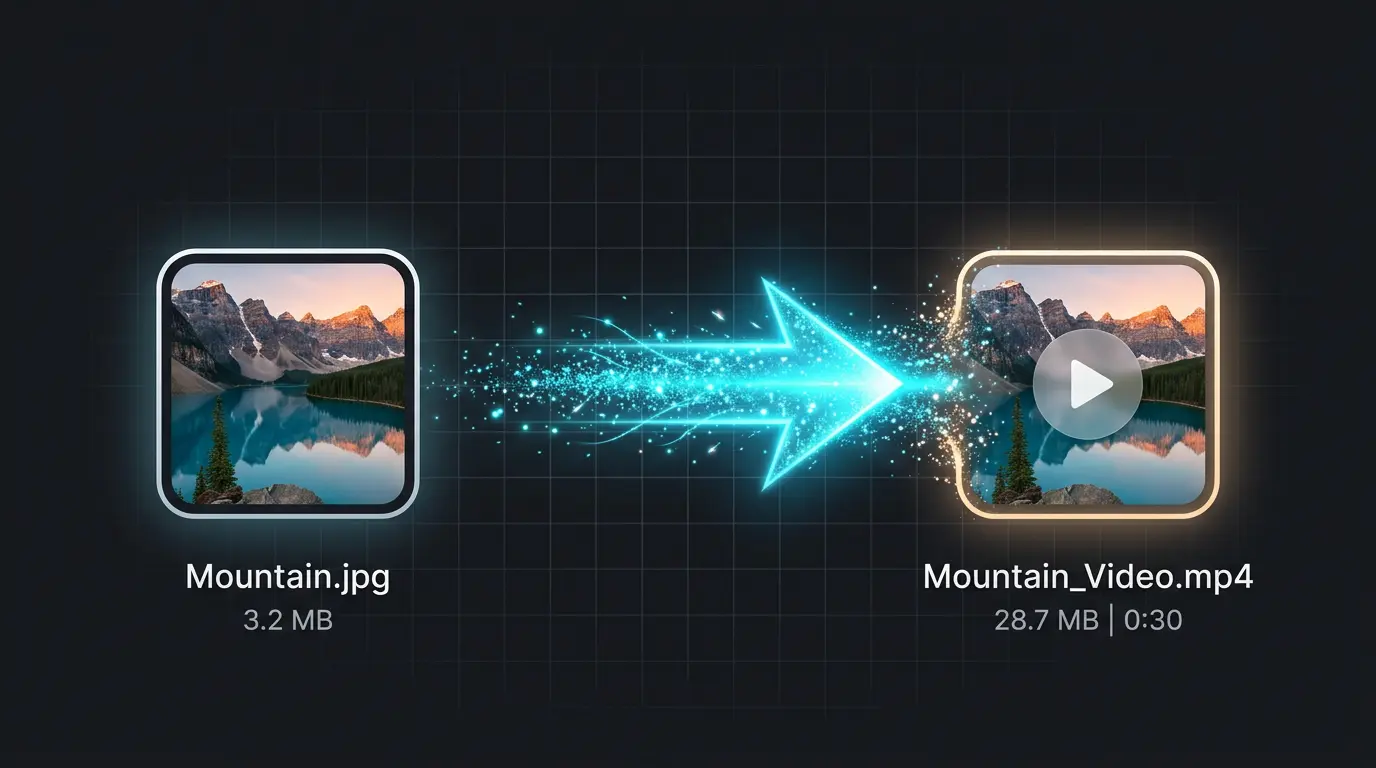
Need a quick format conversion? Turn any JPG into an MP4 video file in seconds. No audio, just image-to-video format compliance.
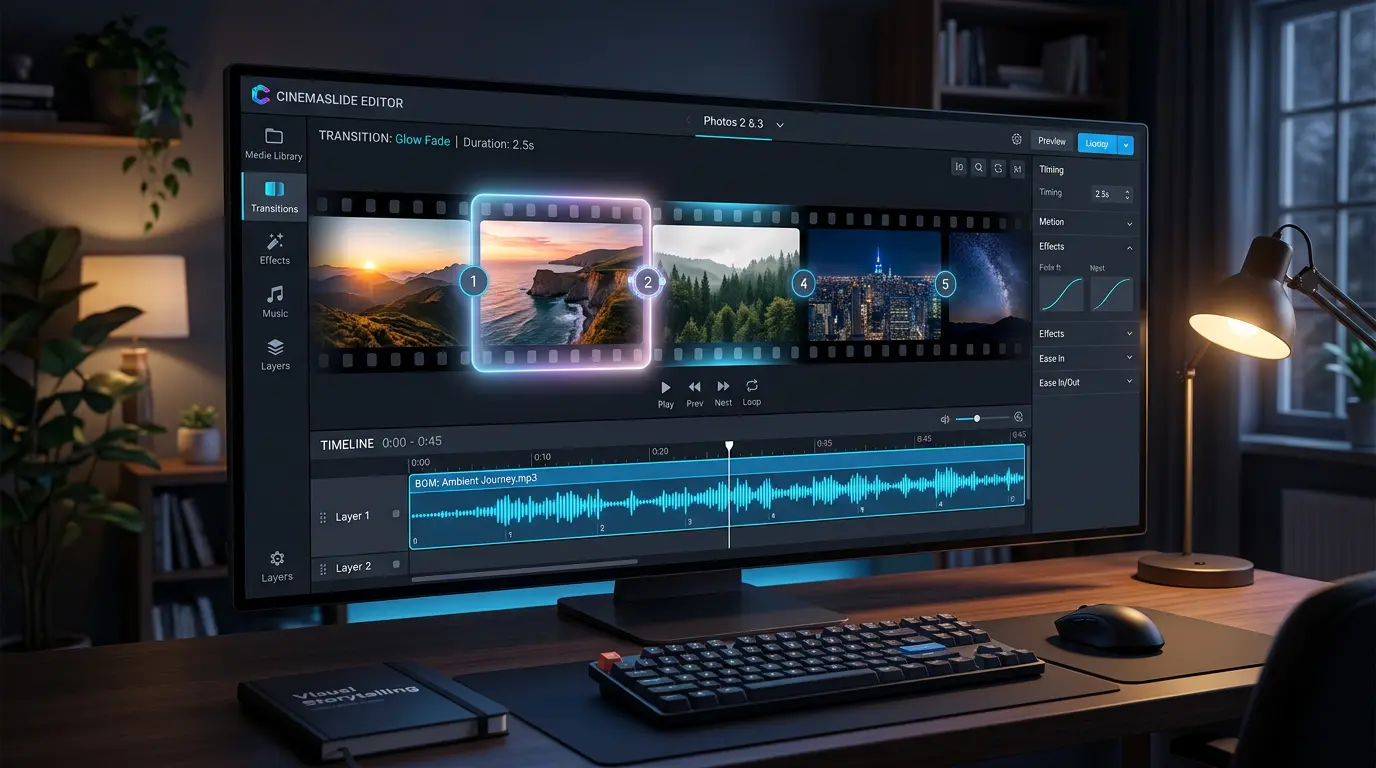
Combine multiple photos into a slideshow MP4 with transitions and background music. Great for visual stories.
Common questions about merging images and audio into MP4 videos.
Yes, completely free with no limitations. Your files are processed locally in your browser - nothing is uploaded to our servers.
We support MP3, WAV, OGG, M4A, and AAC audio formats. The output will always be an MP4 video with AAC audio encoding.
There is no hard limit, but longer files take more time to process in your browser. We recommend files under 30 minutes for the best experience.
Yes. You can enable audio fade-in or fade-out effects for a smoother start or finish.
Absolutely. Many podcasters use this tool to convert their JPG cover art and MP3 episodes into MP4 videos for YouTube. The output is platform-compatible and easy to upload.
Yes. All processing happens in your browser using FFmpeg.wasm. Your image and audio files never leave your device.
This tool creates a static-image video with your audio. If you want the cover image to actually move and animate, try our AI Video Generator - it uses advanced AI to convert any JPG to a cinematic MP4 with real motion.
Use our AI Video Generator on the homepage. Upload your album art as a JPG, describe the visual style you want, and AI will generate a cinematic video with motion.
Free daily credits - No credit card required