Upload 2 to 50 photos, reorder them, choose a transition style, and export a polished MP4 video right in your browser.
Photos
Duration Per Image
Transition
Transition Duration
Aspect Ratio
Resolution
Background Music
Add MP3, WAV, OGG, or M4A music to sit under the slideshow.
Images
0
Total Duration
0:00
Output Size
1920 x 1080
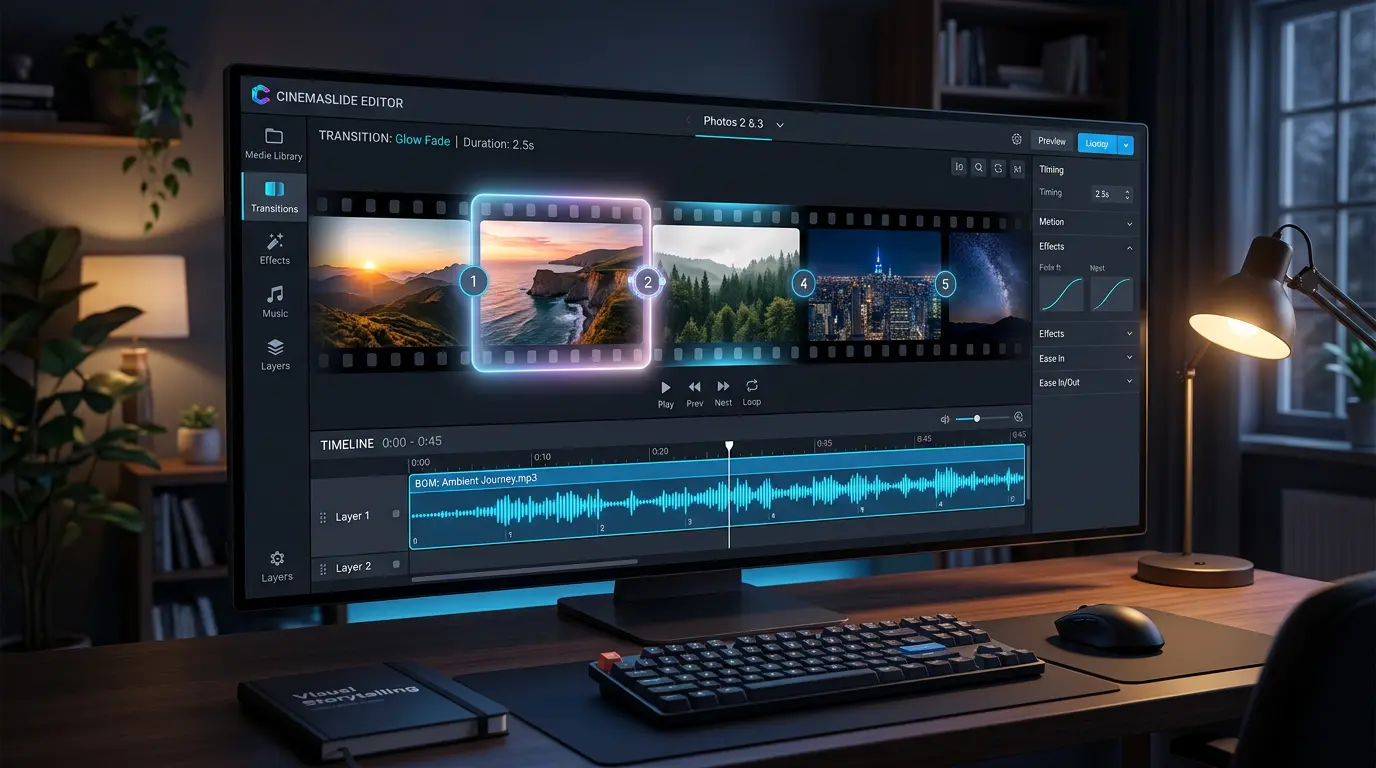
FFmpeg first turns each image into a clip, then stitches everything into one MP4 export.
No app download needed. Turn your JPG photos into a professional slideshow MP4 video right in your browser.
Upload 2 to 50 JPG, PNG, or WebP images. Drag and drop to arrange them in your preferred order.
Choose display duration per photo, transition effects, aspect ratio, and optionally add background music.
Click Create and download your slideshow as a high-quality MP4 video. Ready for YouTube, Instagram, TikTok, or any platform.
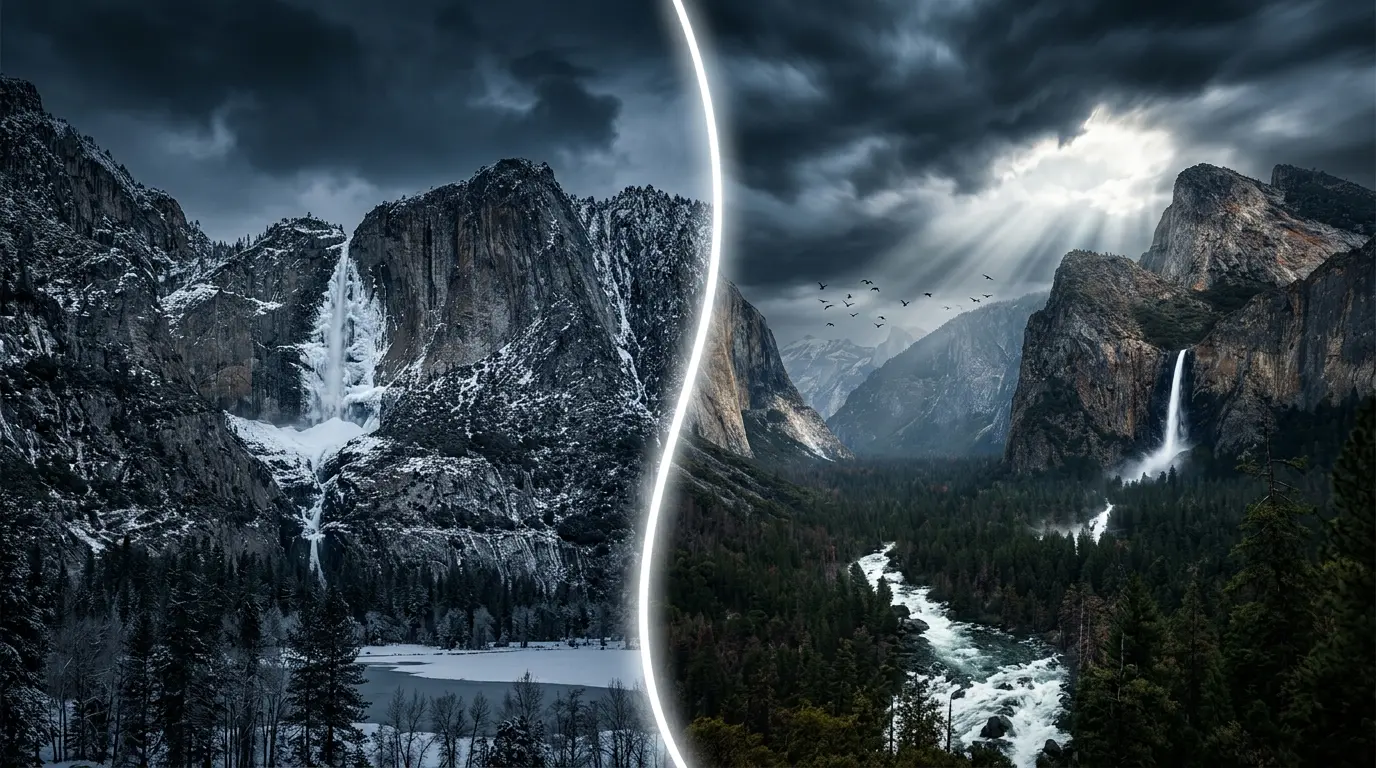
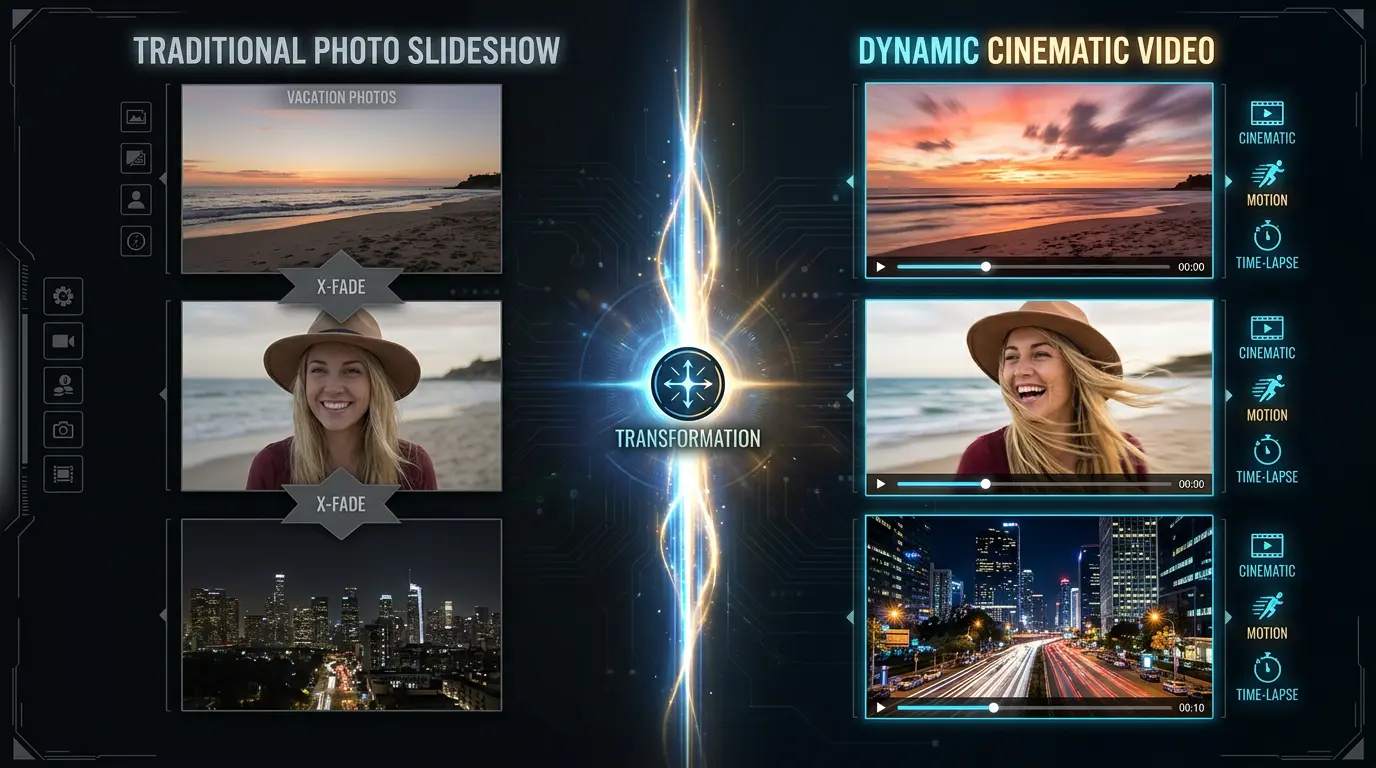
A traditional slideshow cycles through still images. AI can turn each one into a living, breathing cinematic moment.
Instead of static slides with crossfade, imagine each photo transforming into a 5-second cinematic clip - your vacation sunset becomes a time-lapse, your portrait comes alive with a gentle breeze, and your cityscape buzzes with moving traffic.
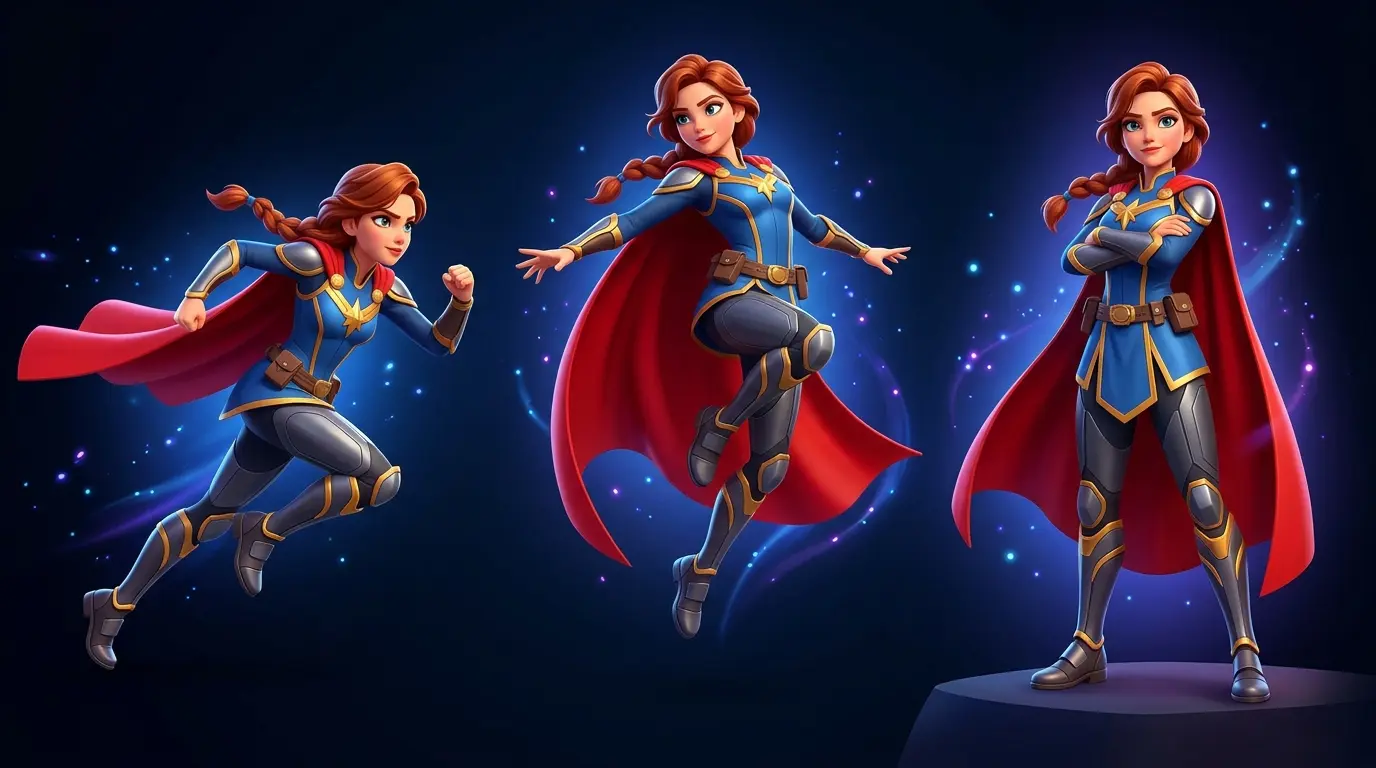
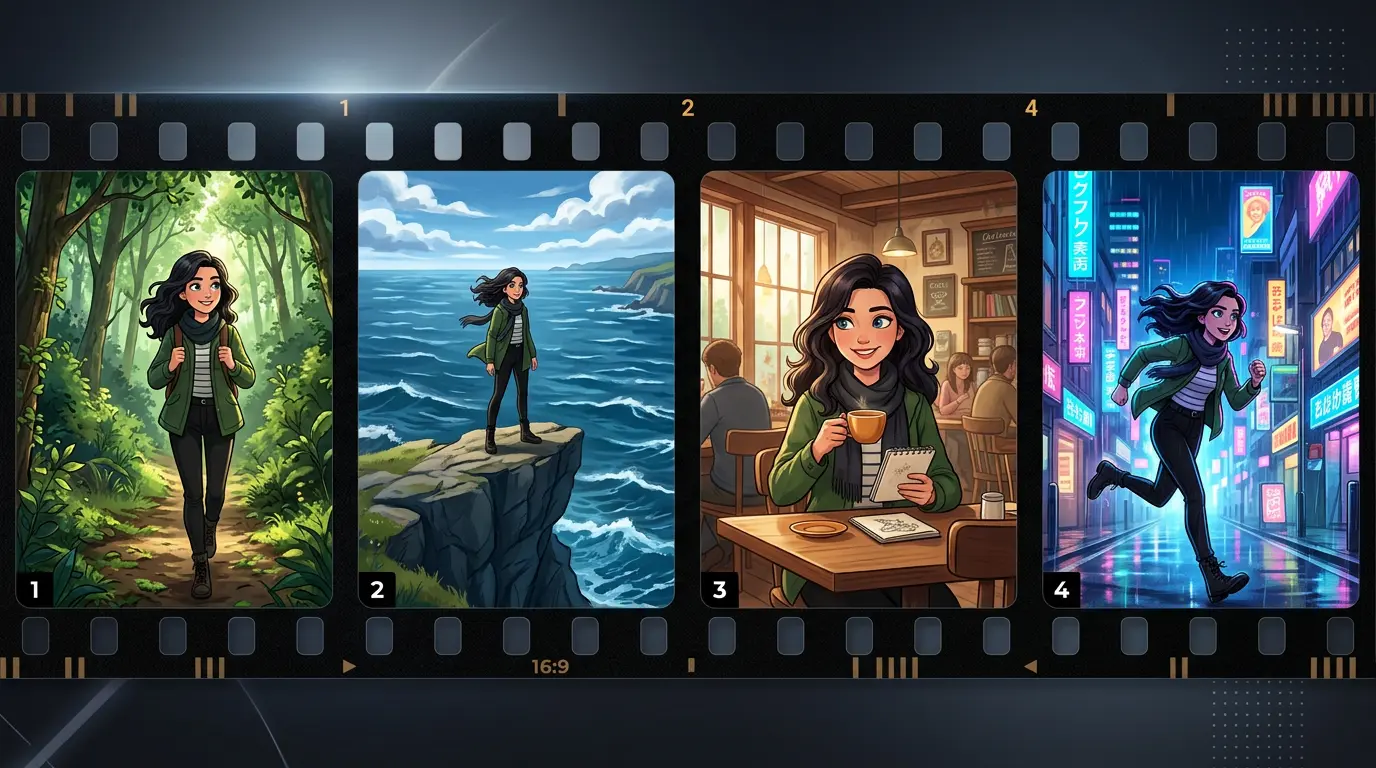
Building a visual narrative? AI maintains character identity across multiple JPG to MP4 conversions, so your hero looks the same in scene 1 and scene 20. Perfect for storyboards, social media series, and creative projects that need continuity.
Beyond slideshows - explore AI-powered tools and free utilities for all your content needs.
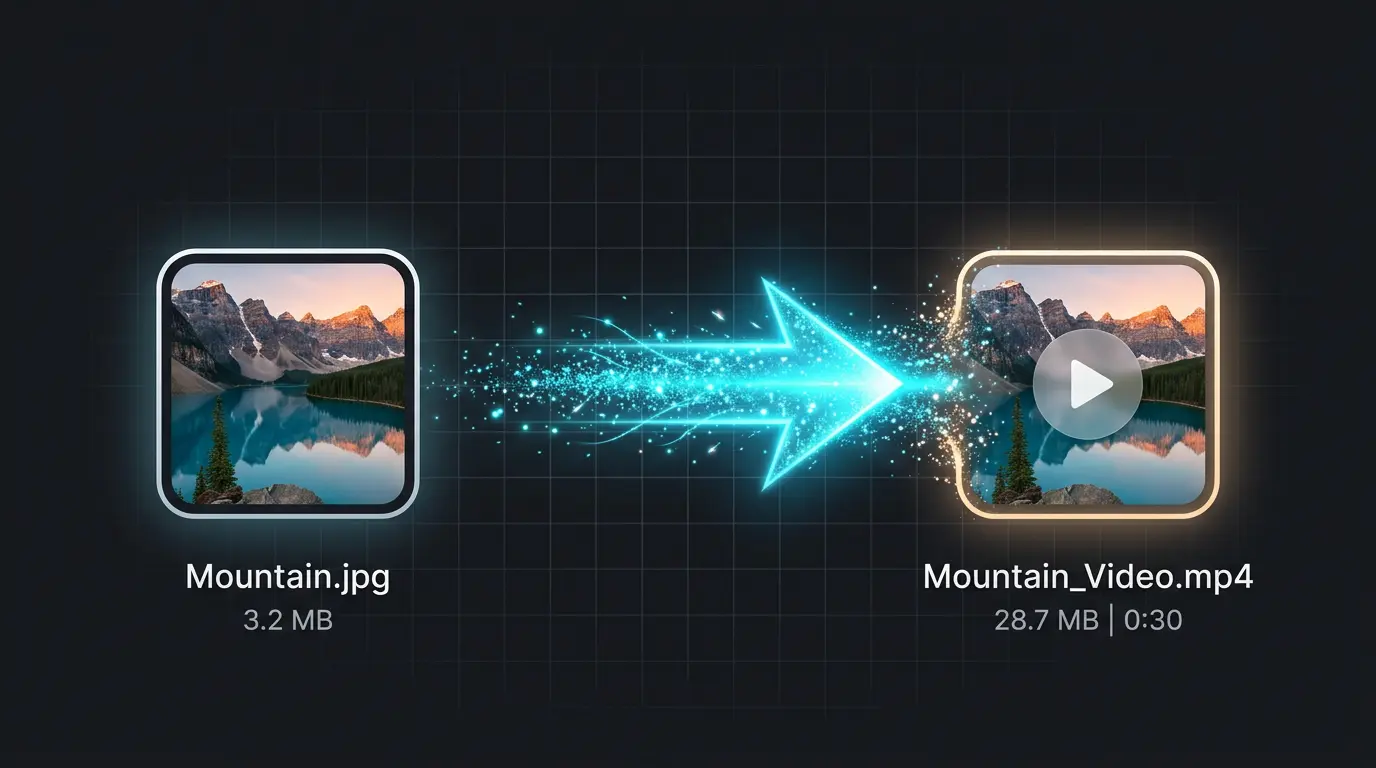
Transform any single JPG into a cinematic MP4 video with AI-powered motion, camera control, and visual effects. Powered by Veo 3.1.
Do not have the perfect photos yet? Generate stunning images from text descriptions using top-tier AI models, then build the slideshow.
Need to convert a single image to video format? Turn any JPG into an MP4 file in seconds with no audio or transitions.
Combine a single cover image with an audio file into an MP4 video. Perfect for podcasts, music, and audiobook uploads.
Common questions about creating photo slideshow videos and AI-powered alternatives.
Yes, completely free. No watermarks, no sign-up required. All processing happens in your browser, so your photos stay private.
You can include 2 to 50 photos in a single slideshow. For the best browser performance, we recommend 20 photos or fewer.
We offer Fade, Slide, and Dissolve transitions, or you can choose no transition for simple cuts. Transition duration is adjustable from 0.5 to 1.5 seconds.
Yes. Upload any MP3, WAV, OGG, or M4A audio file as background music. If your soundtrack is longer than the slideshow, the export will fade it out near the end.
16:9 for landscape, 9:16 for TikTok and Reels, 1:1 for square social posts, and 4:3 for classic video layouts.
Yes. Drag and drop the photo thumbnails to rearrange them in any order before creating your slideshow.
A 10-photo slideshow with fade transitions typically takes under a minute on a modern desktop browser. Longer slideshows take proportionally longer.
Yes. Our AI Video Generator can convert each individual JPG to a cinematic MP4 clip with real motion - flowing water, moving clouds, and character animation.
Free daily credits - No credit card required