Please select a model to get started
Please select a model to get started
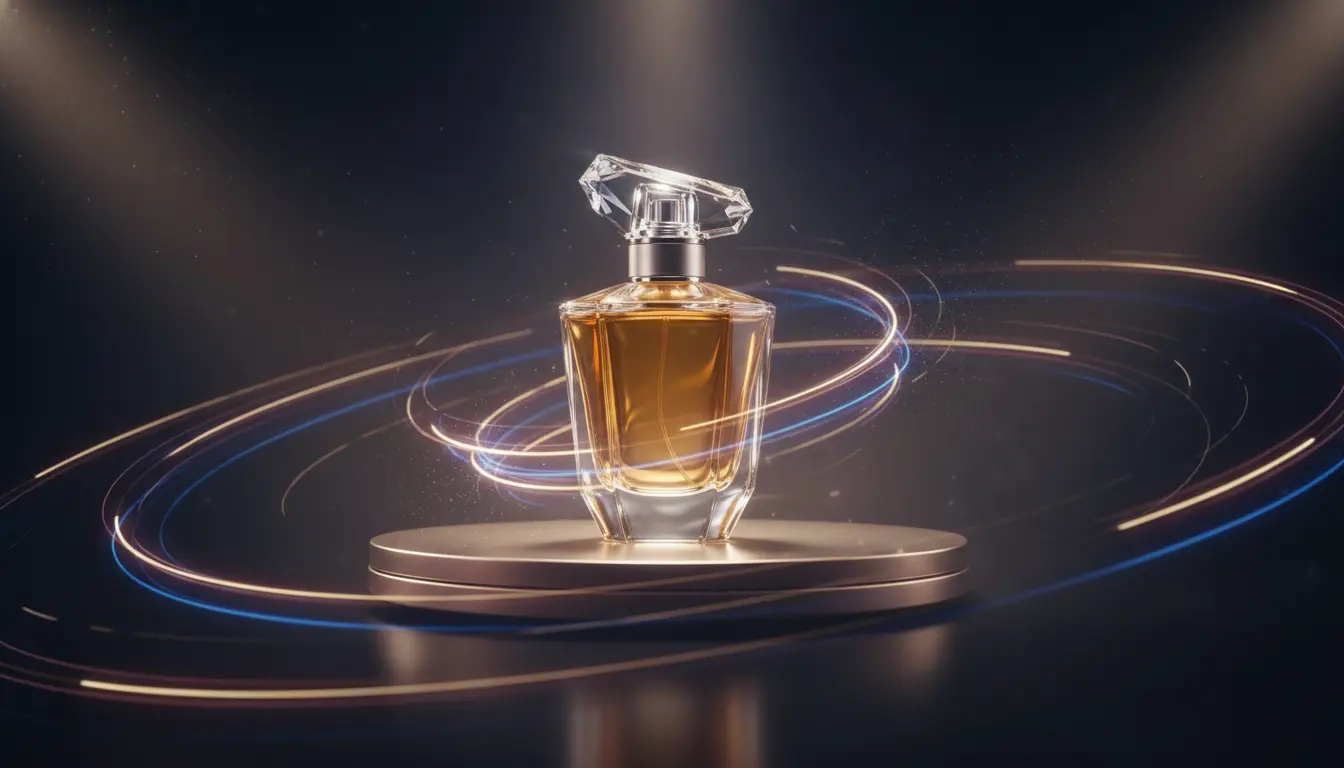
The goal is not motion for its own sake. The goal is stronger attention, clearer storytelling, and a faster path from still concept to moving asset.
Video teams often need proof of motion before a full production plan exists. That makes short AI clips valuable for concept testing, internal reviews, campaign previews, and faster iteration on tone, framing, and pacing.
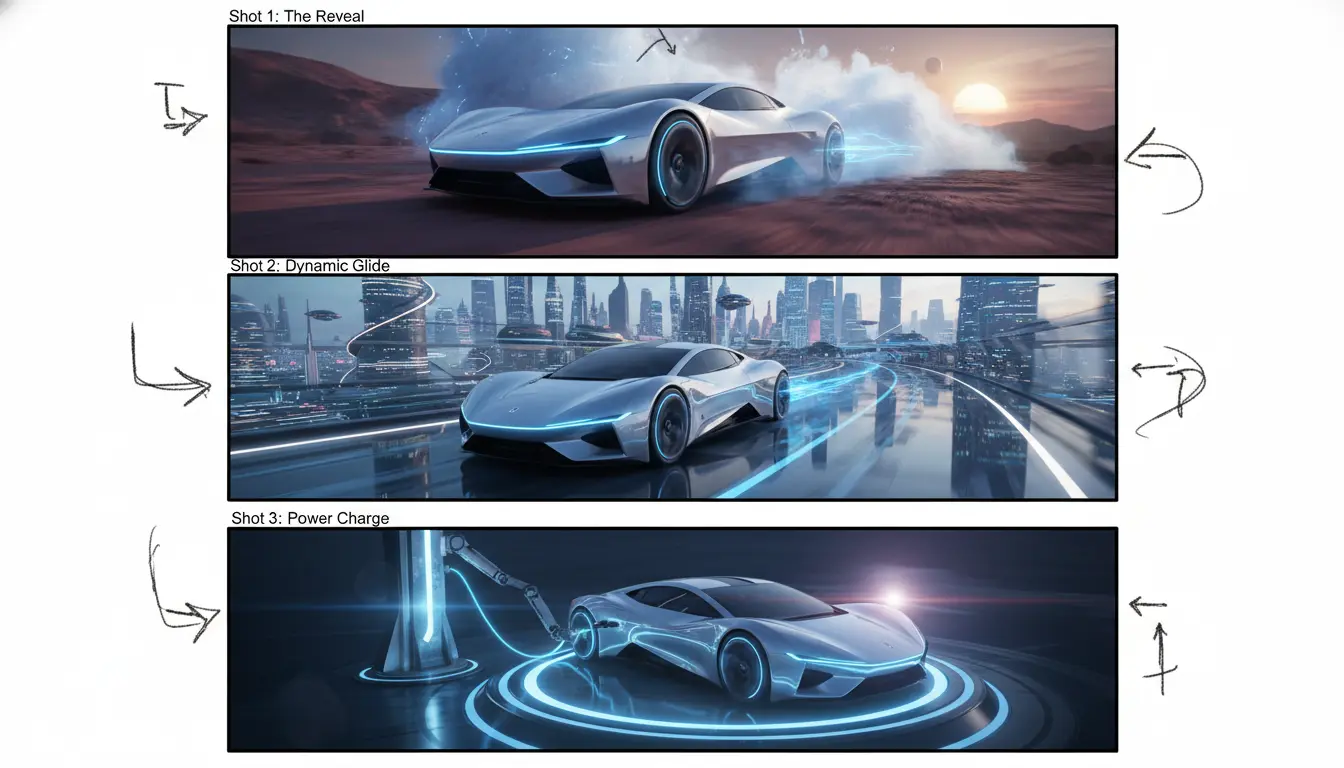
An AI Video Generator becomes most useful when it builds on strong still images, clean edits, and clear brand direction. That way motion feels like an extension of the concept instead of a separate creative reset.
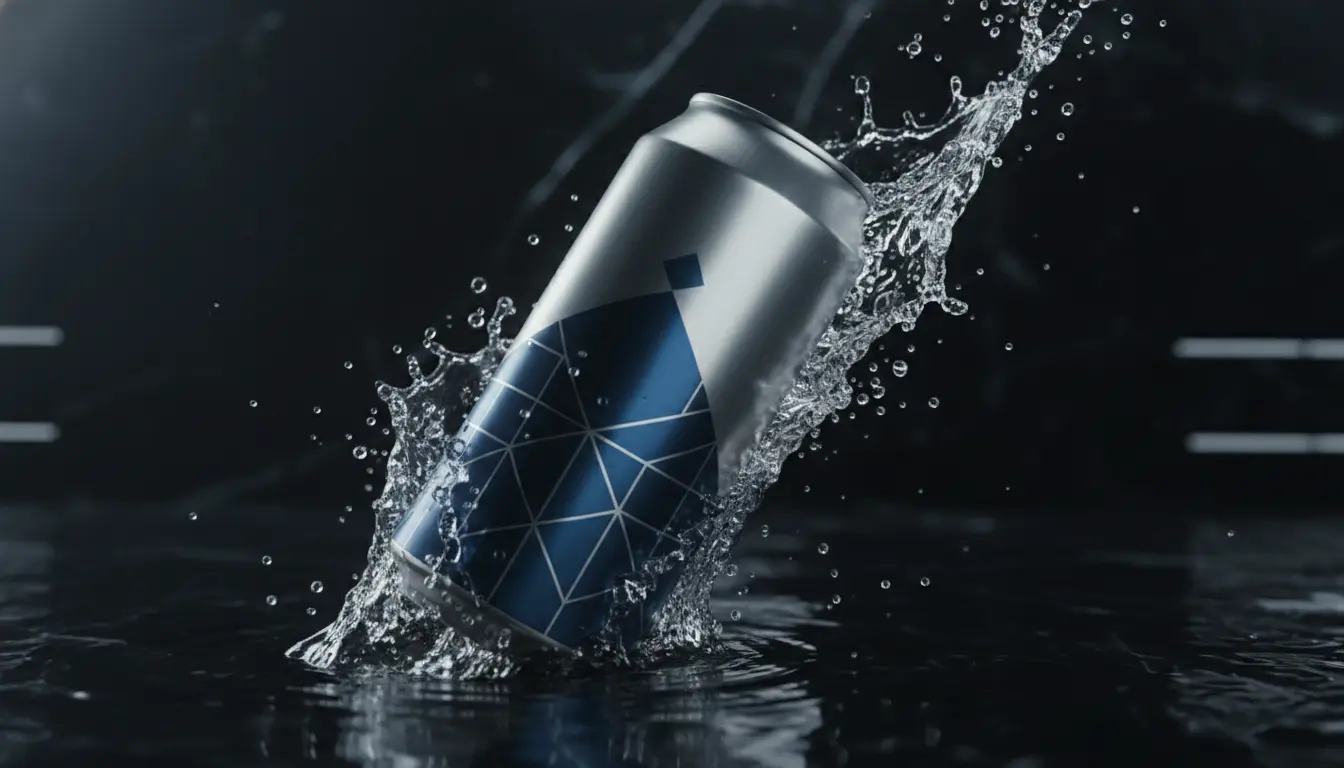
A good AI Video Generator works best when it starts from stronger stills, smarter edits, and clear production goals.
Build the scene, subject, or product frame first when you need a stable visual anchor before turning that concept into motion.
Use AI Image Editor when the still needs scene cleanup, composition fixes, or brand-specific polish before it becomes a motion asset.
If you only need a compliant video wrapper around a still image, our JPG to MP4 Converter may be enough. Use AI video when you need real movement and scene energy.
Learn when to use text-to-video versus image-to-video, how to write motion prompts, and how to turn still concepts into stronger campaign assets.
Use this workflow when you need fast motion concepts, cinematic clips, or ad-ready scenes without opening a full editing suite first.
A better prompt includes subject, environment, camera feel, and the reason the clip exists, whether that is a product ad, brand teaser, or mood piece.
Image-to-video is usually the stronger choice when you already have an approved frame or edited scene and want motion that stays closer to that visual direction.
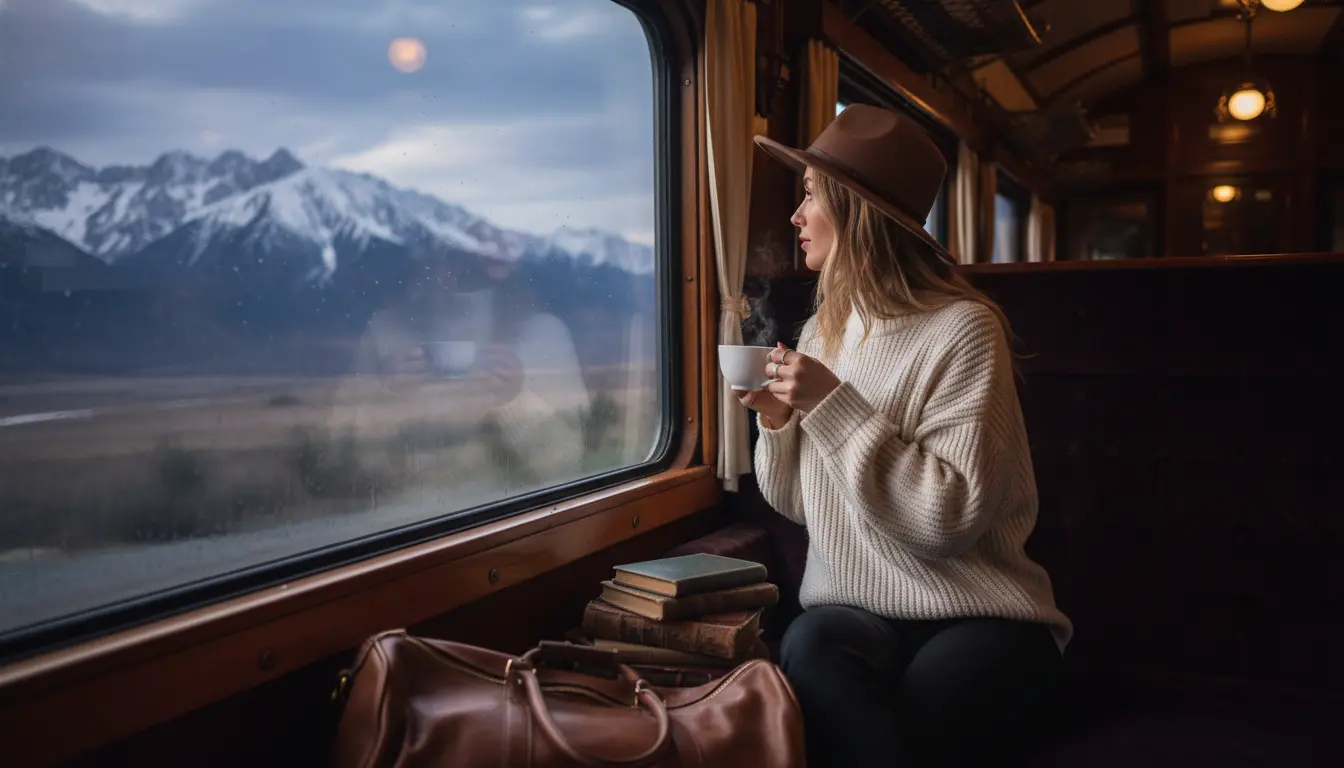
Once the motion looks right, place the video in ads, social posts, launch pages, or internal concept decks. The best clip is the one that earns response, not the one with the longest prompt.
Common questions about prompts, reference images, clip planning, and when AI video is better than a static video wrapper.
Text-to-video is useful when you are creating the whole scene from a prompt. Image-to-video is better when you already have a still frame that should guide composition, subject, or style.
Use AI video when you want real motion, cinematic camera feel, scene energy, or ad-style storytelling. A basic JPG to MP4 workflow is enough when you only need a still image wrapped in a video file.
Often, yes. A good still helps lock the visual direction before motion generation starts, especially for product marketing and brand-led storytelling.
Yes. Many teams polish the still in AI Image Editor first so the video prompt starts from a cleaner, more intentional frame.
Clear subject action, camera movement, environment details, and the emotional tone of the clip. The closer the prompt is to an actual shot brief, the better.
Short ads, launch teasers, paid social, concept decks, and branded content workflows where motion creates more attention than a static image alone.
Prompt-led motion - Reference-image support - Better clips for ads and launches