
Insights
AI Video Generator: From Prompt or Still Frame to Stronger Motion
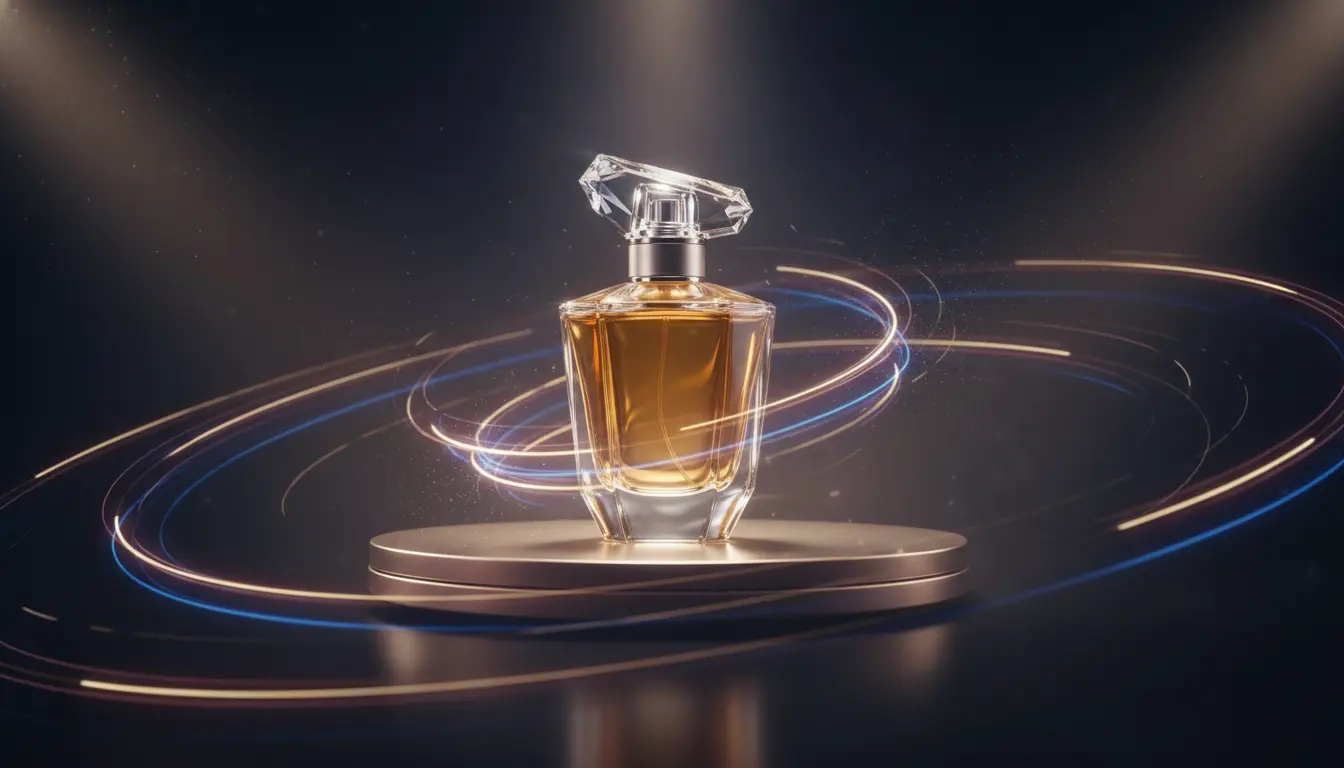
An AI Video Generator is useful when a still image is no longer enough to carry the idea. You need motion, atmosphere, camera feel, or a short clip that creates more attention than a static frame can manage on its own.
That does not mean every project needs a moving asset. But when the job is a product teaser, paid social concept, launch reel, or cinematic brand moment, the AI Video Generator page gives you a much more expressive output than wrapping a still image in a simple MP4.
Quick links
Start with the motion goal, not only the subject
The first question is not “What should be in the frame?” It is “What should the clip do?”
An AI Video Generator can support very different jobs:
- add cinematic movement to a concept scene
- turn a product still into a premium short ad
- create motion-led creative for paid social
- preview a visual direction before a larger production
Those goals change the prompt. A product teaser may want controlled camera drift and glossy lighting cues. A narrative brand clip may want stronger scene progression and emotional pacing.
When to use text-to-video versus image-to-video
This is one of the biggest quality decisions in the workflow.
Use text-to-video when:
- the entire scene can be invented from prompt
- you are still exploring visual direction
- there is no approved still to preserve
Use image-to-video when:
- you already have a winning frame
- subject and composition need to stay closer to the source
- a still from AI Image Generator or AI Image Editor is already approved
In many production workflows, a still image is the anchor and motion comes second. That usually makes image-to-video the more stable route for branded work.
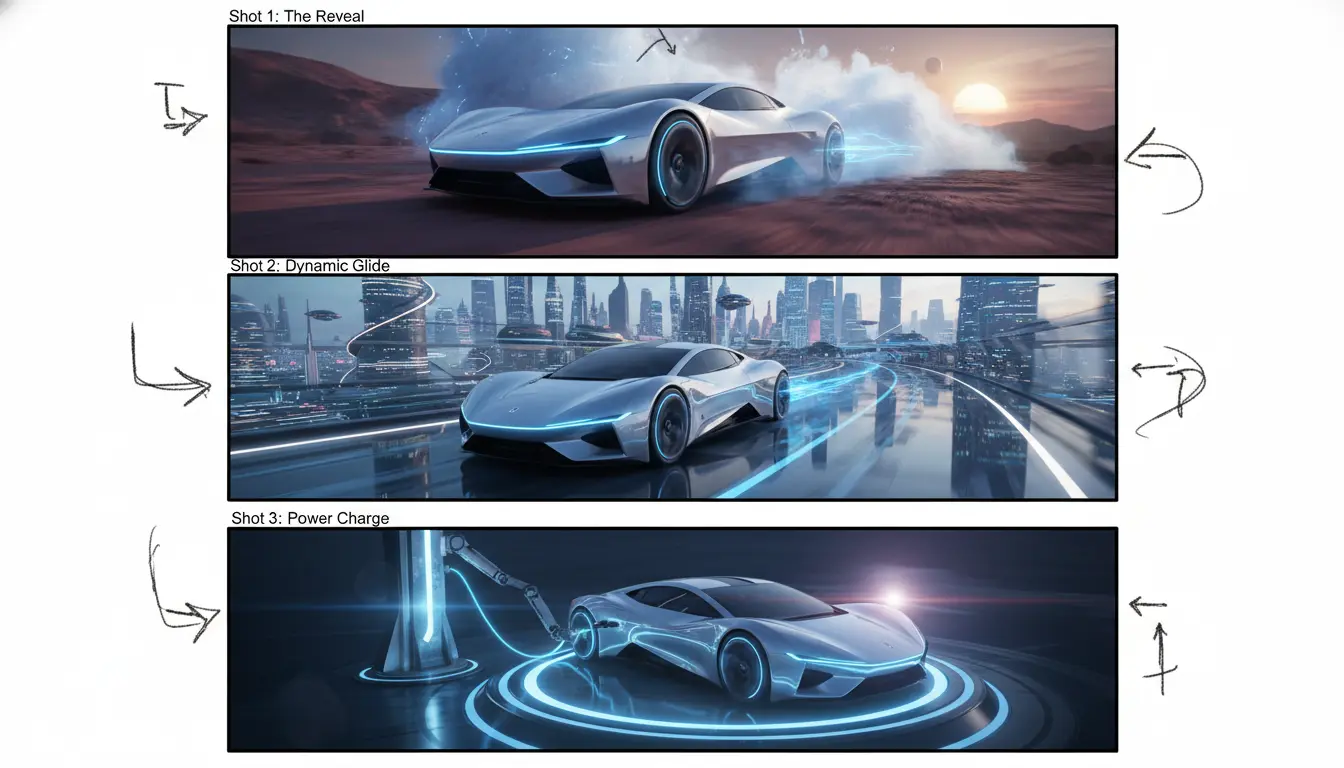
What makes a stronger video prompt?
A good AI Video Generator prompt usually reads more like a shot brief than a broad creative wish list. It helps to define:
- the subject
- the environment
- the action
- the camera behavior
- the tone of the clip
That could sound like “premium skincare bottle on wet stone, soft mist, slow push-in camera, luxury commercial mood” rather than “beautiful skincare ad.”
The clearer the motion and camera language, the easier it is to produce a clip that feels intentional instead of random.
When a basic JPG to MP4 tool is enough
Not every motion request needs AI generation.
If the requirement is simply:
- “put this image in an MP4”
- “add duration for a platform upload”
- “combine a still image with audio”
then JPG to MP4 Converter or a simple static workflow may be enough. Use AI Video Generator when you want real movement, cinematic energy, or stronger creative lift from the source material.
Final takeaway
An AI Video Generator works best when the team already knows what the clip needs to achieve and whether text or an approved still should lead the process. Start on the AI Video Generator page, use AI Image Generator or AI Image Editor when you need a stronger source frame, and only fall back to JPG to MP4 Converter when a static video wrapper is truly enough.