
Insights
AI Image Generator: How to Create Better Visuals Faster
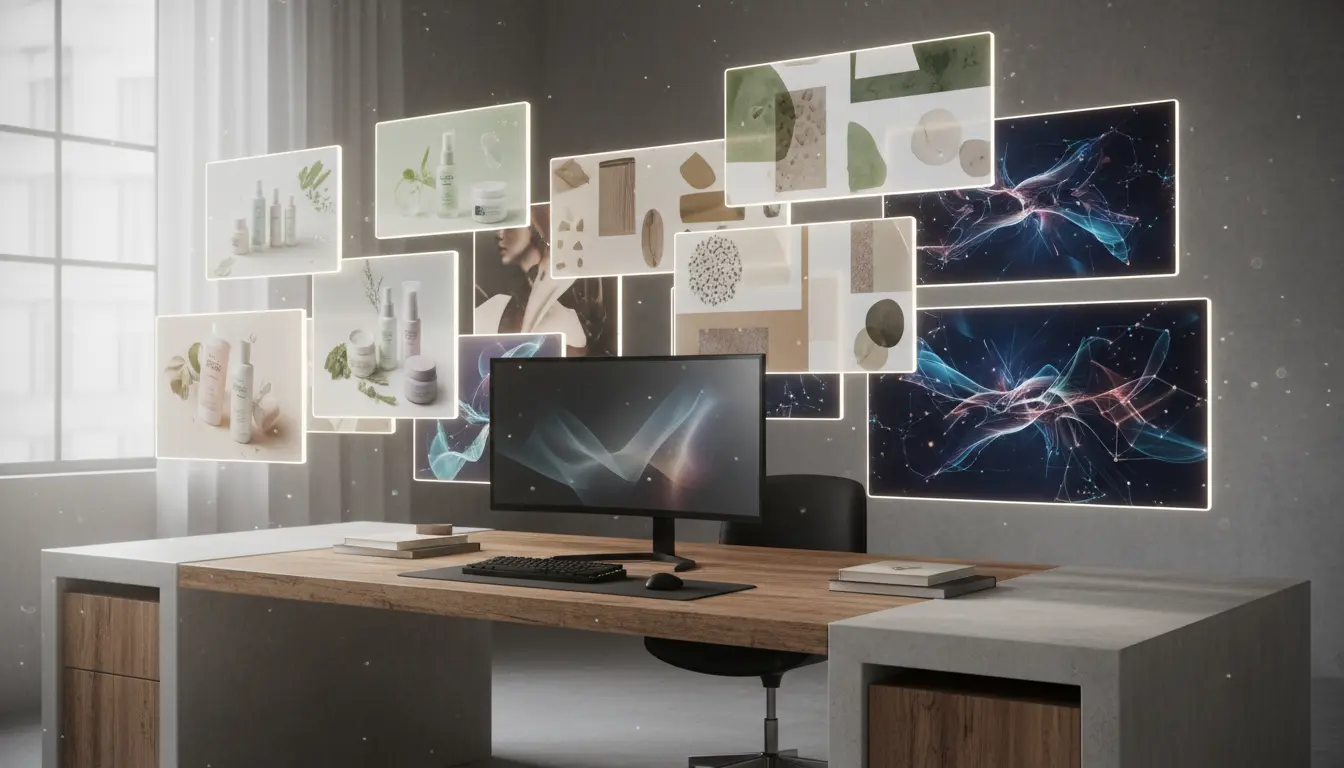
An AI Image Generator is most valuable when it helps a team make faster visual decisions, not when it simply creates another folder full of attractive but unusable images. The best outcomes happen when the prompt is tied to a real job: a product launch, an ad concept, a landing page hero, a comparison card, or a scene that will later become a video.
That is why the AI Image Generator page on JpgToMp4 is built around workflow, not novelty. You can generate stills, compare directions, and move the strongest image into editing, upscaling, or motion without leaving the broader stack.
Quick links
What an AI Image Generator is actually good for
The strongest use cases share one trait: the team already knows what the image needs to accomplish.
That could mean:
- creating a launch visual with room for headline copy
- generating product scenes before a real photo shoot exists
- exploring multiple brand directions for a campaign
- producing a still frame that later becomes a motion prompt
When the goal is clear, an AI Image Generator becomes a speed tool for concept alignment. It reduces the time between “we need a visual direction” and “we have something the team can react to.”
Start with the job, not the style
A common mistake is prompting for aesthetics first and use case second. Teams ask for “beautiful,” “cinematic,” or “high-end” without saying where the image will live.
The better approach is to define:
- the placement
- the subject
- the framing
- the mood
- the intended reuse
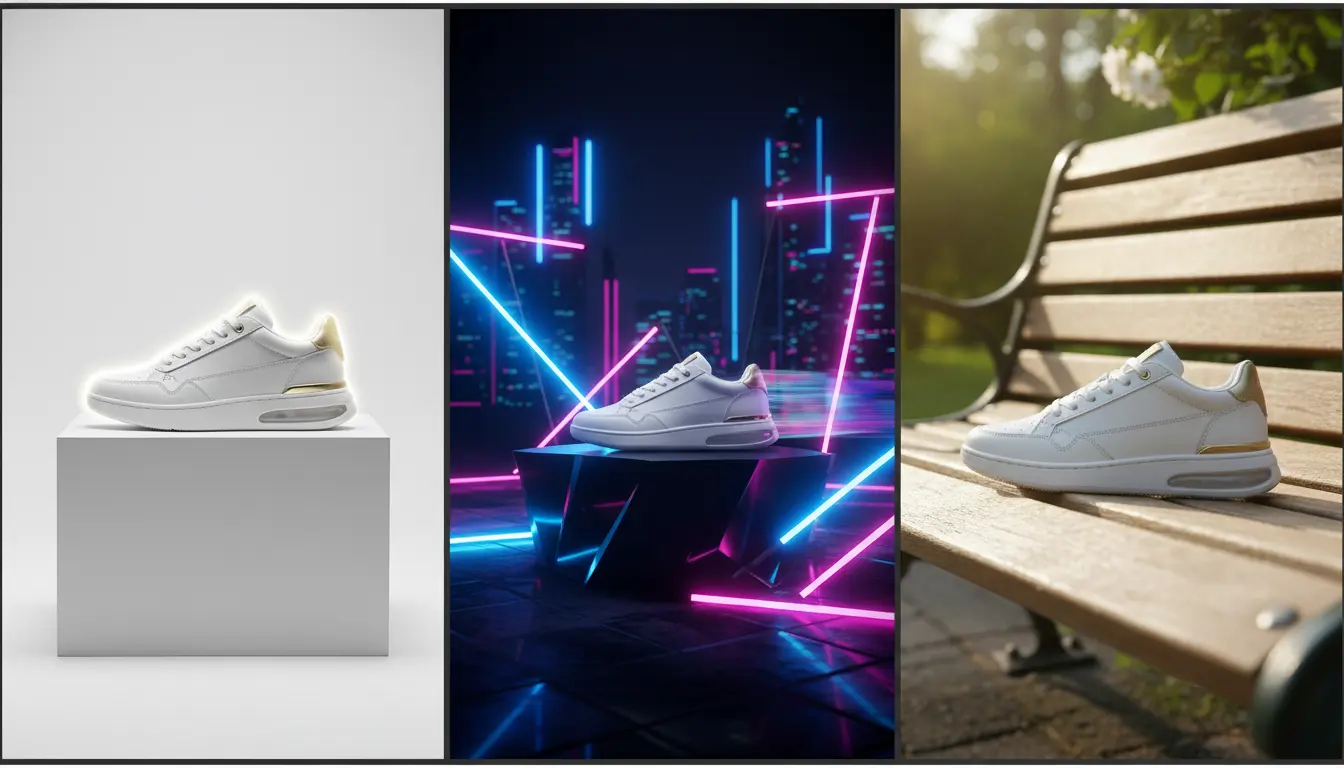
For example, the prompt for a homepage hero should usually reserve cleaner negative space than the prompt for a marketplace tile. A social creative often wants stronger focal contrast than a comparison image in a product deck. An AI Image Generator performs better when the prompt reflects those constraints.
Generate a few useful directions, not endless variants
The goal is usually not to keep rolling until one image looks magical. The goal is to create a short set of directions that reveal what is strategically useful:
- Which composition leaves room for copy?
- Which angle feels most premium?
- Which color balance fits the brand?
- Which image can survive cropping into multiple placements?
That is where the AI Image Generator tool earns time back. You can compare strong options quickly, then stop once the team sees a clear winner.
What should happen after generation?
A strong image is often the beginning of the workflow, not the end.
Once one frame is approved, the most common next moves are:
- send it to AI Image Editor for scene cleanup, copy-space adjustments, or brand polish
- move it to AI Video Generator if the still should become motion
- route it to Upscale Image when the composition is right but the delivery file needs more usable detail
This is where a good AI Image Generator stops being a novelty tool and starts becoming part of a real production system.
When generation is the wrong next step
There are also moments when another tool is smarter:
- If the current image already has the right concept but needs changes, use AI Image Editor.
- If the final file only needs more sharpness, use Upscale Image.
- If the still should stay still and only needs an MP4 wrapper, use JPG to MP4 Converter.
The right question is not “Can I generate something new?” It is “Which step removes the most friction from the asset I need to ship?”
Final takeaway
An AI Image Generator works best when it helps you pick a direction, create a strong source image, and move quickly into the next useful step. Start on the AI Image Generator page, compare only the directions that matter, and then route the winning frame into AI Image Editor or AI Video Generator when the campaign needs more than a first draft.